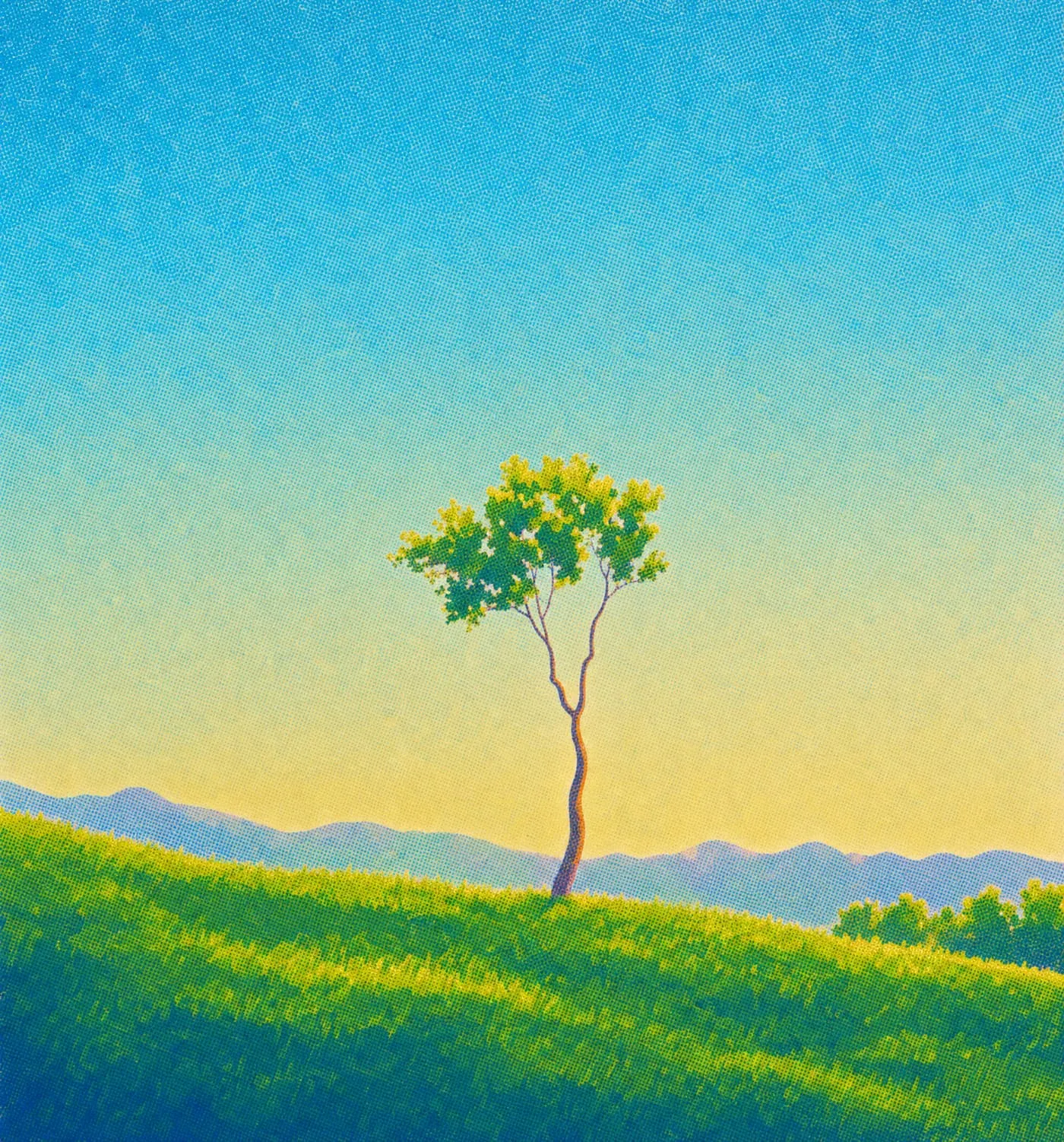
Move the light on any picture or clip
A depth model in your browser lets you light a picture or a clip while you drag, before anything renders.
- Research
- Image
Tools & techniques
Featured story

A depth model in your browser lets you light a picture or a clip while you drag, before anything renders.

A depth model in your browser lets you light a picture or a clip while you drag, before anything renders.

Build a coherent AI campaign image set by defining an anchor image, references, palette and review rules, then adapting the imagery to each layout.

Prepare a character image in Plnty, generate a 3D model and inspect its silhouette, surfaces and hidden details before deciding what to refine.

Develop your own sketch into an illustration using controlled edits, visual references and palette choices, with a checklist for preserving the idea.

A generated image can look impressive and still miss the idea.

Explore visual directions, reshape a scene and refine a selected image with references and purpose-built creative tools.

Build a palette, direct the subject and background, and explore new color treatments without starting from a blank image.

A folder full of generated images does not necessarily contain several ideas.
No stories match “”.
A depth model in your browser lets you light a picture or a clip while you drag, before anything renders.

Build a coherent AI campaign image set by defining an anchor image, references, palette and review rules, then adapting the imagery to each layout.

Prepare a character image in Plnty, generate a 3D model and inspect its silhouette, surfaces and hidden details before deciding what to refine.
1 of 5

Develop your own sketch into an illustration using controlled edits, visual references and palette choices, with a checklist for preserving the idea.

A generated image can look impressive and still miss the idea.

Explore visual directions, reshape a scene and refine a selected image with references and purpose-built creative tools.

Build a palette, direct the subject and background, and explore new color treatments without starting from a blank image.

A folder full of generated images does not necessarily contain several ideas.
Explore widely. Direct deliberately.

A depth model in your browser lets you light a picture or a clip while you drag, before anything renders.

Build a coherent AI campaign image set by defining an anchor image, references, palette and review rules, then adapting the imagery to each layout.

Prepare a character image in Plnty, generate a 3D model and inspect its silhouette, surfaces and hidden details before deciding what to refine.

Develop your own sketch into an illustration using controlled edits, visual references and palette choices, with a checklist for preserving the idea.

A generated image can look impressive and still miss the idea.

Explore visual directions, reshape a scene and refine a selected image with references and purpose-built creative tools.

Build a palette, direct the subject and background, and explore new color treatments without starting from a blank image.

A folder full of generated images does not necessarily contain several ideas.