Case studyUpdated
How Token Security built the Agentic Universe in Plnty

- Case studies
- Image
- Motion
- Styler
- Art direction
Token Security's Agentic Universe brings AI agent security into a world of pastel landscapes, small figures and animated scenes.
Amit from Token Security made the landscapes, course cards and article scenes in Plnty, starting with a ring illustration and a few experiments in color.
01 / Token Security
The Agentic Universe
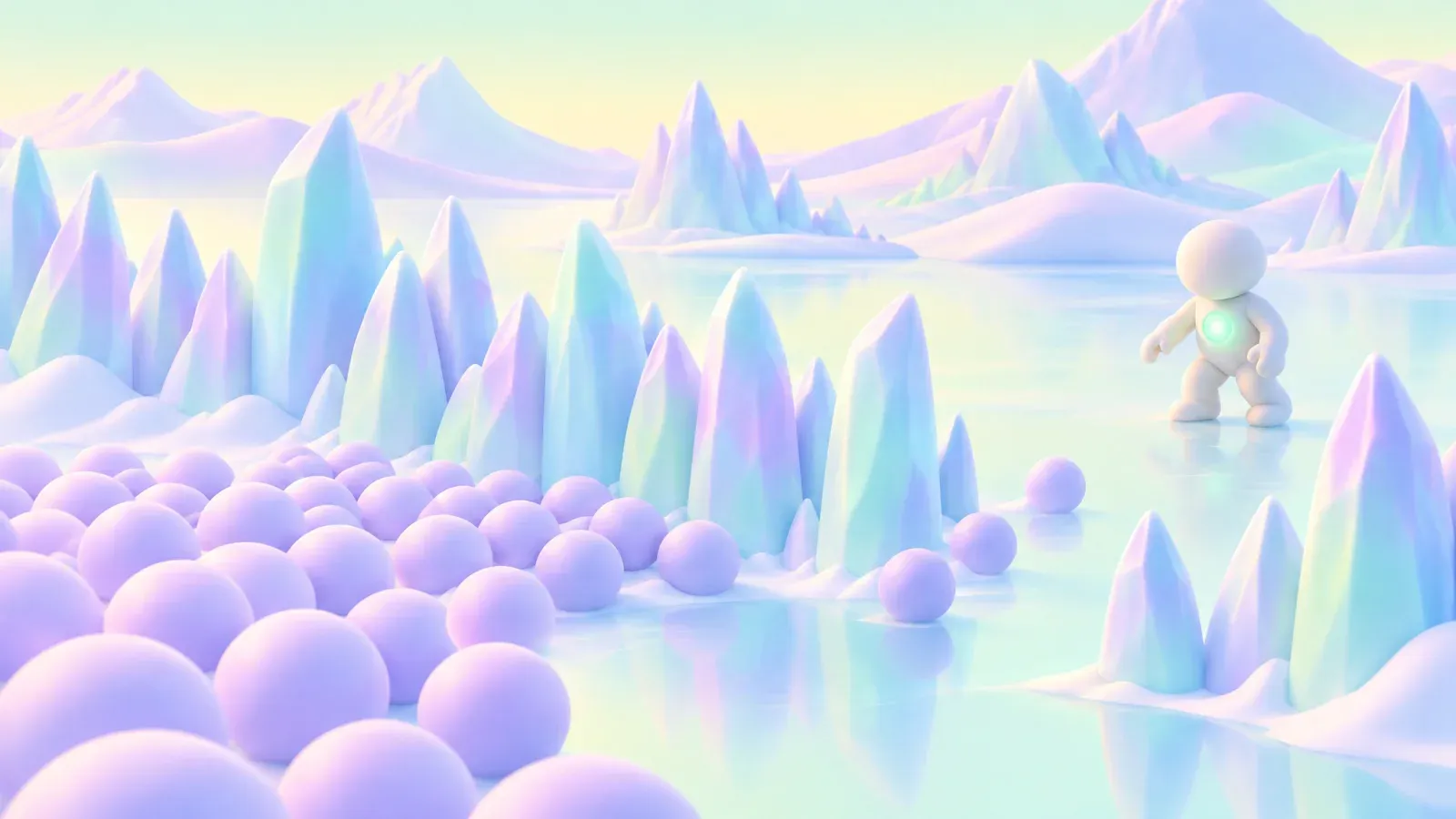
The Agentic Universe is a free learning center for AI agent security, with five courses covering foundations, threats, controls, governance, and detection and response. Each course has its own landscape, from green hills and waterfalls to icy lakes and pink deserts. That look carries through the launch film, the course cards and the illustrated articles.
Transcript
Narrator, 0:00. AI agents are a new frontier, opening up possibilities we're only beginning to see. But securing them is uncharted territory.
Narrator, 0:10. Introducing the Agentic Universe, an AI agent security learning center from Token Security.
Narrator, 0:17. Created by the CISOs and hands-on cybersecurity leaders who are writing the playbook, five new worlds to explore, from foundations and threats to controls, governance, and response.
Narrator, 0:29. Watch informative videos, read in-depth articles, and put practical checklists to use.
Narrator, 0:36. The Agentic Universe, chart the course with us.
Where the look started
The first experiments started with a ring illustration and a few plain gradient spheres. Using a sphere as the style reference changed the colors, light and texture without adding much shape of its own. The ring stayed recognizable while the landscape inside it changed, from an ocean and mountains to a forest lake or snow.
02 / How it was made
One recipe for every world
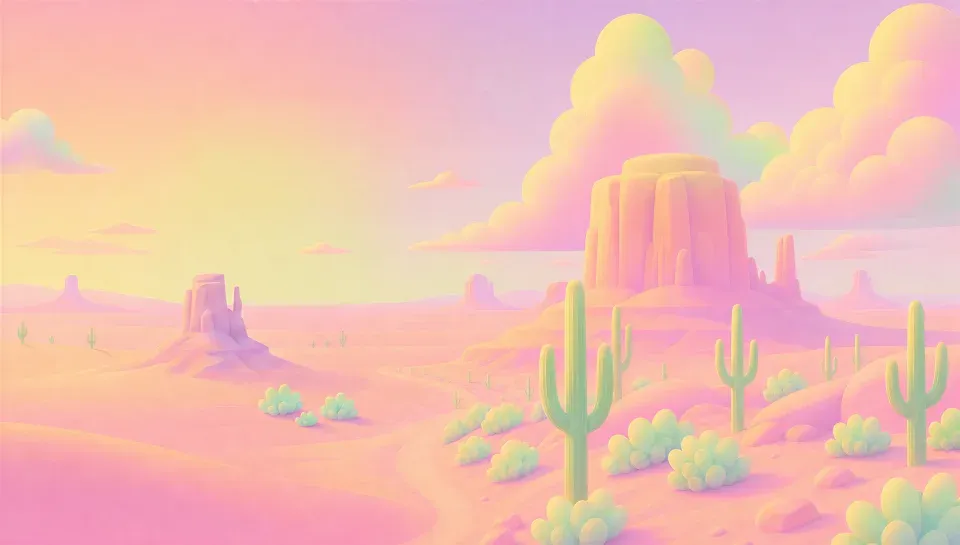
Those color experiments grew into a landscape for each course. Once the look was there, edits removed the ring, refined the scene and, where needed, opened up space for a title. An upscale sharpened the details, then video-gen added soft movement to the water, grass and clouds. The same approach worked across the worlds, with a few changes along the way, like starting the Controls desert from a photo.
| The recipe | Foundations | Threats | Controls | Governance | Detection & Response |
|---|---|---|---|---|---|
| style-transferA sphere on the ring“inside the circle landscape put a snow artactic landscape” |  |  | 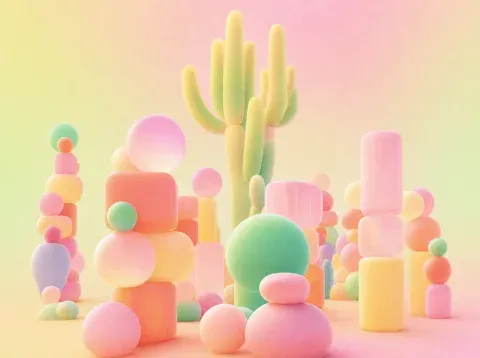 |  |  |
| edit-imagesThe ring out“make a landscspe image if this without the circle” |  |  | skipped |  |  |
| style-transferA second style passa finished world as the style | skipped |  |  |  +1 +1 | 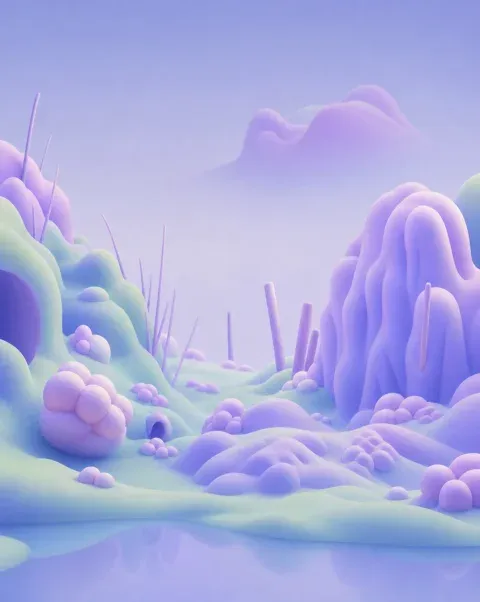 |
| edit-imagesRoom for the title“make the left side cleaner for text” |  +1 +1 |  | skipped |  +2 +2 |  +1 +1 |
| UpscaleSharperP-Image Upscale | skipped |  |  |  |  |
| video-genMovingRunway Gen-4.5, “organic nature movment, soft, in a loop” |
Expert view
This has been one of the most exciting creative projects I’ve worked on at Token Security. As the lead designer, I had the opportunity to shape the visual identity of this universe and turning something as complex as AI agent security into an experience that feels exciting to explore, discover, and learn from.
03 / The course pages
The course pages
On the site, each course opens with its landscape gently moving behind the title. The loops made in Plnty play directly in the page banners. The same worlds appear again on the article cards, so the look carries through as you move around the learning center.
The opening world
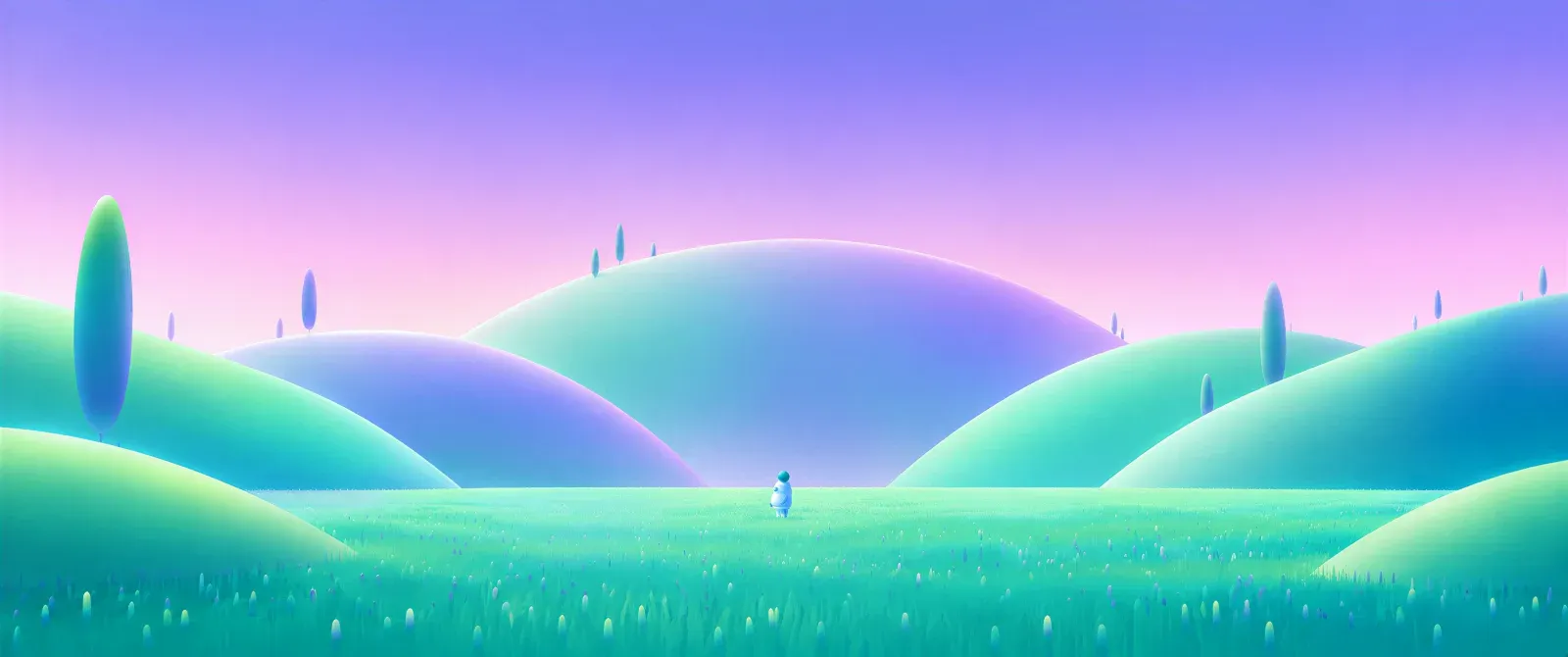
The film opens on rolling hills with a small figure in the grass. It started as a scene of two figures carrying a cloud, then changed through edits to the framing, placement and style. Moving the figures and cloud to one side left more room for text. Further style passes softened the hills and changed the sky, before an upscale and animation with Kling o3 brought it to the final film.





- edit-images

- edit-images

Worlds as backgrounds
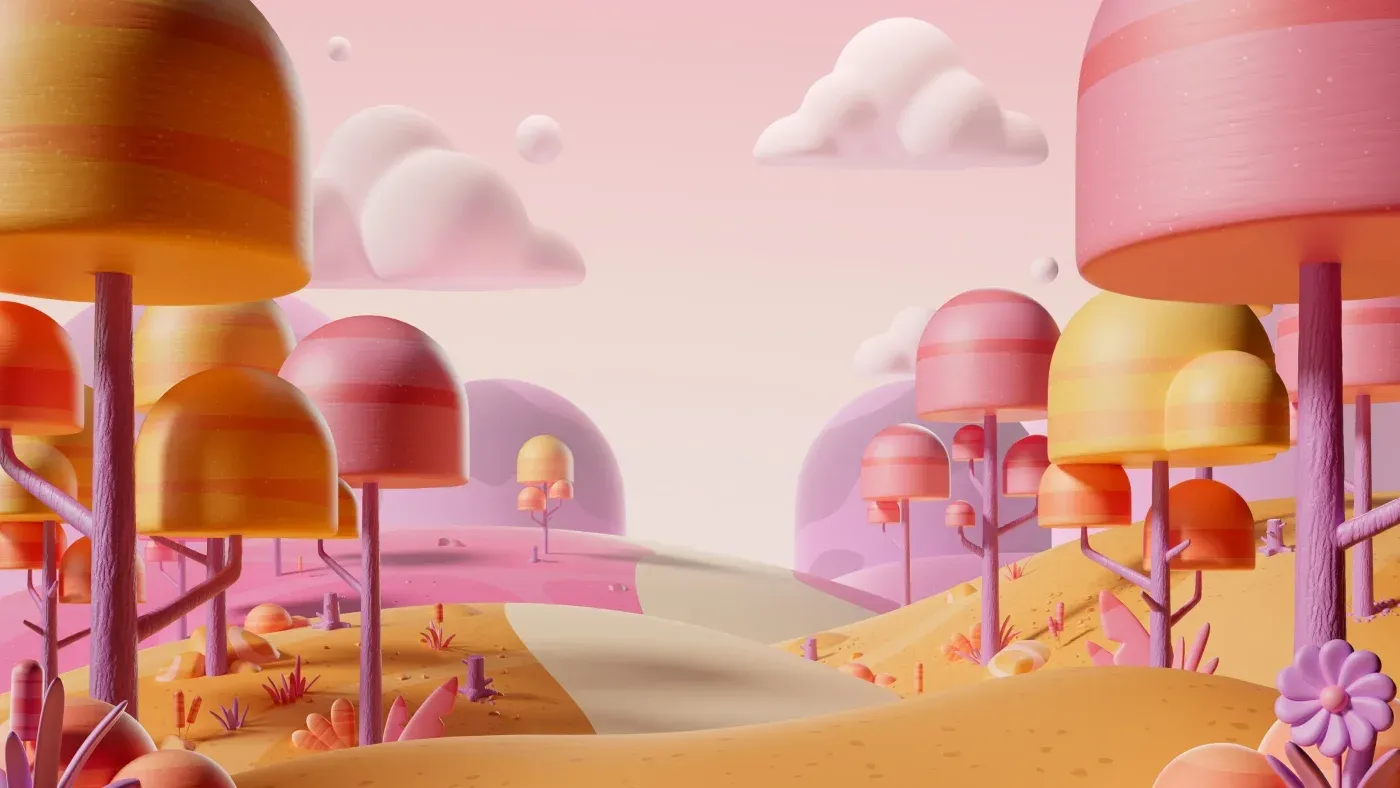
These landscapes had to work behind course titles, speakers in the film and quotes on LinkedIn. The open areas and soft shapes leave room for what sits in front. It's a familiar kind of design problem for Yambo Studio, which made a set of backgrounds for Microsoft Teams, too.

From Yam
It's incredible and somehow almost spiritual to see how CGI world building we did at Yambo Studio feel like they have continuity in the new realm.
Finding the portals
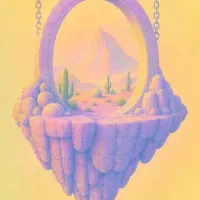
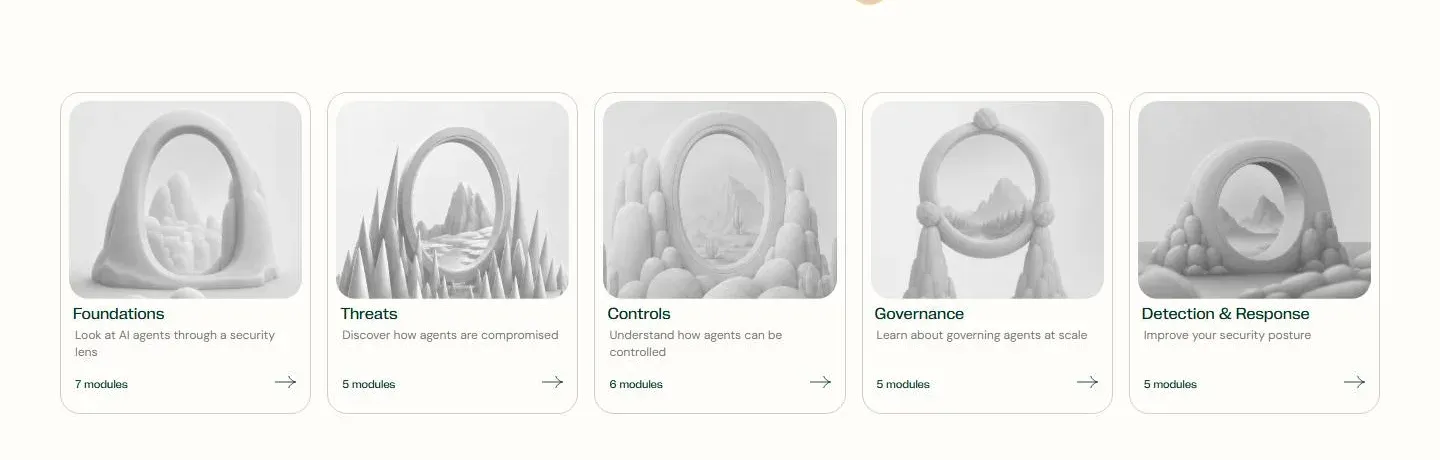
The course cards use portals as a way into each world. Exploration tools opened up lots of possible shapes and scenes, from close variations to more unexpected directions. One of those images became the Controls card after an upscale. The grid below shows the wider search alongside the finished course cards.
Exploring the course portals
 diverge
 diverge
 diverge
 diverge
 diverge
 diverge
 antagonist
 antagonist
 antagonist
 antagonist
 antagonist
 antagonist
 variations EQ
 variations EQ
 variations EQ
 variations EQ
 variations EQ
 variations EQ
 variations EQ
 variations EQclose
 diverge
 diverge
 diverge
 diverge
 diverge
 diverge
 antagonist
 antagonist
 antagonist
 antagonist
 antagonist
 antagonist
 antagonist
 antagonist
 antagonist
 antagonist
 antagonist
 antagonist
 antagonist
 antagonist
 antagonist
 antagonist
 antagonist
 antagonist
 variations
 variations
 variationsControls
 variations
 variations
 variations
 variations
 variations
 antagonist
 antagonist
 antagonist
 antagonist
 antagonist
 antagonist
 antagonist
 antagonist
 antagonist
 antagonist
 antagonist
 antagonist
 variations EQ
 variations EQ
 variations EQ
 variations EQ
 variations EQ
 variations EQ
 variations EQ
 variations EQ
 variations EQ
 variations EQ
 variations EQ
 variations EQ
 variations EQ
 variations EQ
 variations
 variations
 variations
 variations
 variationsclose
 variations
 variations
 variations
 variations
 variations
 variations
 variations
 variations
 variations
 variations
 variations
 antagonist
 antagonist
 antagonist
 antagonist
 antagonist
 antagonist
 variations
 variations
 variations
 variations
 variations
 variations
 variations
 variations
Ringed: the take that became the Controls card (tile 47). Dashed: the closest takes to Governance (tile 20) and Foundations (tile 83).
The finished course cards
Trying the look on an envelope
The finished hills could also serve as a style reference for smaller illustrations. An envelope picked up the same soft shapes and colors, then variations and antagonist explored other directions side by side. A final edit turned the envelope green and changed the flowers to tulips.
- style-transfer · GPT Image 2.5


Their envelope, with the hills world as the style

- two batches at once
variations · 8 close takes
antagonist · 6 departures
- edit-images · Nano Banana 2
“MAKE THE ENVELOPE GREEN AND CHANGE THE FLOWERS TO BE TULIP”















Fourteen article scenes
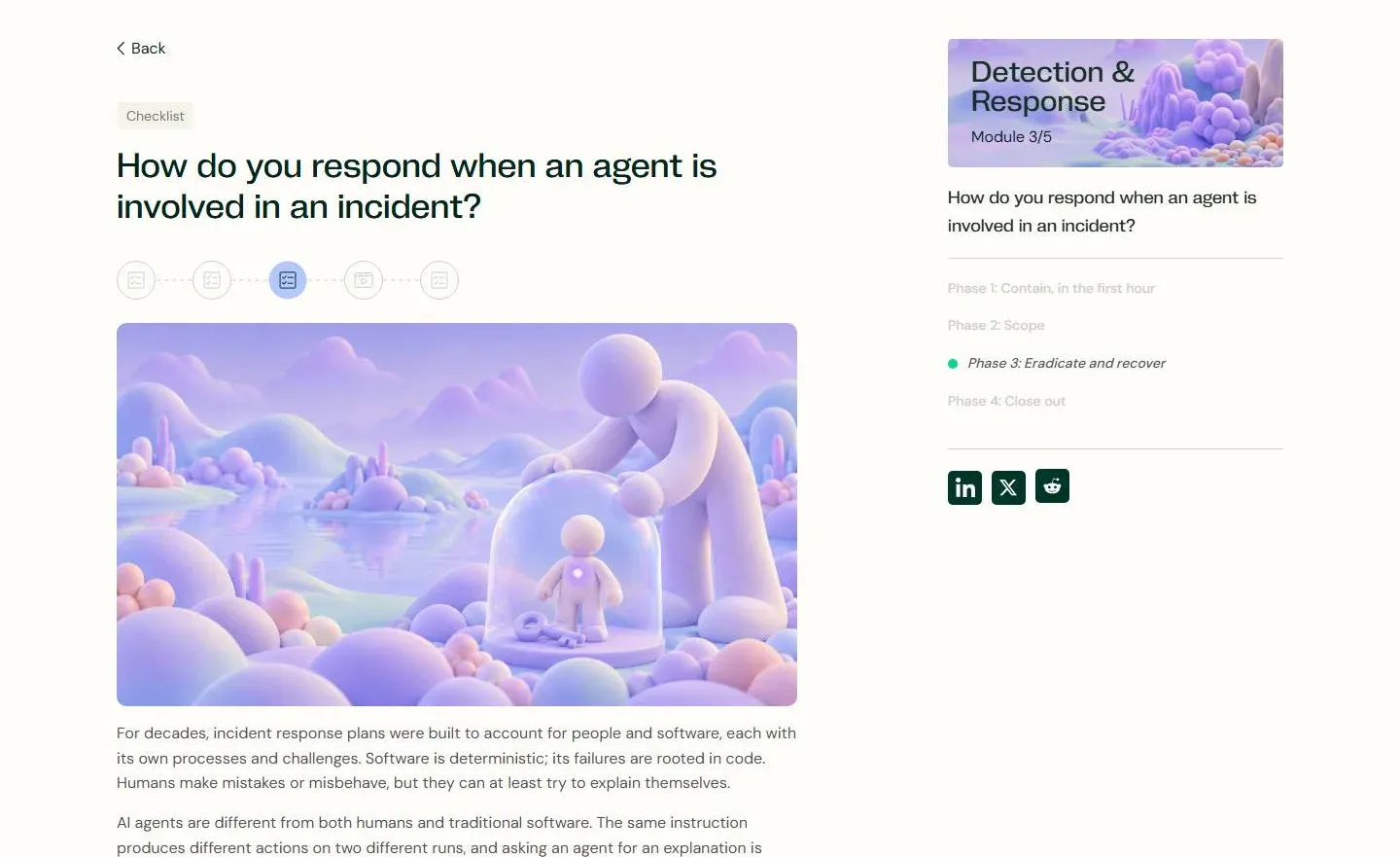
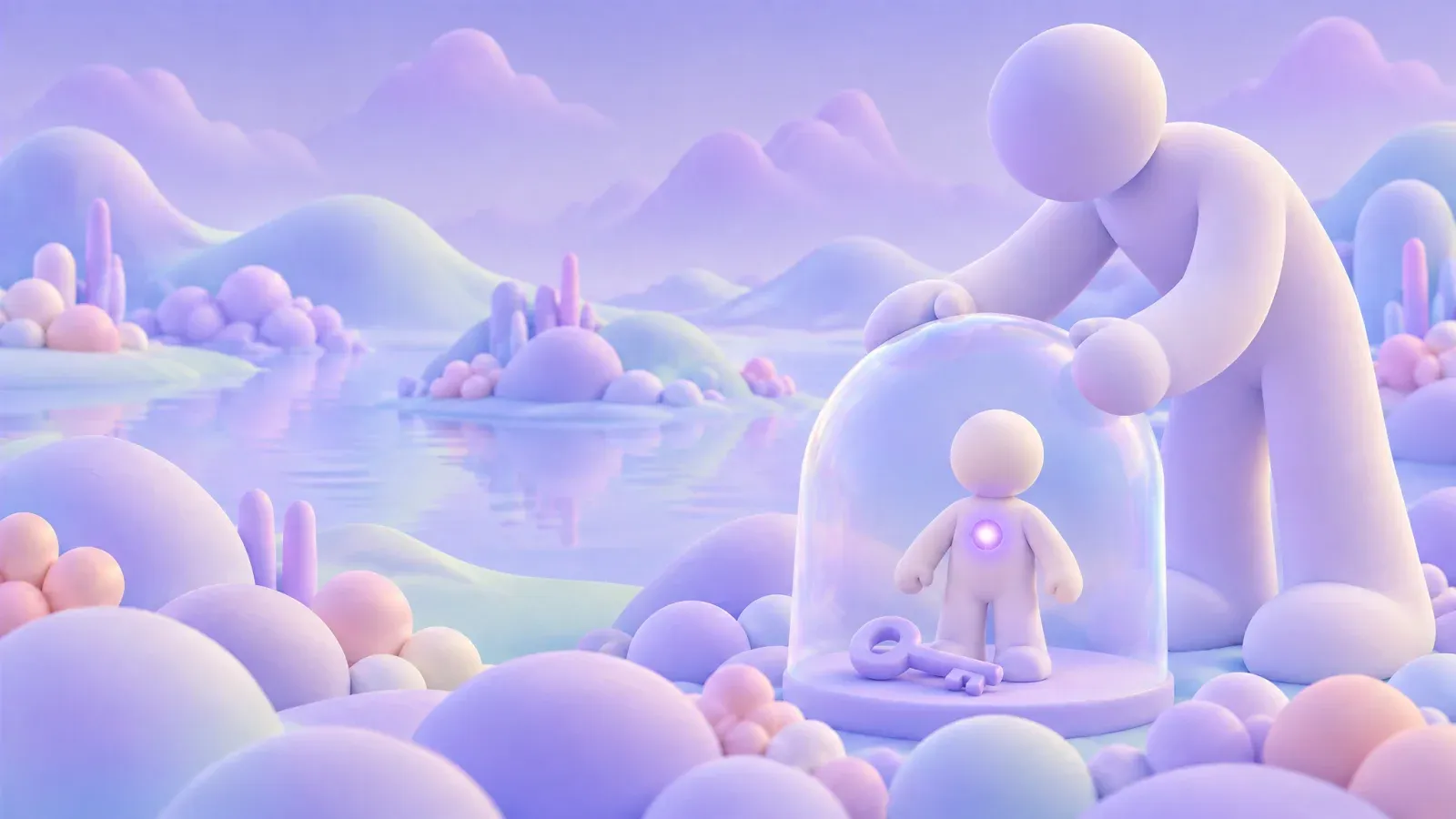
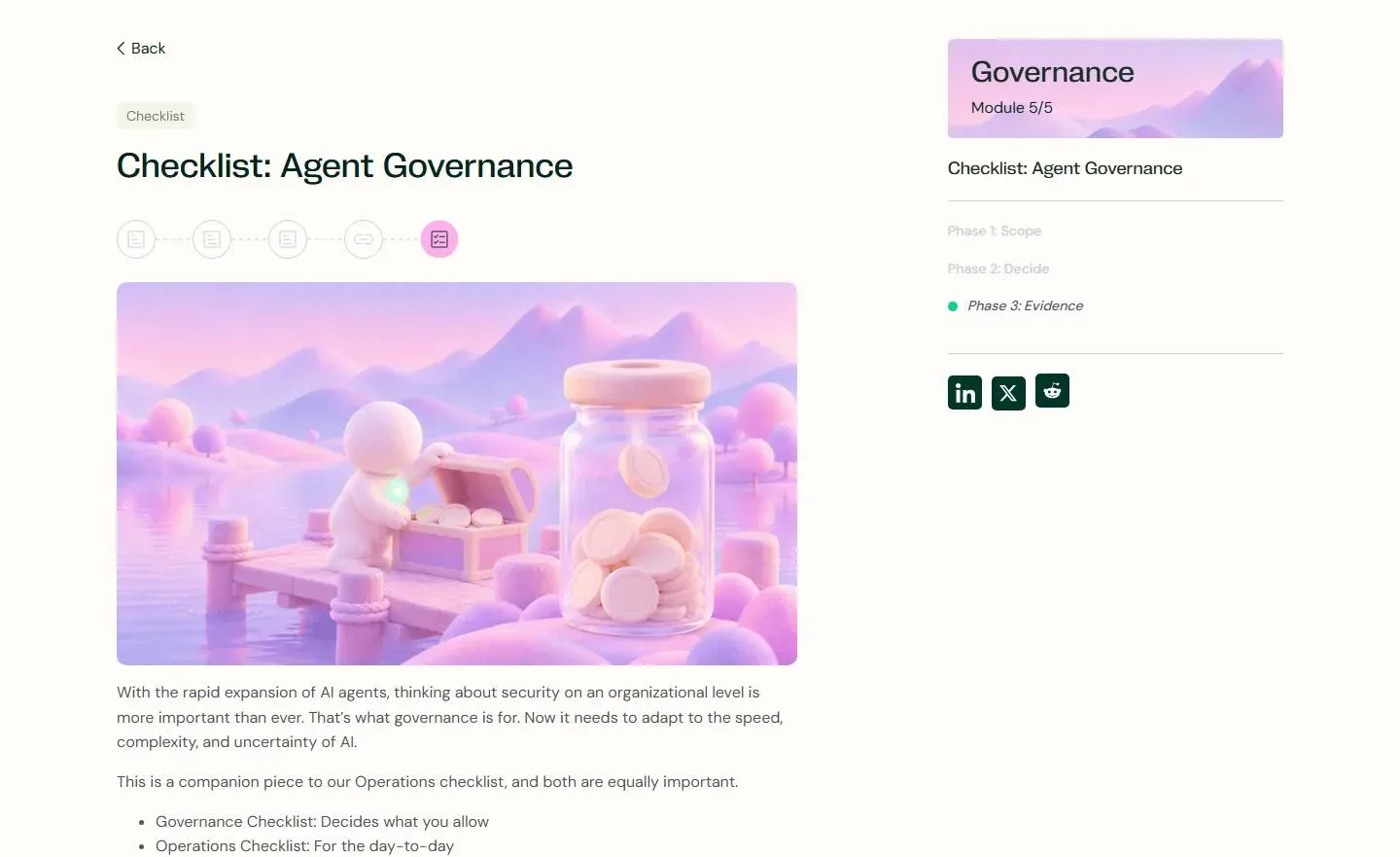
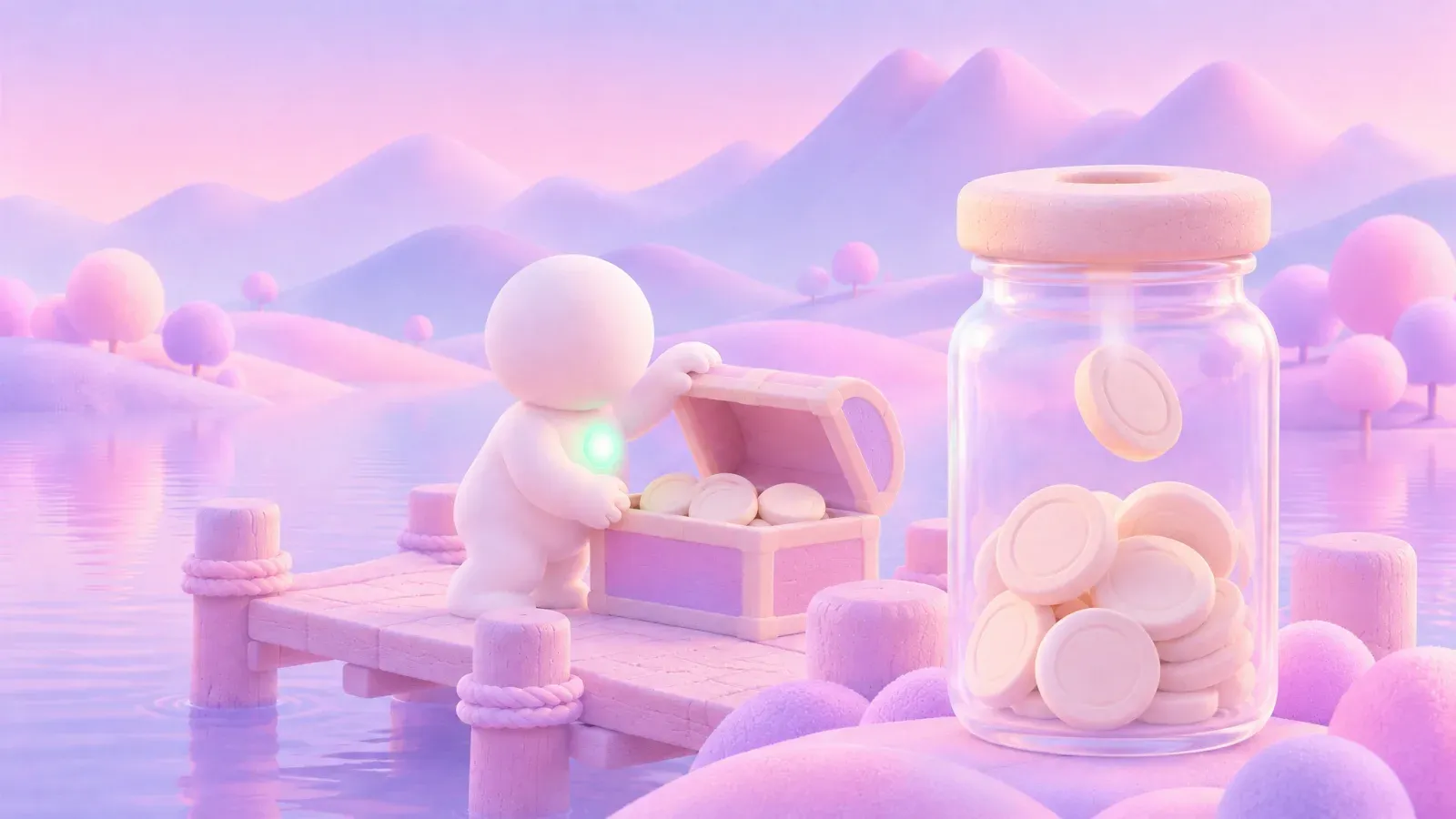
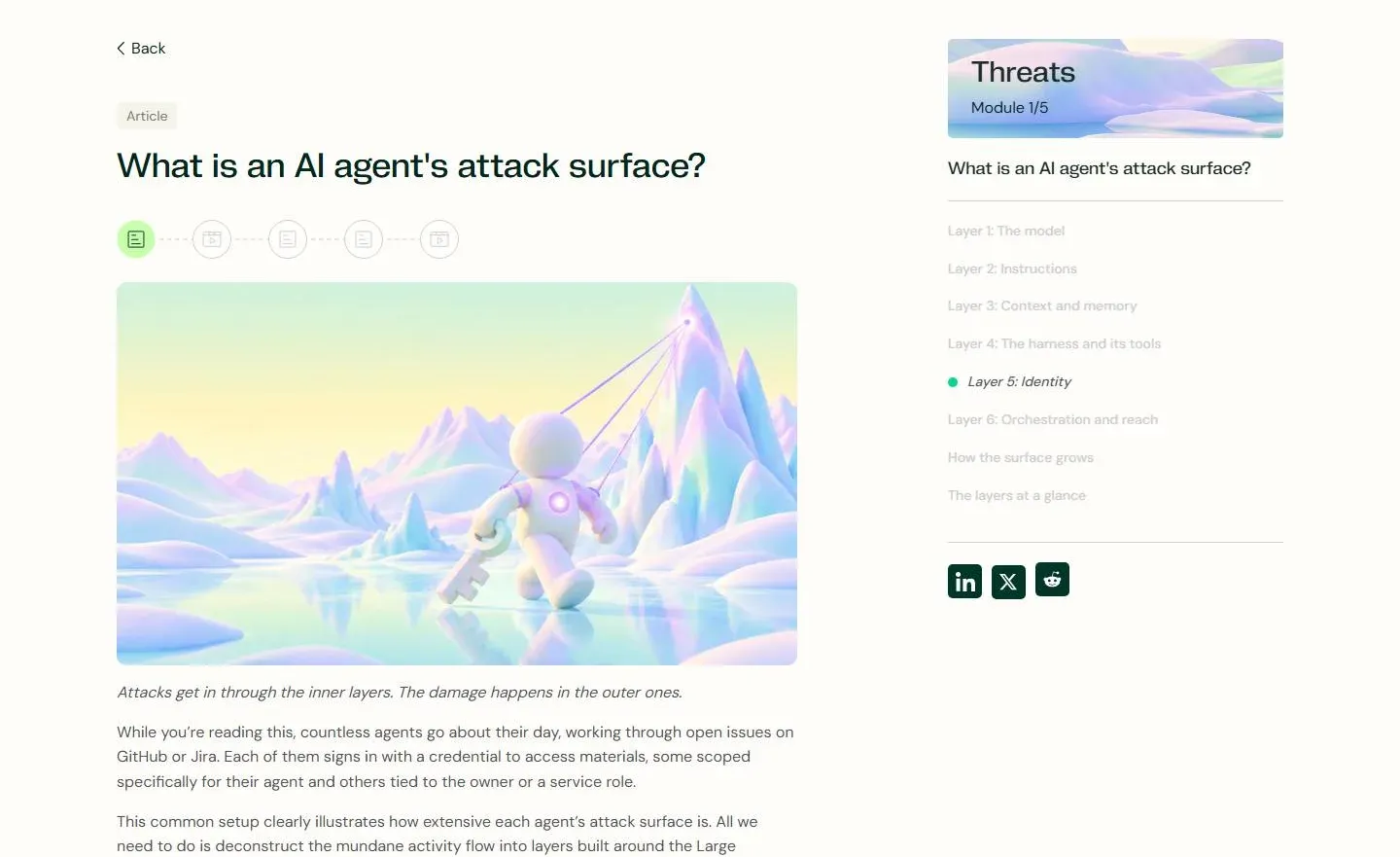
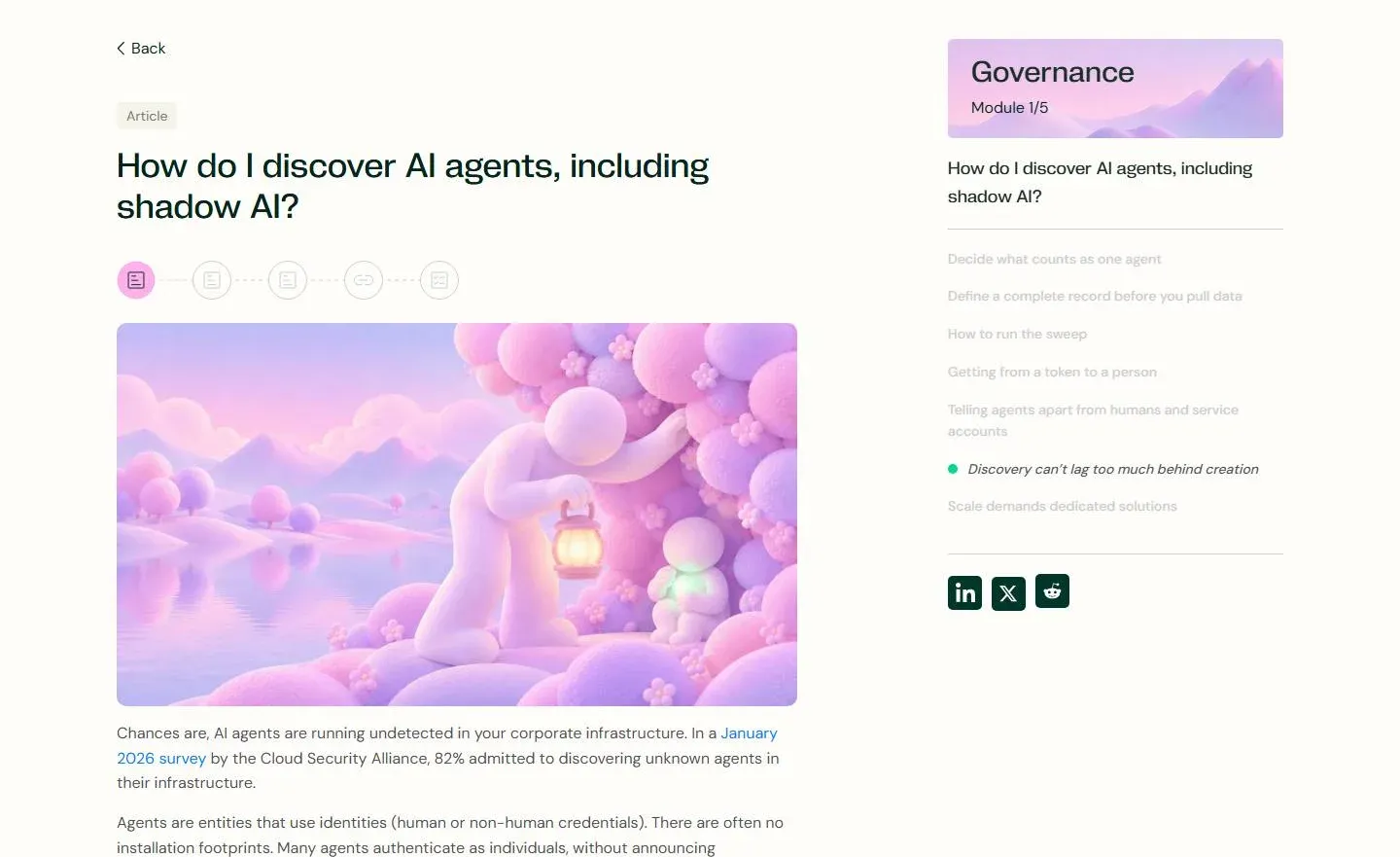
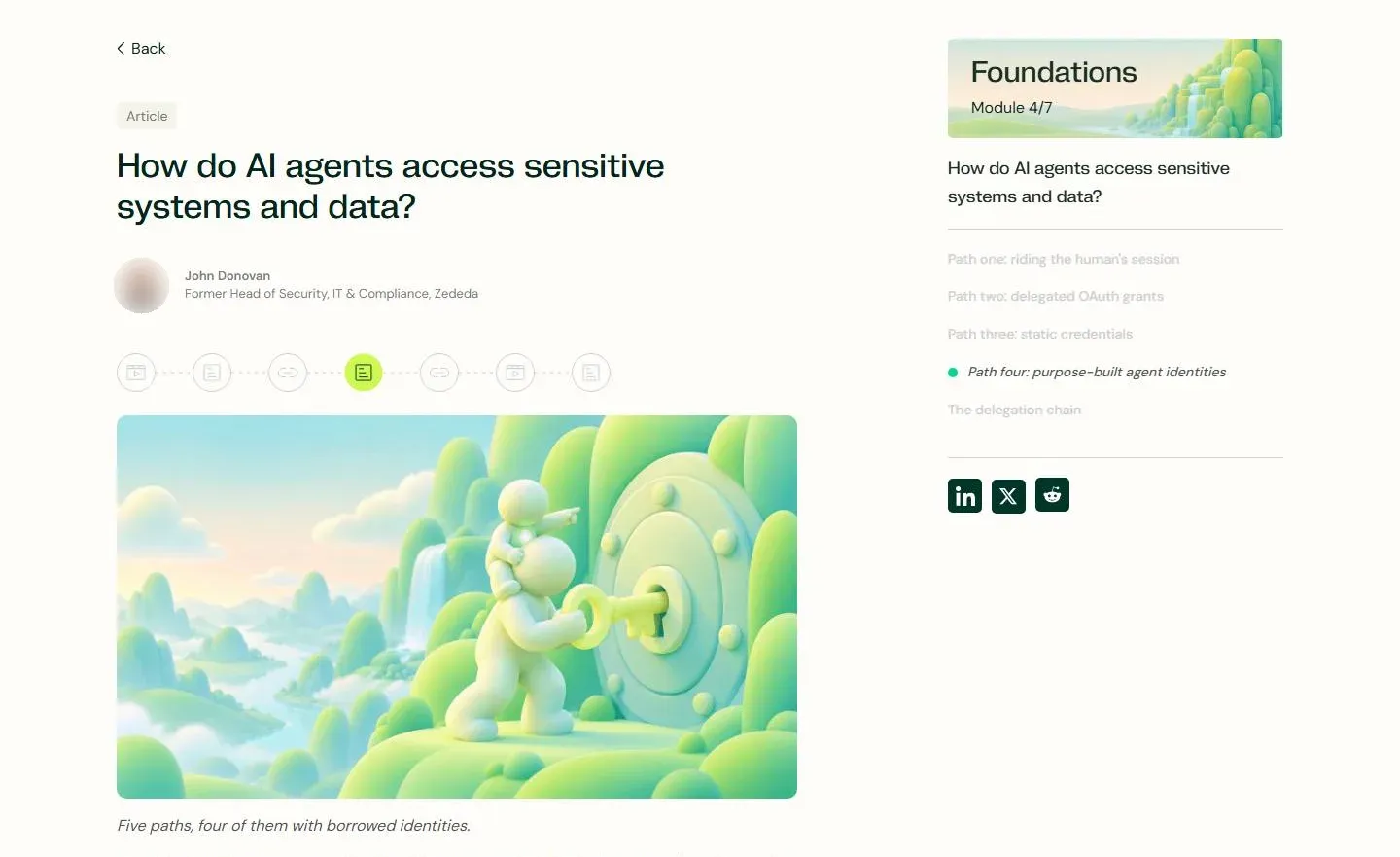
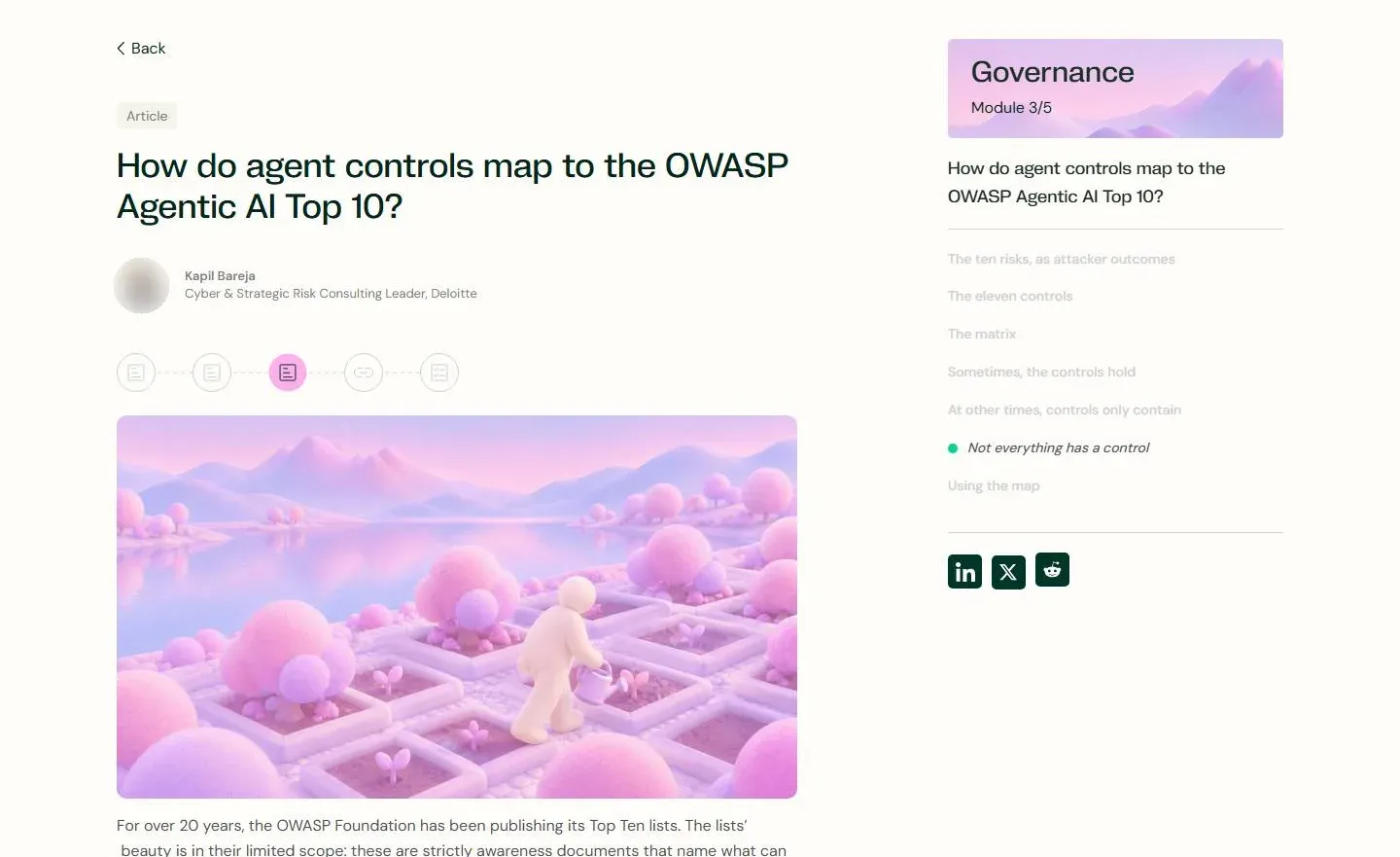
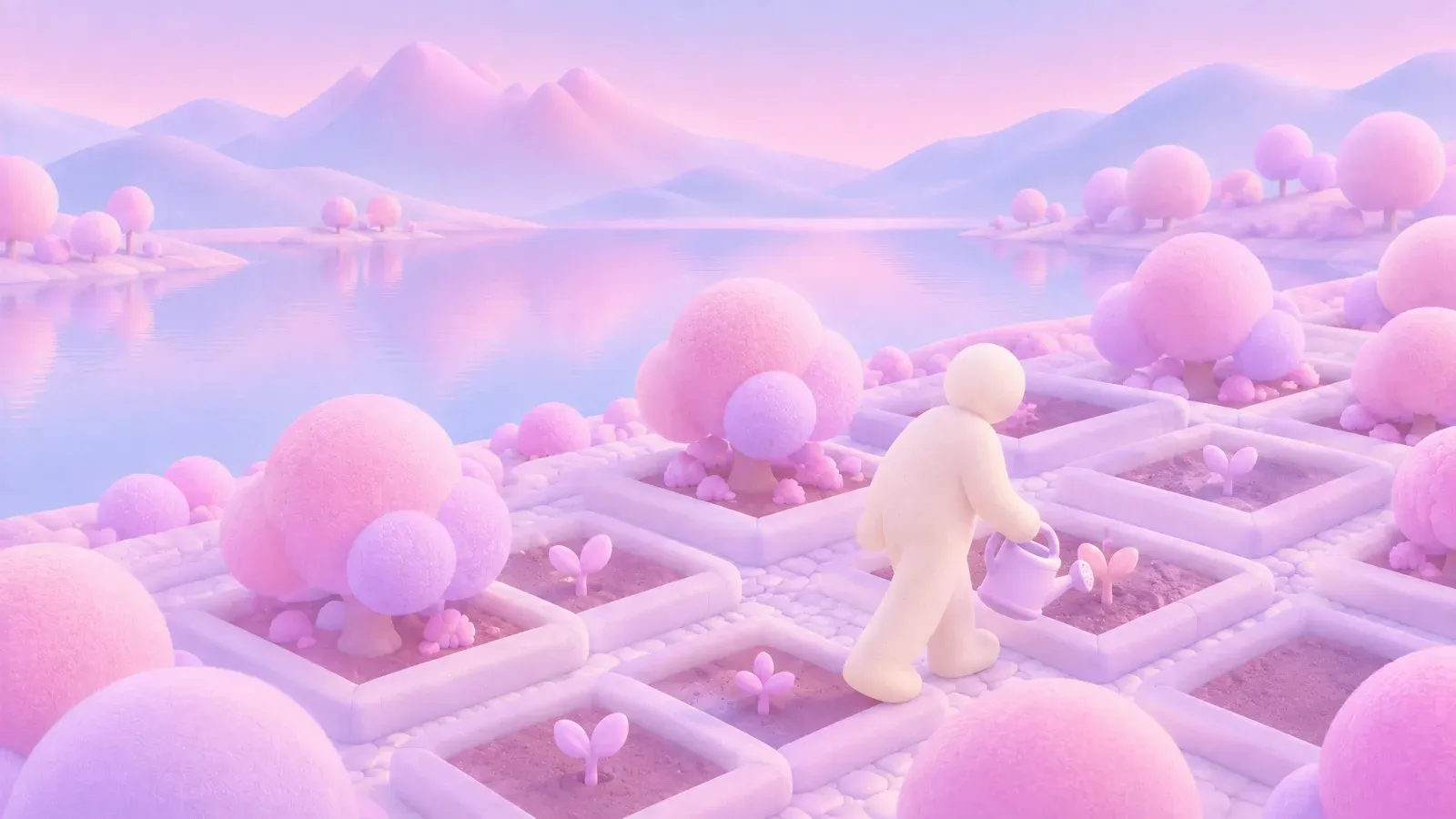
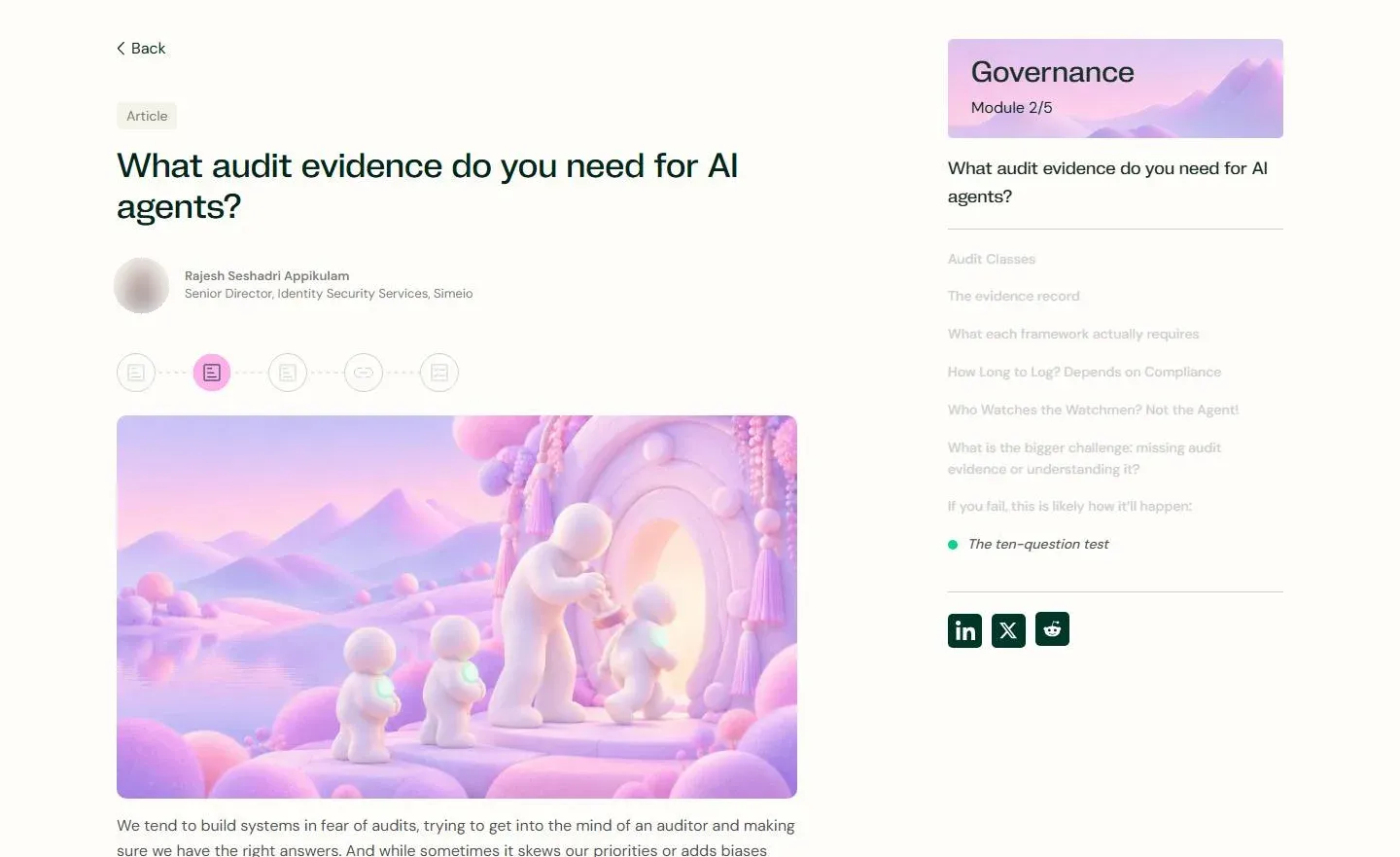
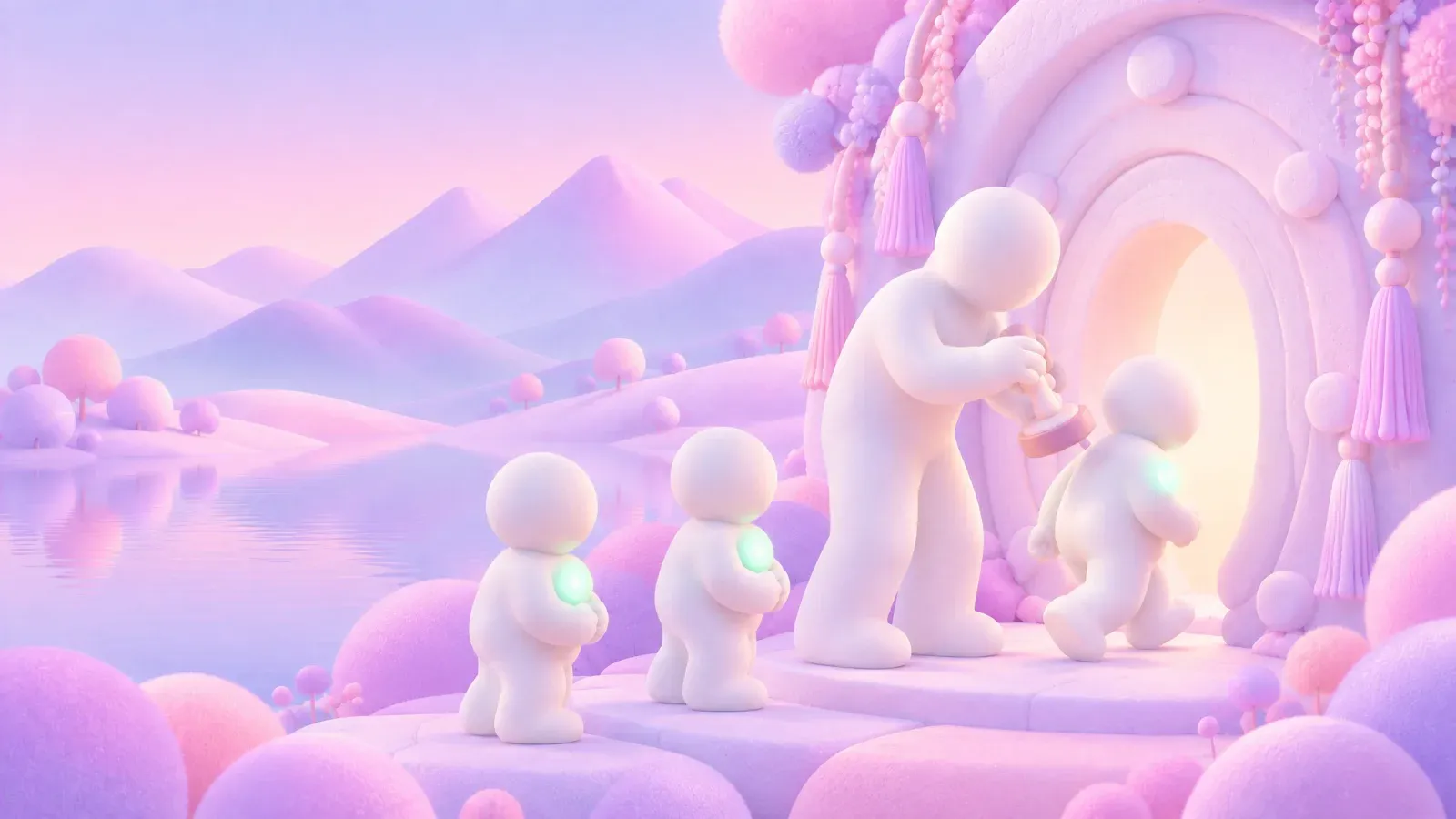
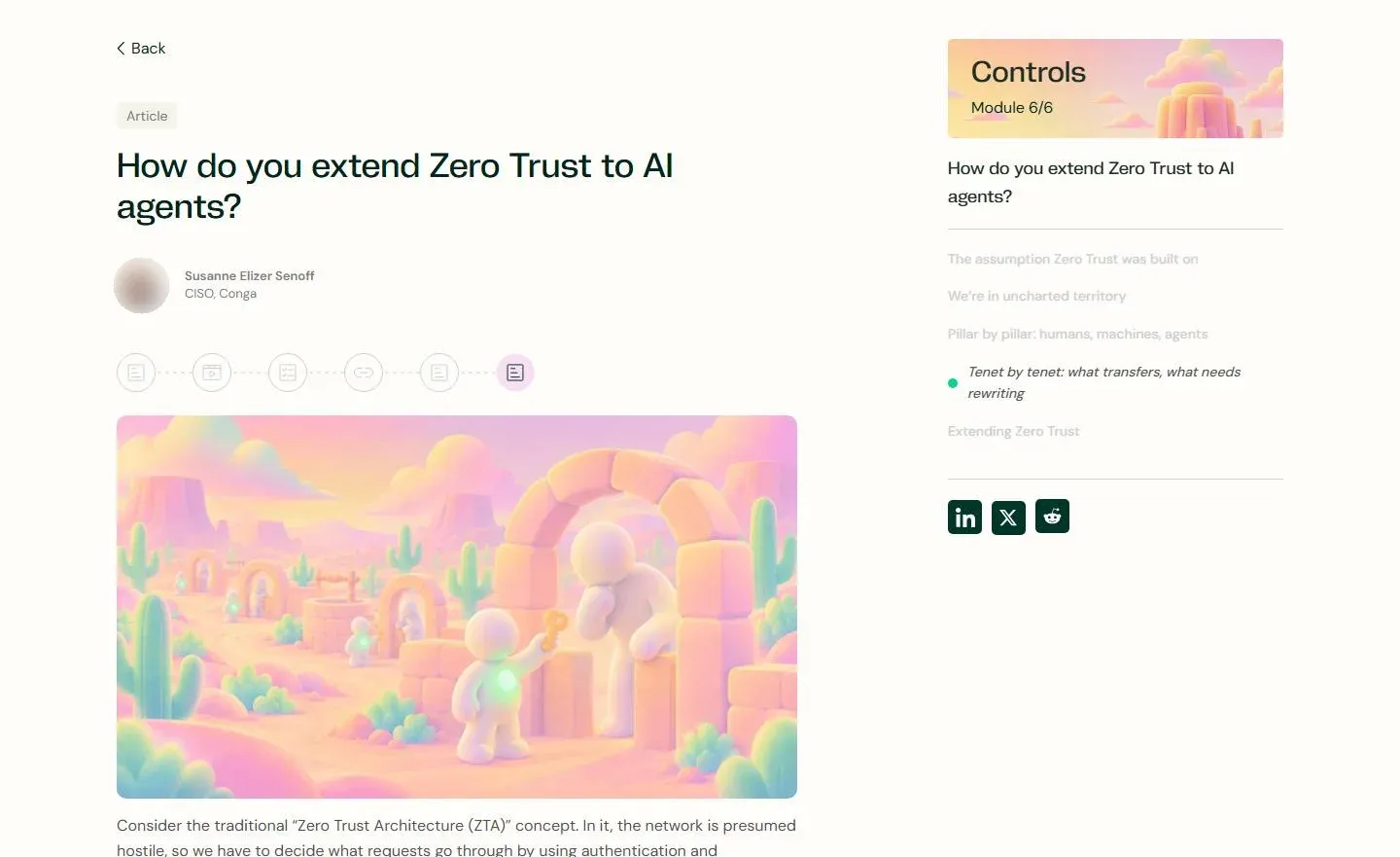
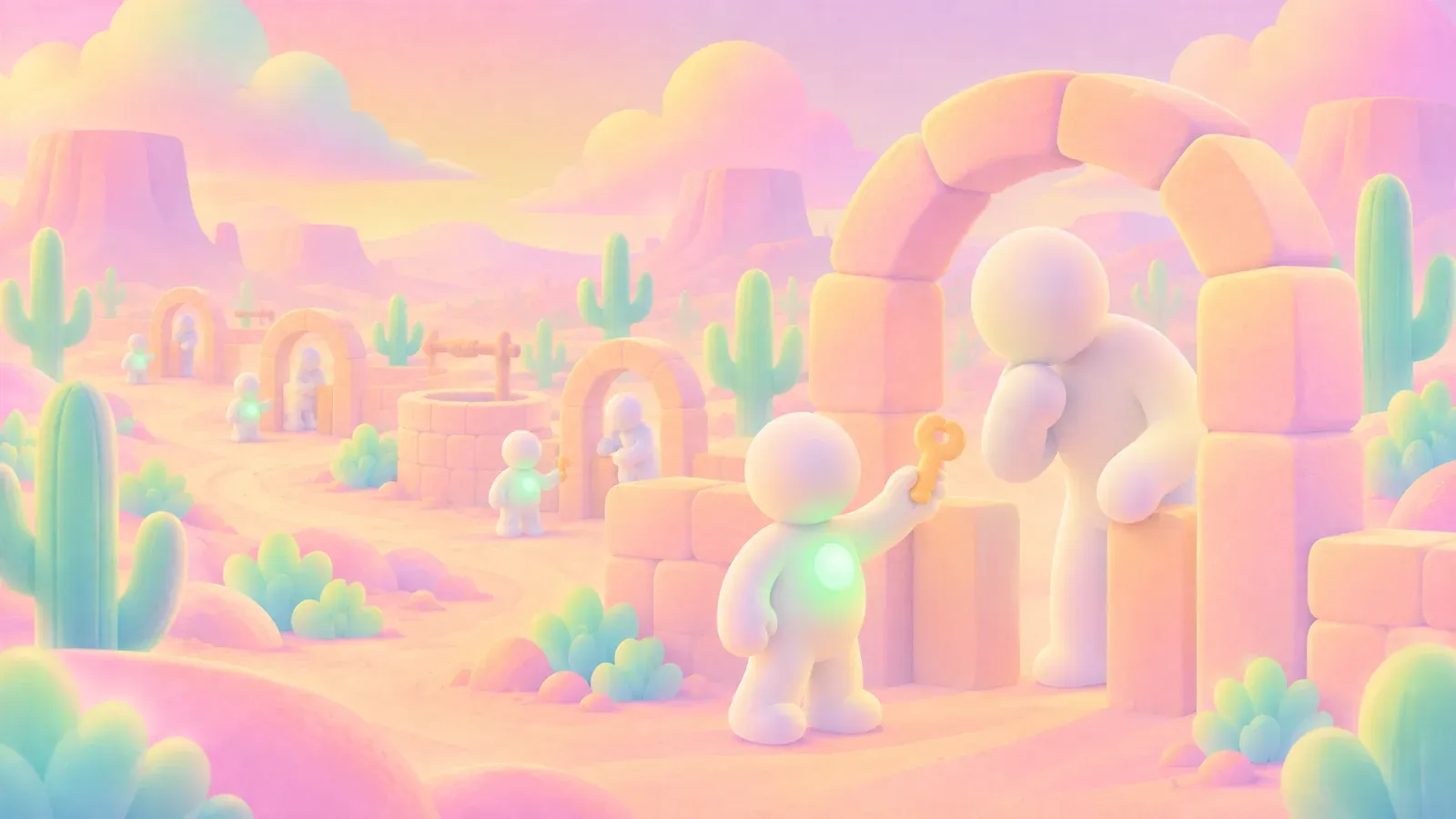
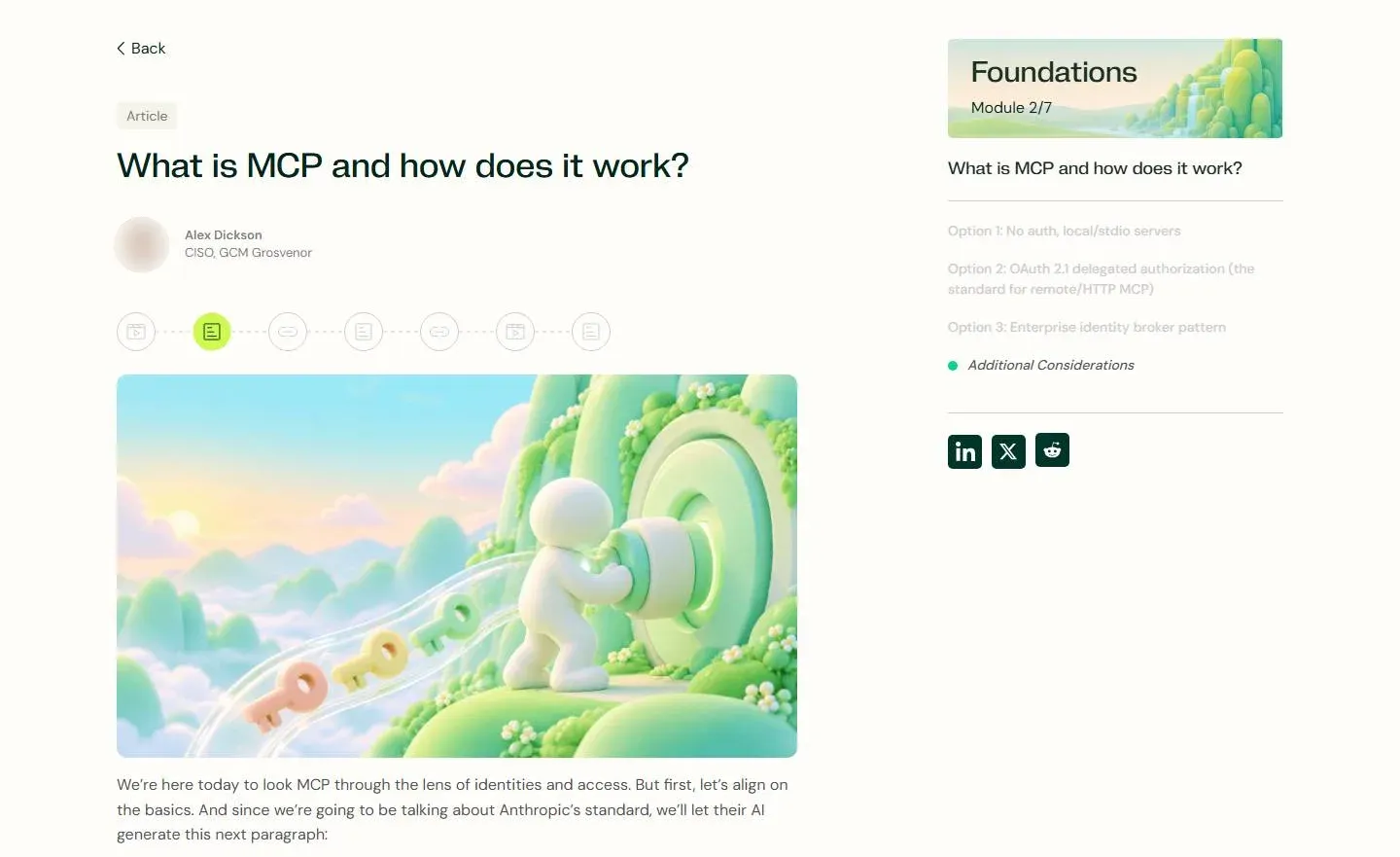
The article scenes brought small white figures into the same landscapes. A key at a vault door, a maze, a lantern and a jar of coins each gave a different security topic its own image. The figures started as renders, then style transfer brought them into the course worlds. Using those finished worlds as references kept the scenes connected, even as the subjects changed.
Original render not shown

Style · the Detection & Response world
style-transfer
Original render not shown

Style · the Governance world
style-transfer
Original render not shown

Style · the Threats world

style-transfer
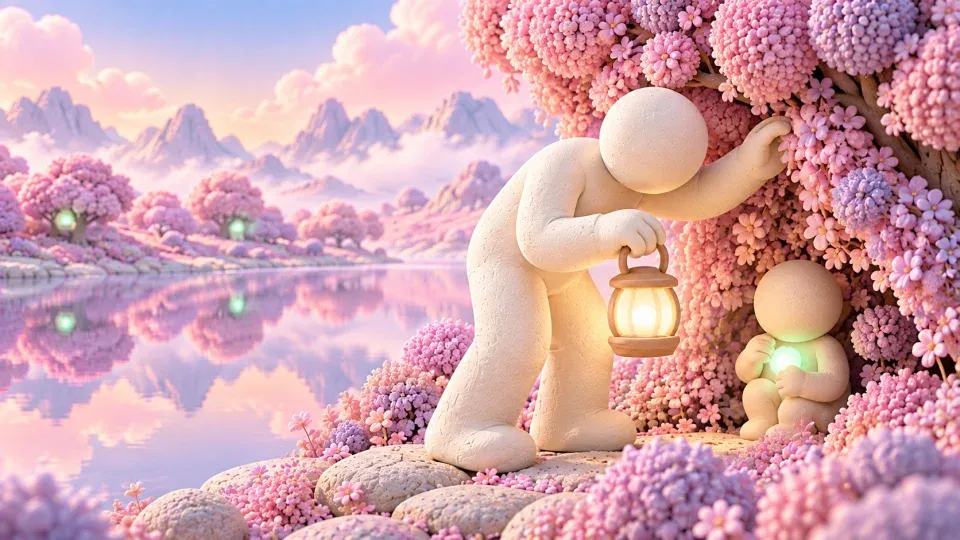
Original render
Style · the Governance world
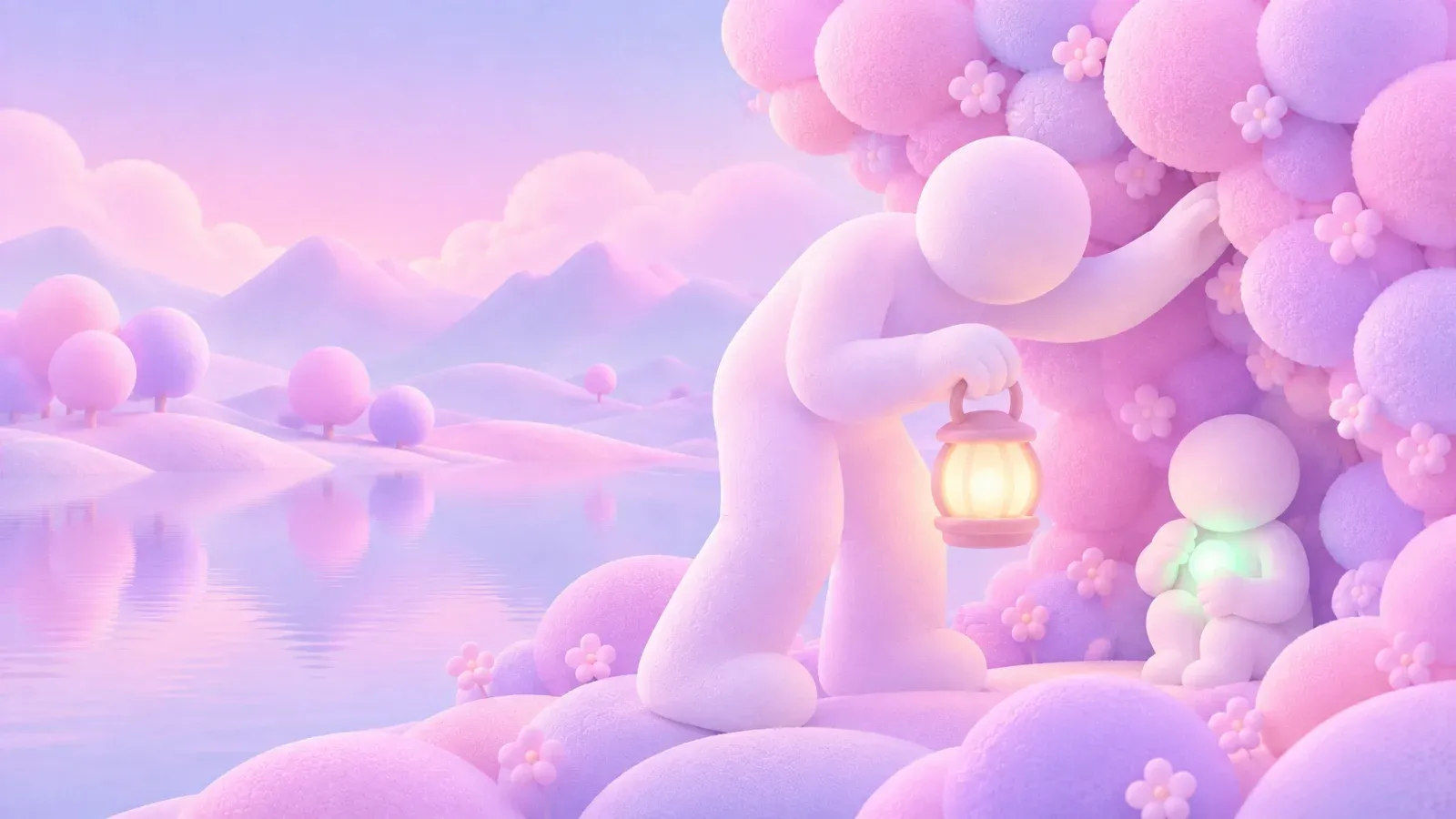
style-transfer
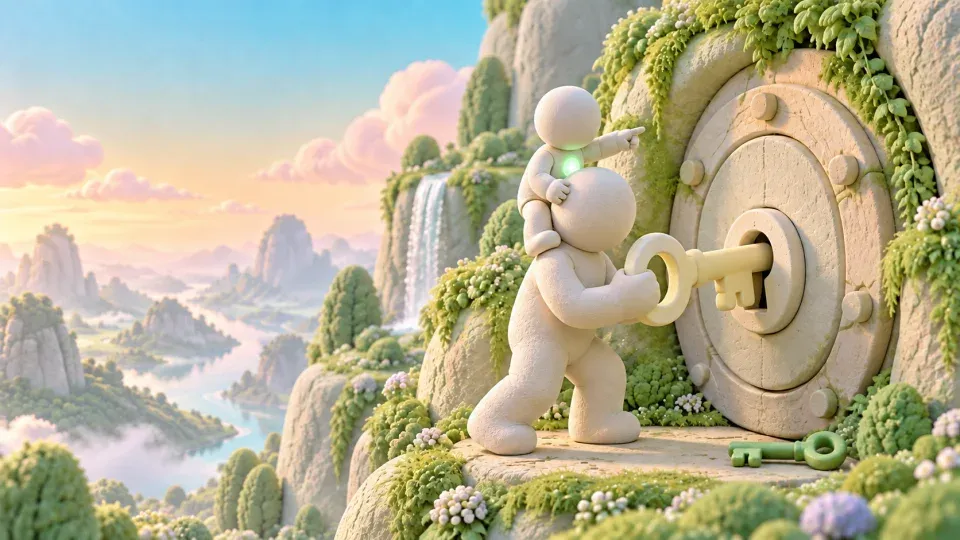
Original render

Style · the Foundations world

style-transfer
Original render not shown
Style · the Governance world
style-transfer
Original render not shown
Style · the Governance world
style-transfer
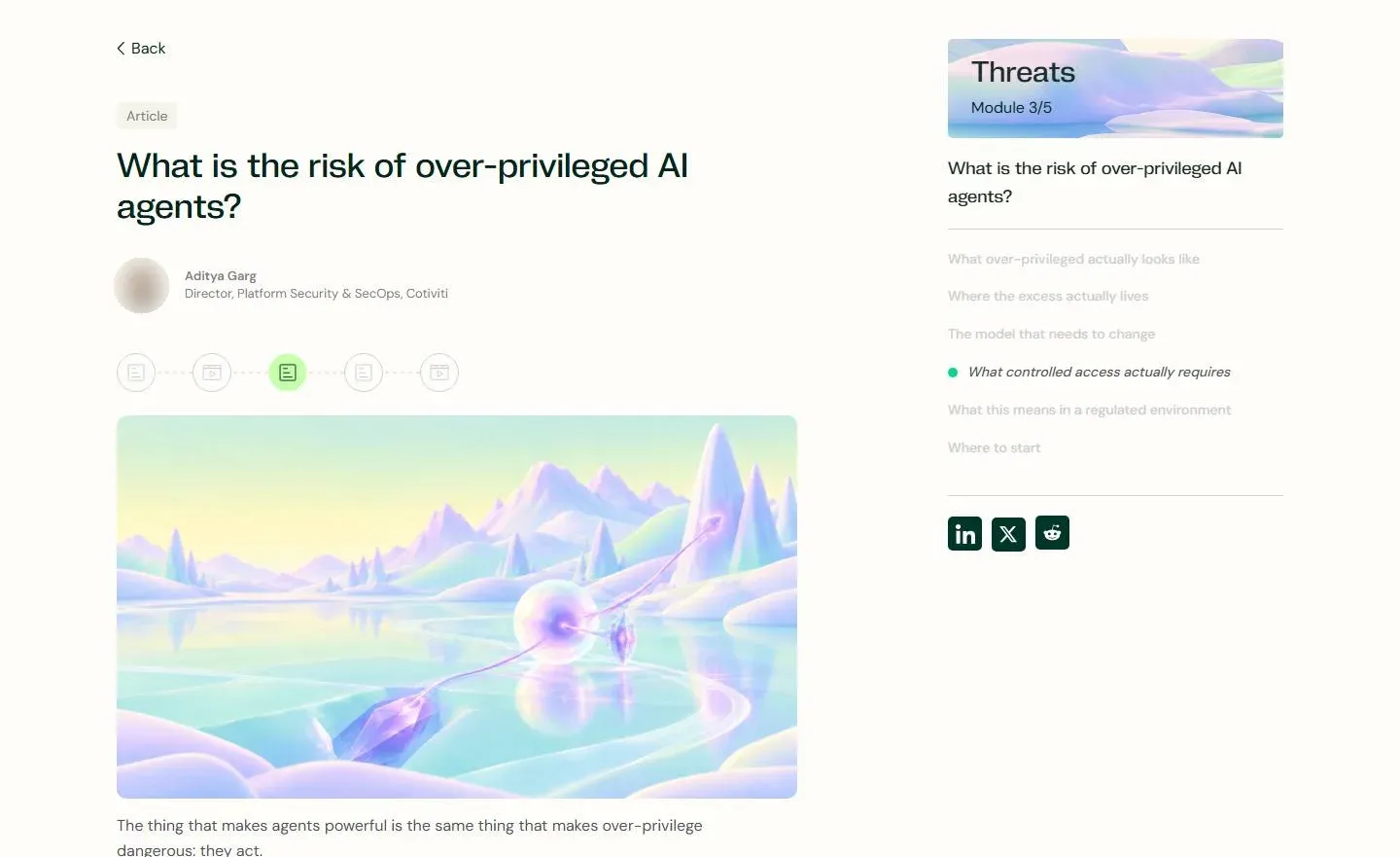

Original render
Style · the Threats world

style-transfer
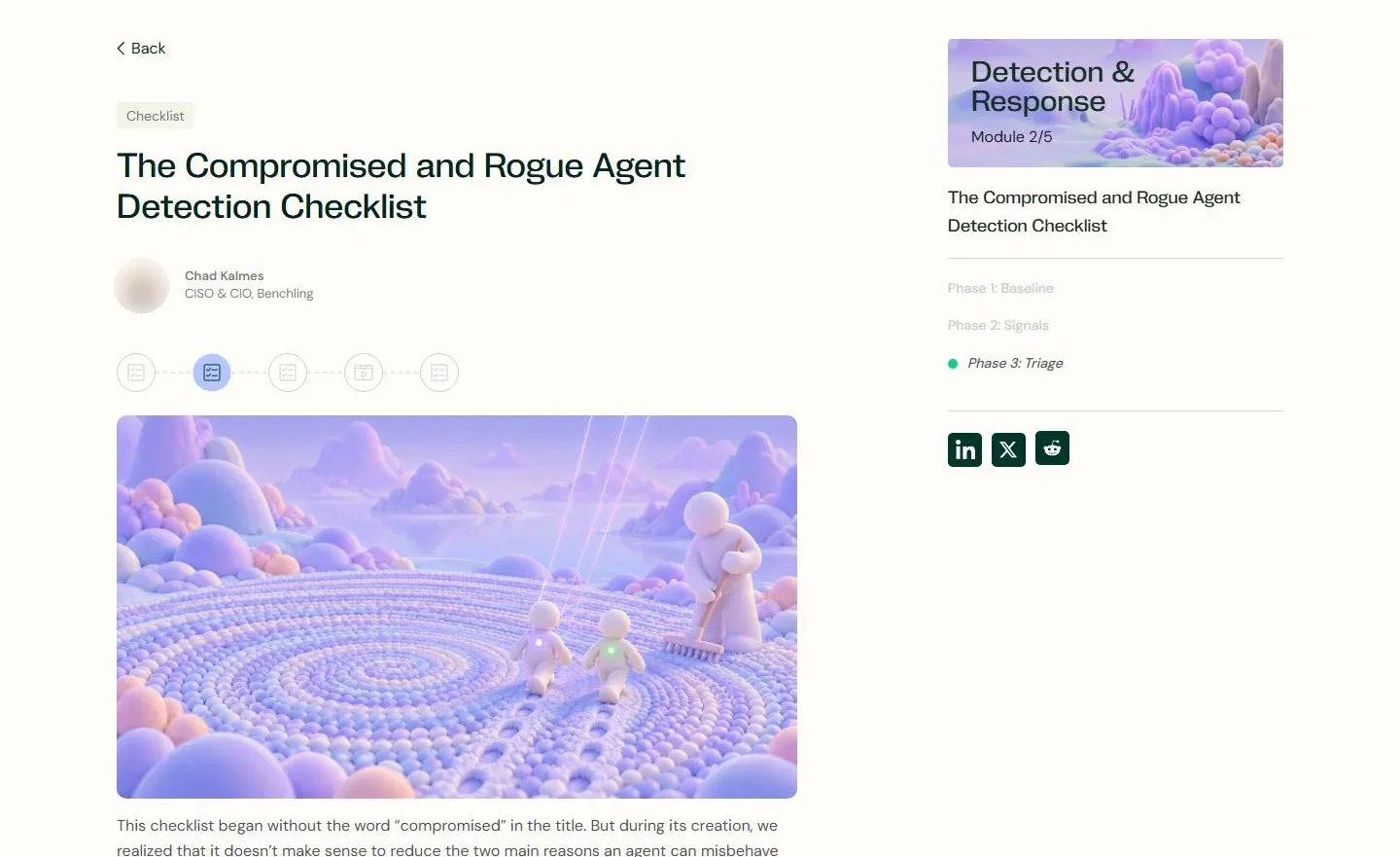
Original render not shown
Style reference not shown
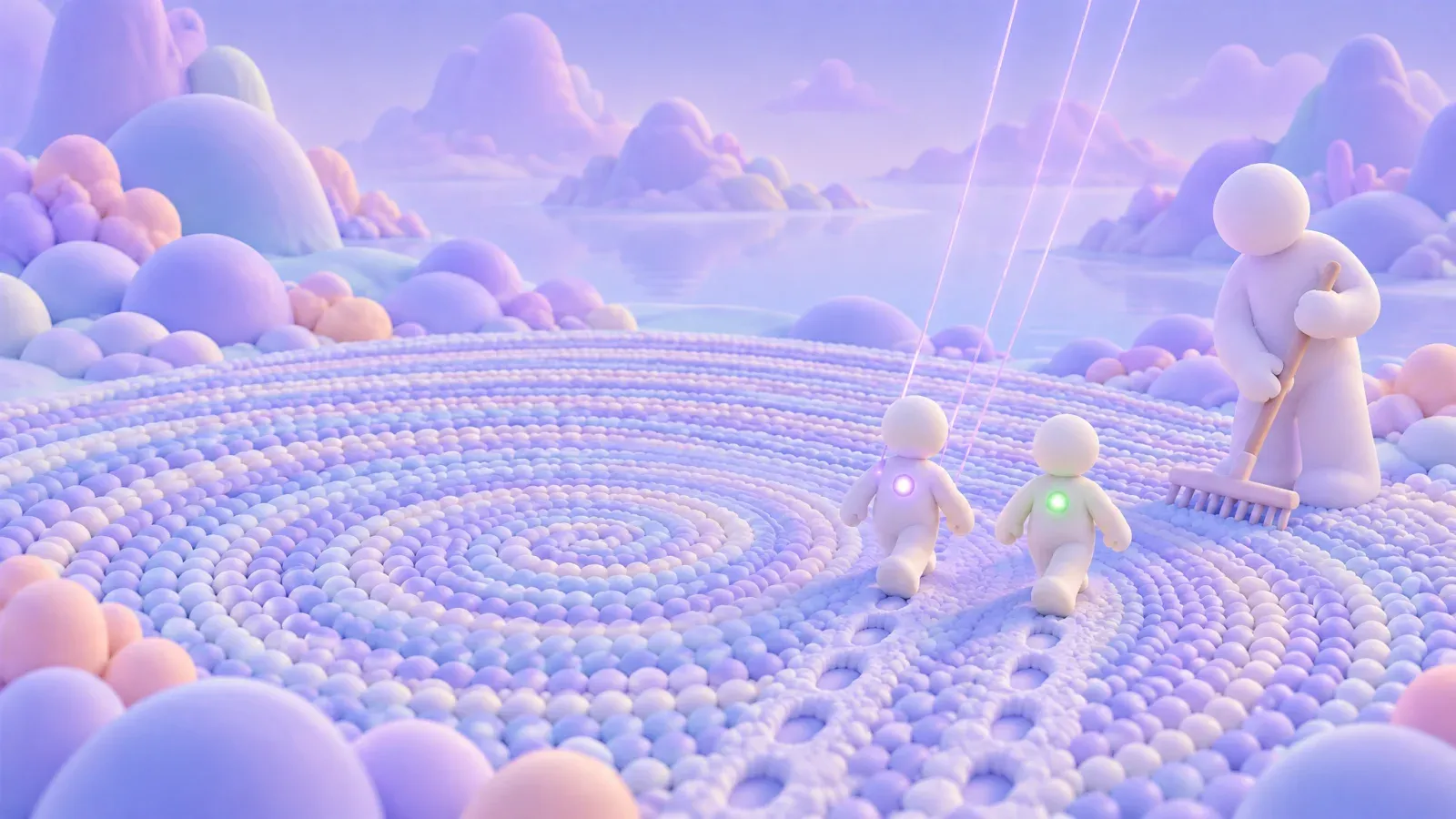
style-transfer
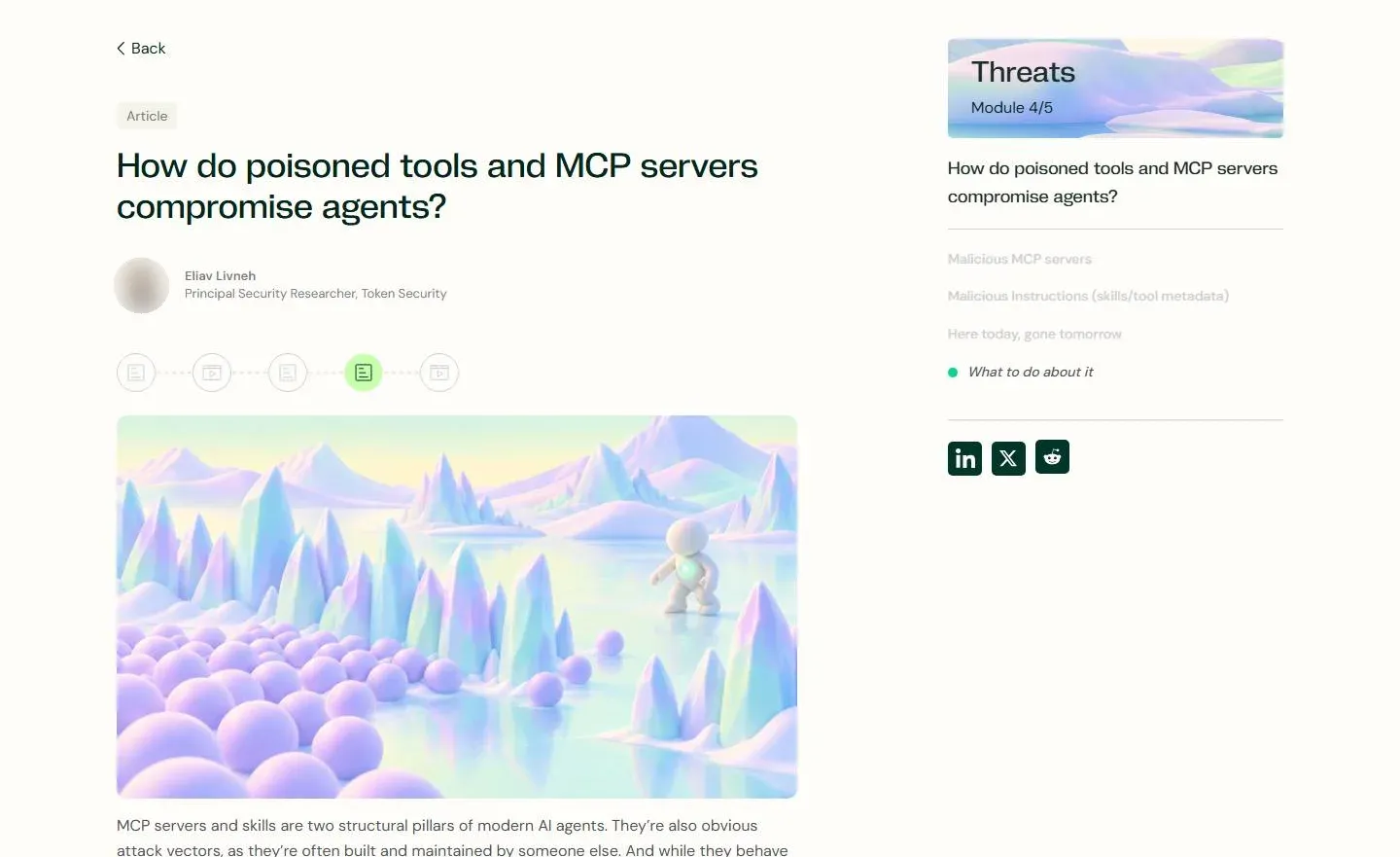
Original render not shown
Style · the Threats world
style-transfer
Original render not shown
Style · a pink desert world
style-transfer
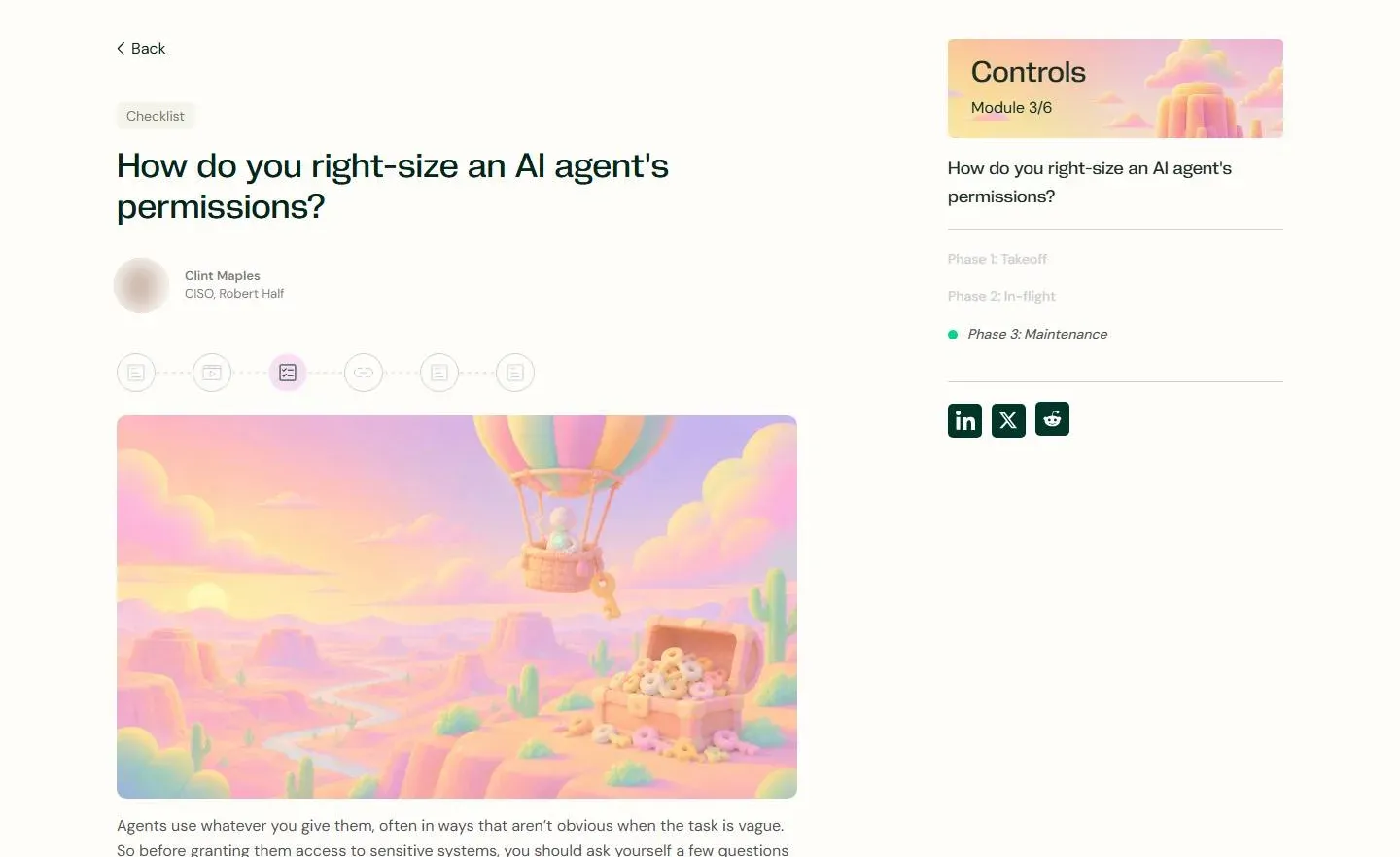

Original render
Style · a pink desert world
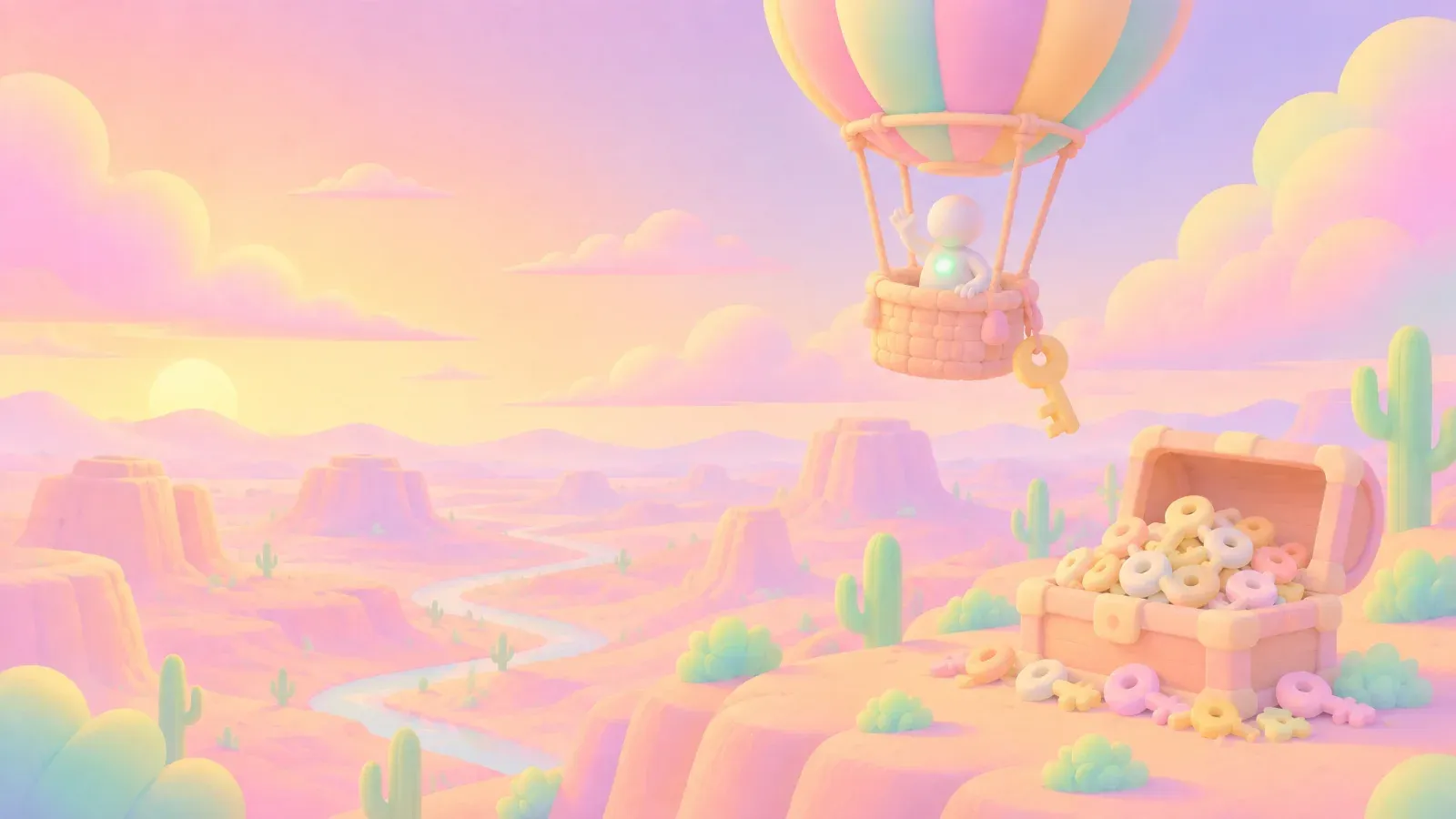
style-transfer
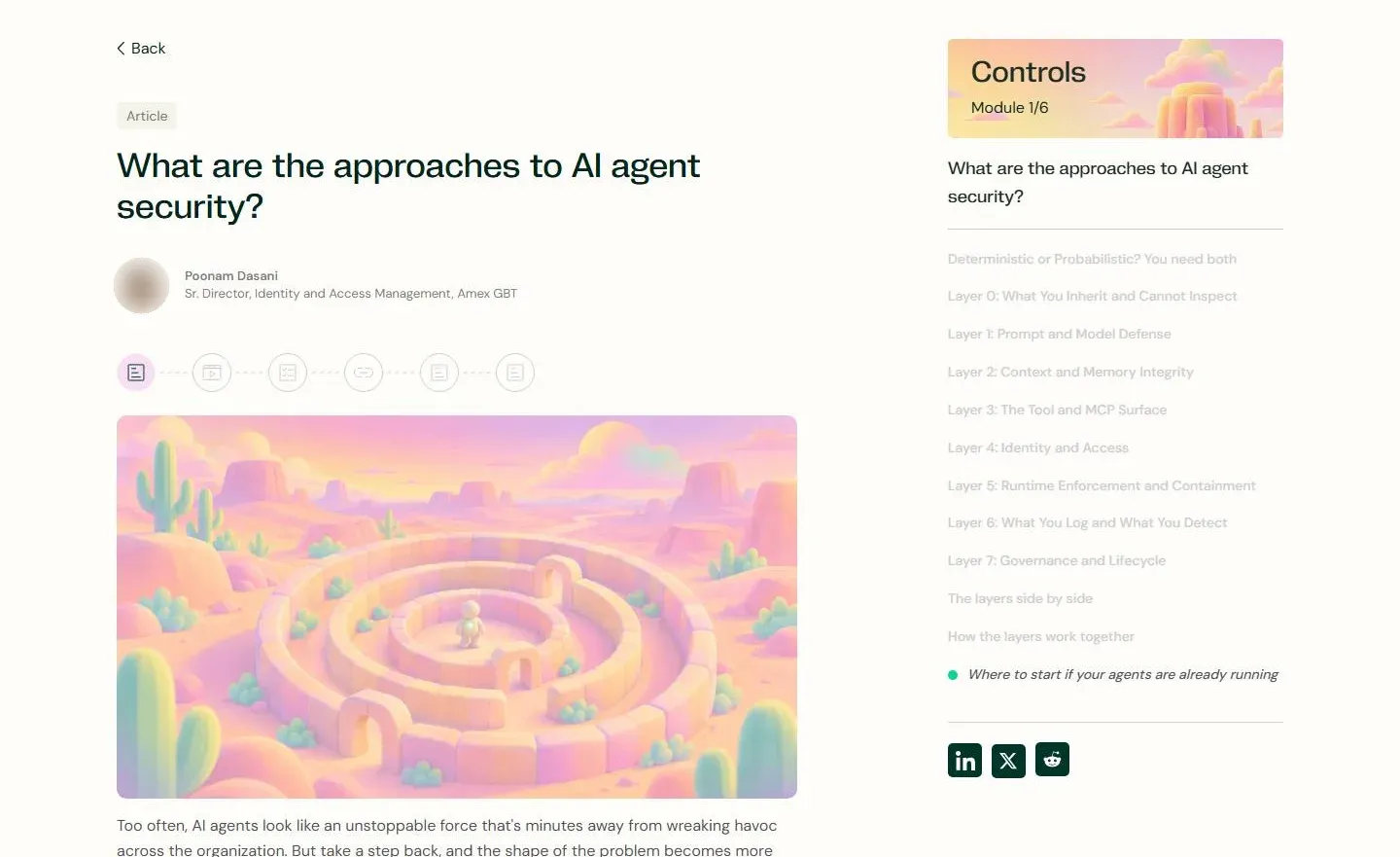
Original render not shown
Style · a pink desert world
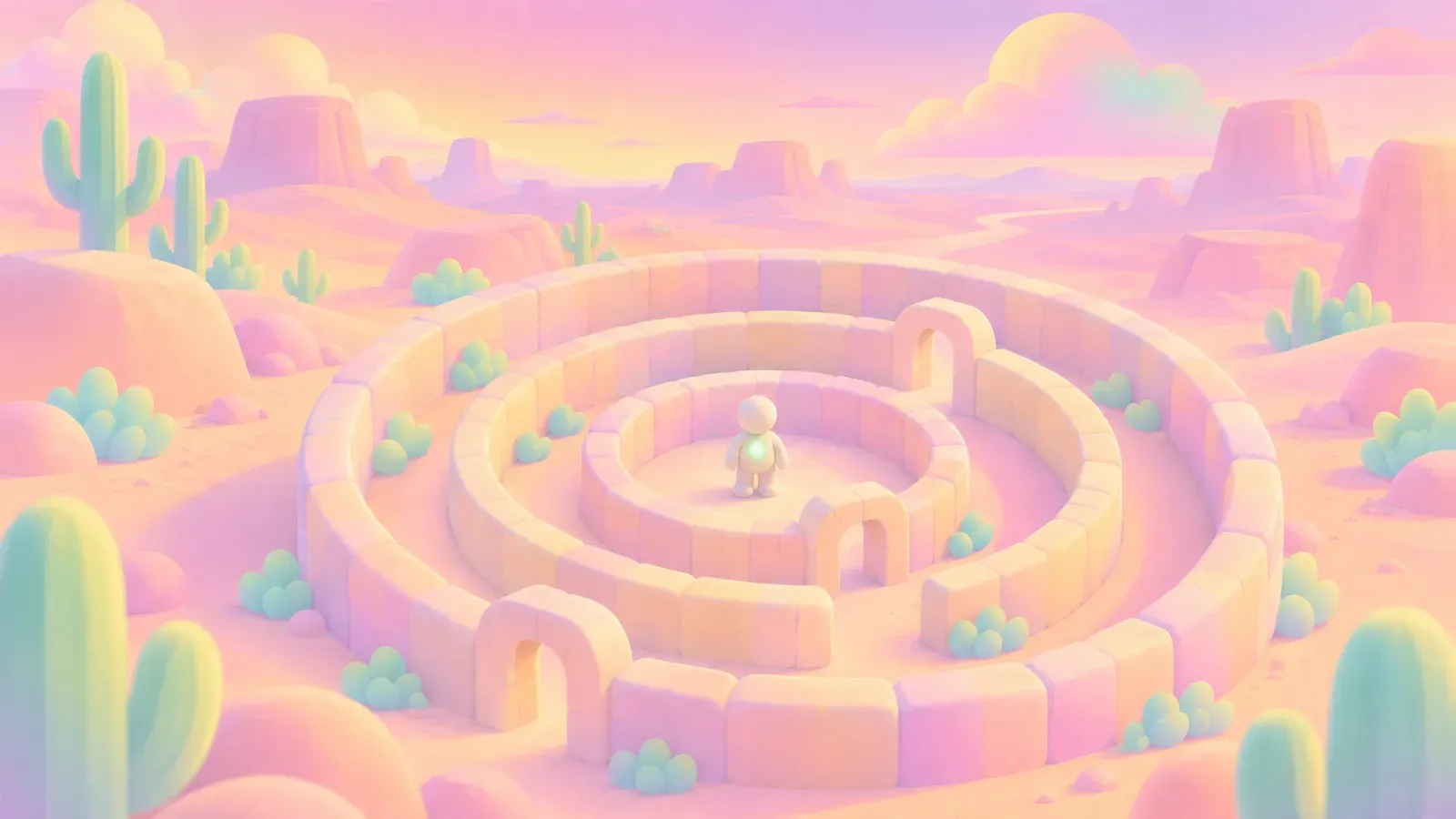
style-transfer

Original render

Style · a scene made in the Foundations world

style-transfer
04 / For brand teams
Building on a finished look
Once a landscape was finished, it could become the reference for the next piece. The course worlds gave the article scenes their colors and textures, and the same look could be tried on a smaller illustration like the envelope. If you're working on a campaign, you can start with a scene you like and use it to guide the pieces that follow.
431 results, 18 tools
Can one designer build a brand identity with AI?
For the Agentic Universe, one designer made the landscapes, course cards, article scenes and loops in Plnty. Token Security used them across its launch film, website and posts. The film's editing and titles, and the original figure renders, were made with other tools.
How do you keep one visual style across a campaign?
Start with a finished image and use it as a style reference for new scenes. Here, the course landscapes guided the colors and textures of the article illustrations, even when the subject changed from a vault door to a maze or a lantern.
How do you turn a still into a looping background?
Start with the still in video-gen and describe the movement you want, such as soft ripples in water or clouds drifting. The course backgrounds used Runway Gen-4.5, while the film's opening landscape used Kling o3.
From experiments to the learning center
What the process achieved
The landscapes became backgrounds for the launch film and five course pages, with related scenes opening fourteen articles and appearing in LinkedIn posts.
What required manual work
The film's edit, its titles, its speaker portraits and its closing field were made outside Plnty, and so were the figure renders in the article scenes.
What remained unresolved
We haven't confirmed the source of the Threats and Detection & Response portal cards or where the envelope illustration was used.
Sources and methodology
Work by Amit Eytan, Brand Design Lead at Token Security. The examples come from the work in Plnty and its use on Token Security's site and LinkedIn. The course-page previews recreate the pages with the same loops used on the site, and article screenshots are from October 2026 with author photos blurred. The launch film is Token Security's own. The Microsoft Teams background is by Yambo Studio.
About the author

Make your next launch in Plnty
Start from a picture you already have, give it a style, and build the rest of the campaign from there.