Case studyUpdated
How Base44’s Apps 2.0 film was made in Plnty
By Shimi Cohen

- Case studies
- Motion
- Image
- 3D
- Art direction
Base44 launched Apps 2.0 with a film of people building apps with their own name on them.
Shimi and the studio team used Plnty to cast the characters, try their outfits and find the camera angles before making the final shots.
01 / Base44
A launch film about builders
Base44 turns a few words into a working app. Its Apps 2.0 launch film follows the people who build with it, moving between their worlds through water, a stream of objects that becomes a typing cursor, and clothes that walk off a phone screen.
Transcript
Narrator. From an idea to something real with your name on it. Base44. Big changes start small. A few words even will get you a fully working app. From a tool only you will use to a platform millions might. From passion projects to enterprise-level systems. Same starting point, no ceiling. Shape it, push it, build on it. Your back end is covered, secure, and ready to launch. What if you can build it today? Base44.
A world for every builder
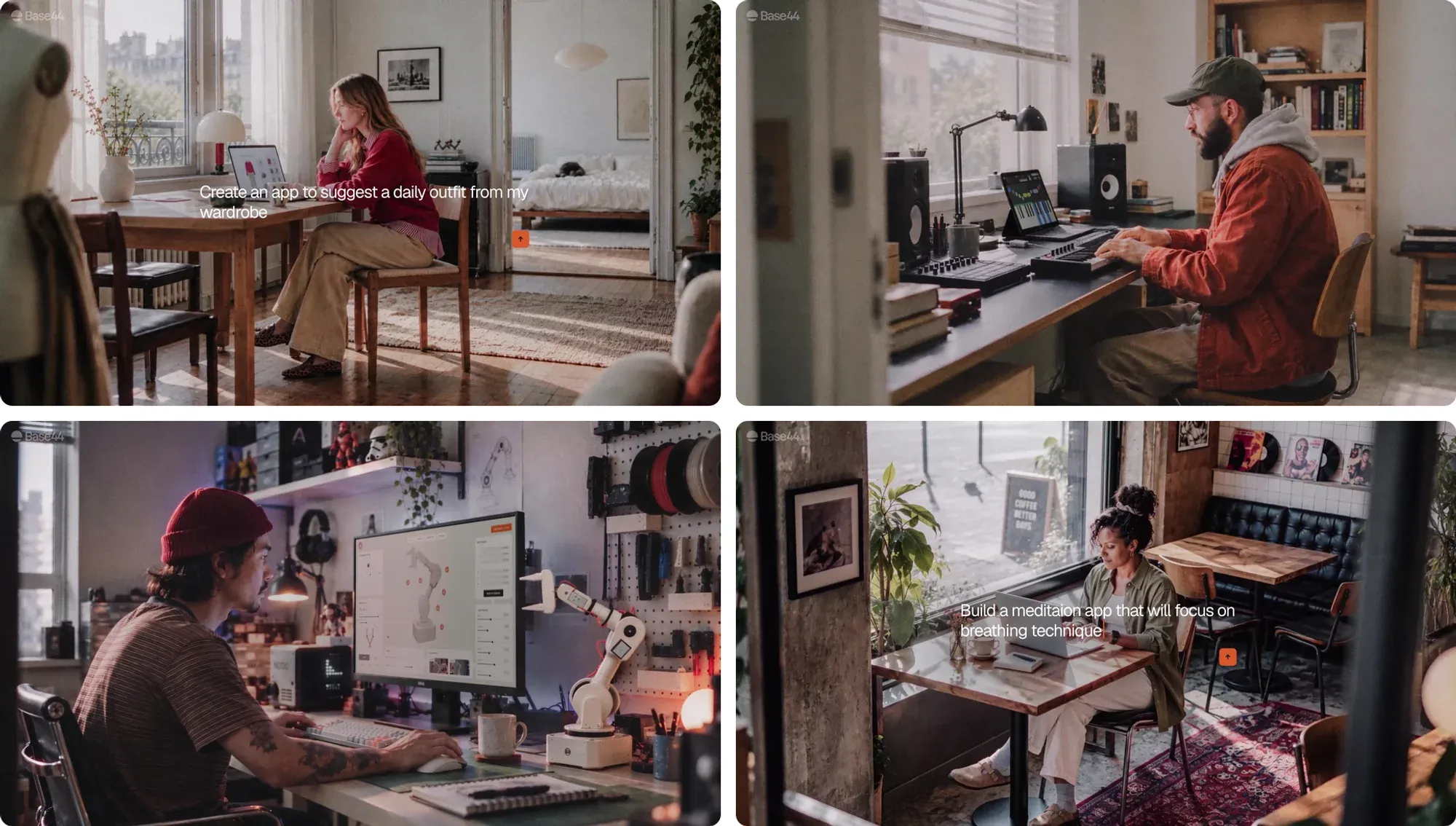
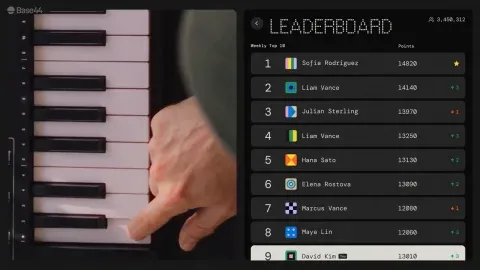
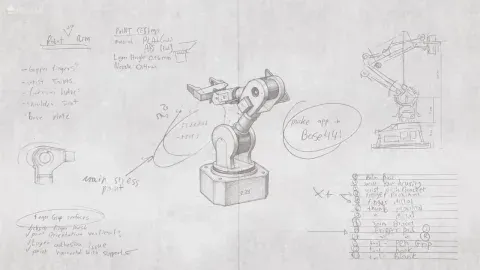
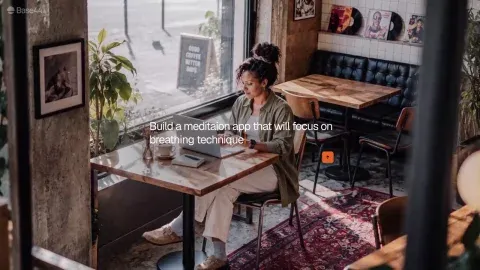
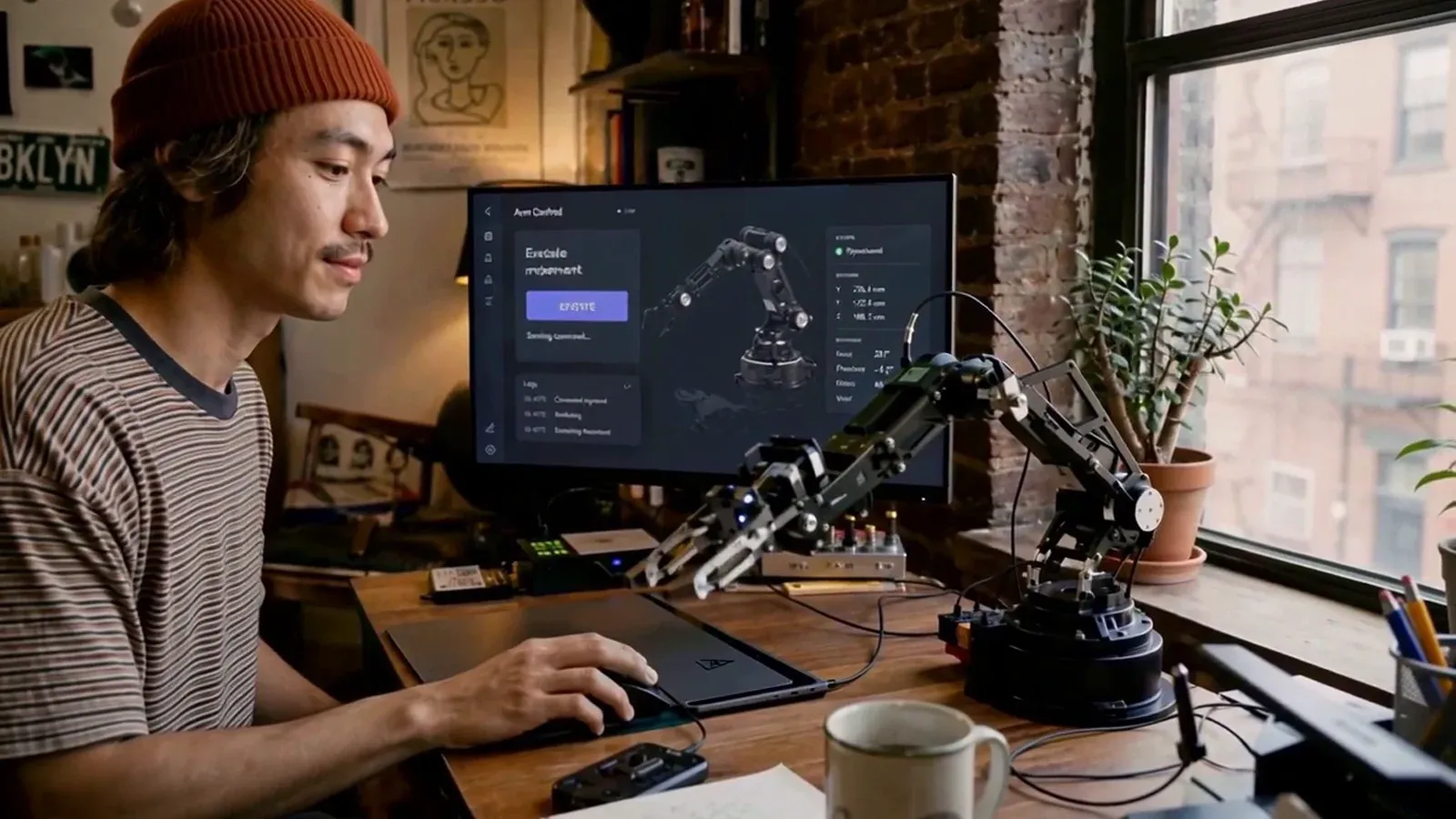
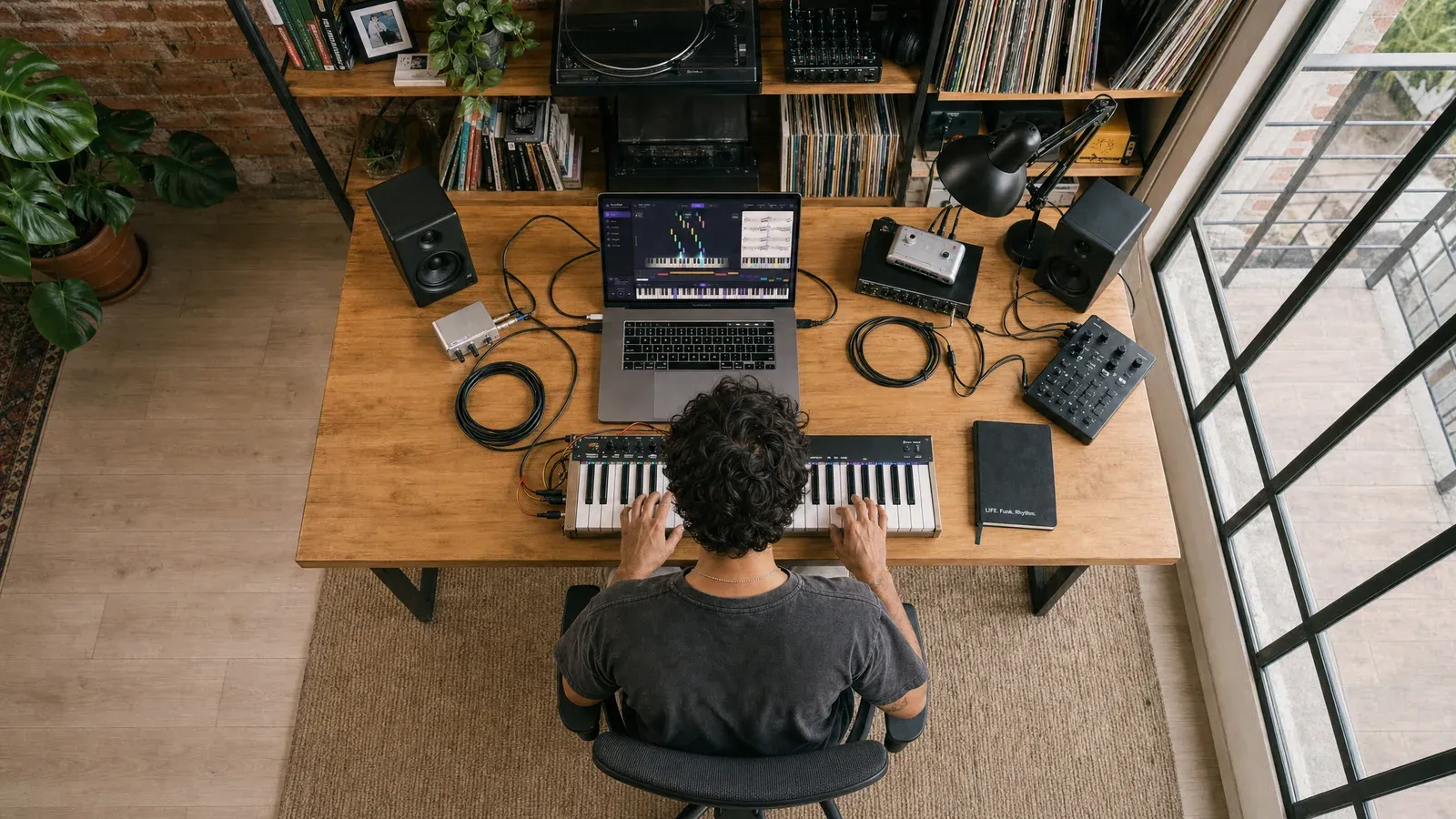
The brief was a film about what people build with Base44 when their own name is on the app. Each person got a world of their own: a woman whose app dresses her from her wardrobe, a pianist building a learning app with a leaderboard, a maker writing the controller for the robot arm on his desk, a woman in a cafe building a breathing app, and a delivery dashboard tracking a fleet.
Every one of them needed a face, clothes, a room and a camera angle before an animator could start. The studio settled all of that on Plnty boards first.
From the studio
On a board we could put a hundred versions of a character side by side and choose together, instead of arguing about the one each of us was imagining.
 Shimi CohenCreative lead, Base44 Apps 2.0
02 / The film
The film, piece by piece
Here's how the studio worked through seven moments in the film, from changing the words on a page to finding the right angle in a cafe. We recreated the tool demonstrations below with the studio's pictures and prompts, using the tools as they look today.

 1 · The words
 2 · The water
 3 · The screen
 4 · The outfits
 5 · The piano
 6 · The arm
 7 · The cafe
Part 1 · The words
Changing the words inside a video
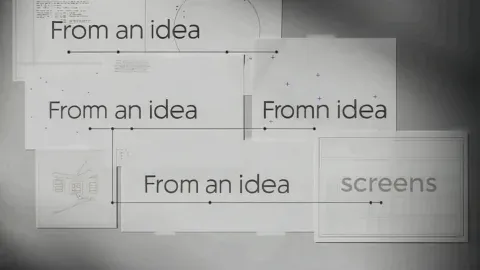
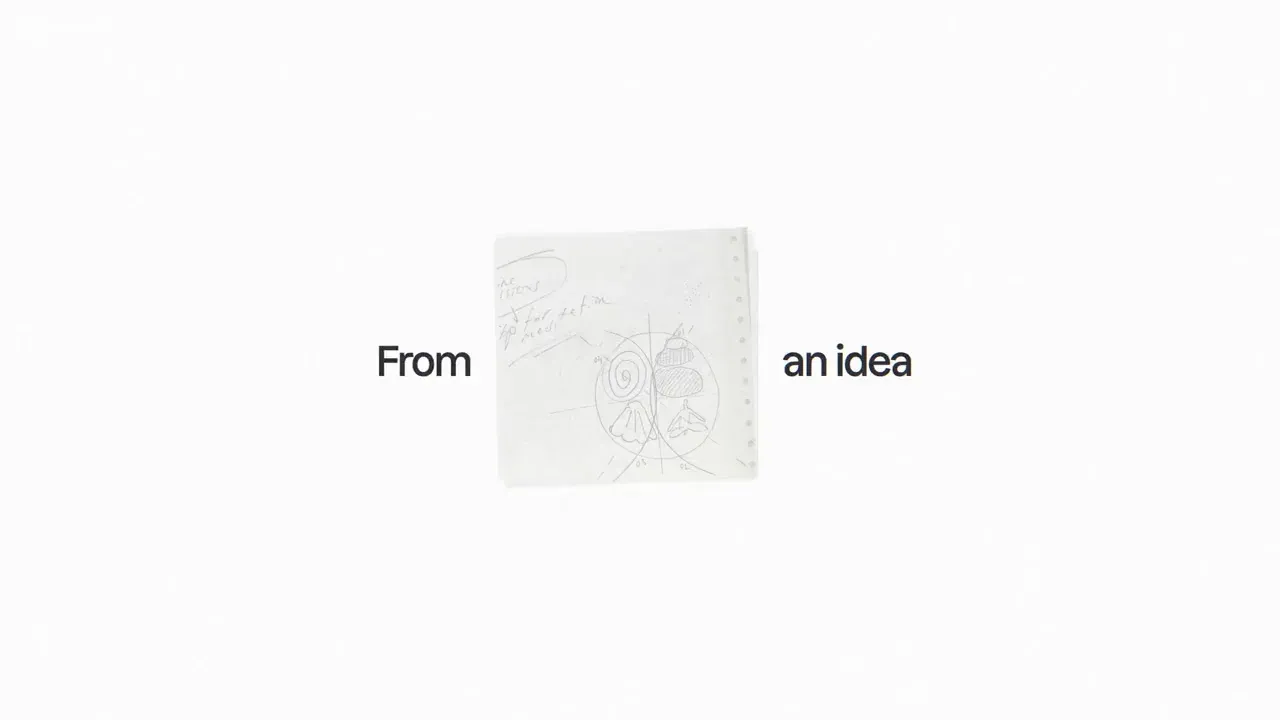
The opening started with a clip of paper pages full of typed words. The team used aleph-2 and Gemini Omni to change the writing and remove a word that was left behind. The clean title that types across the pages was added in the final edit. You can follow the changes below.
Part 2 · The water
One shot, several looks
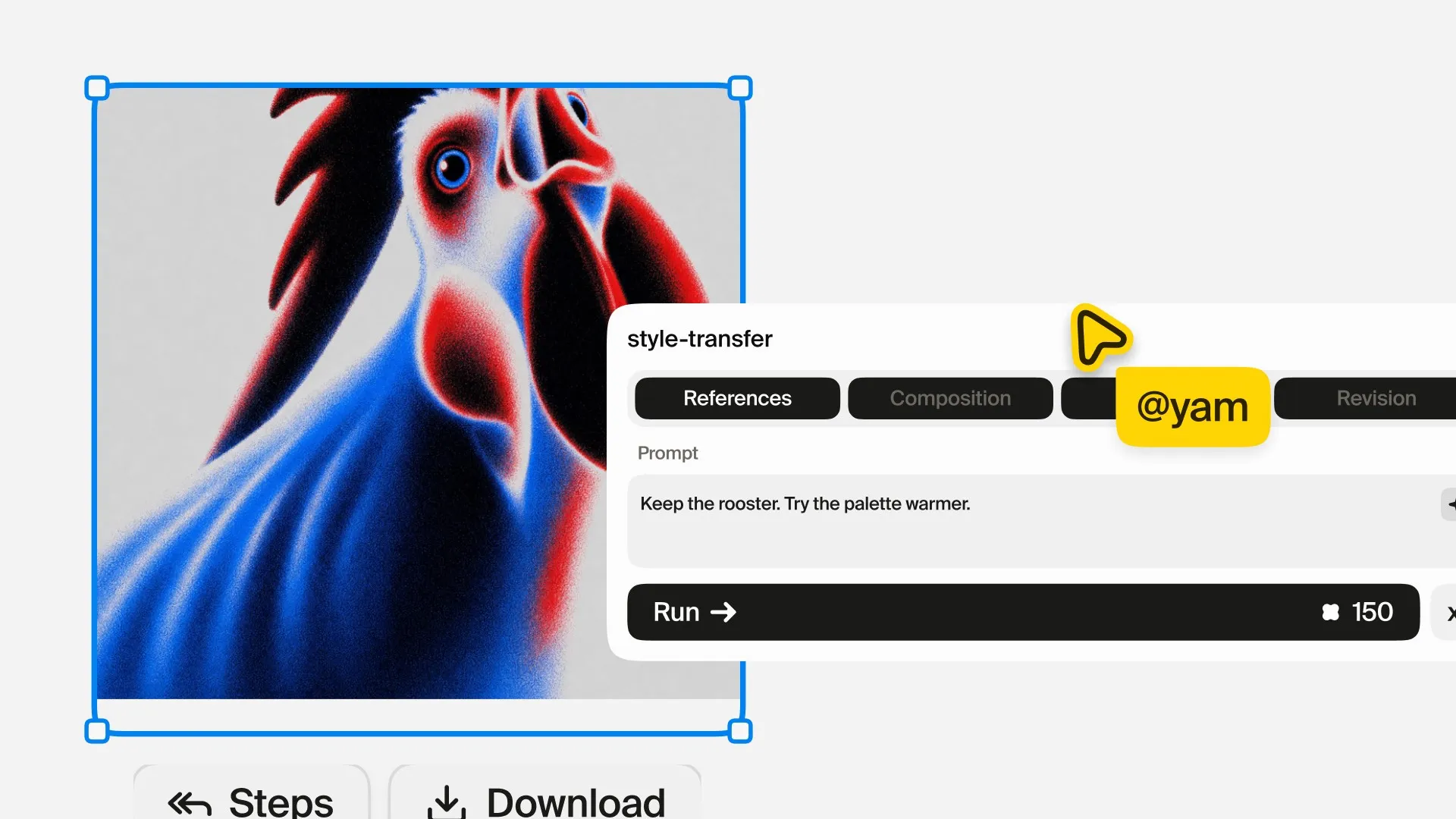
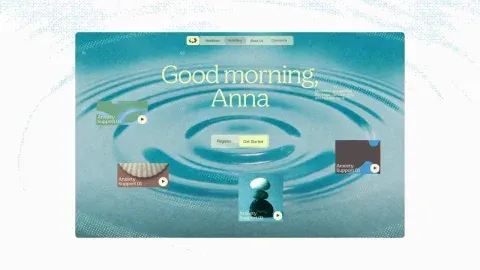
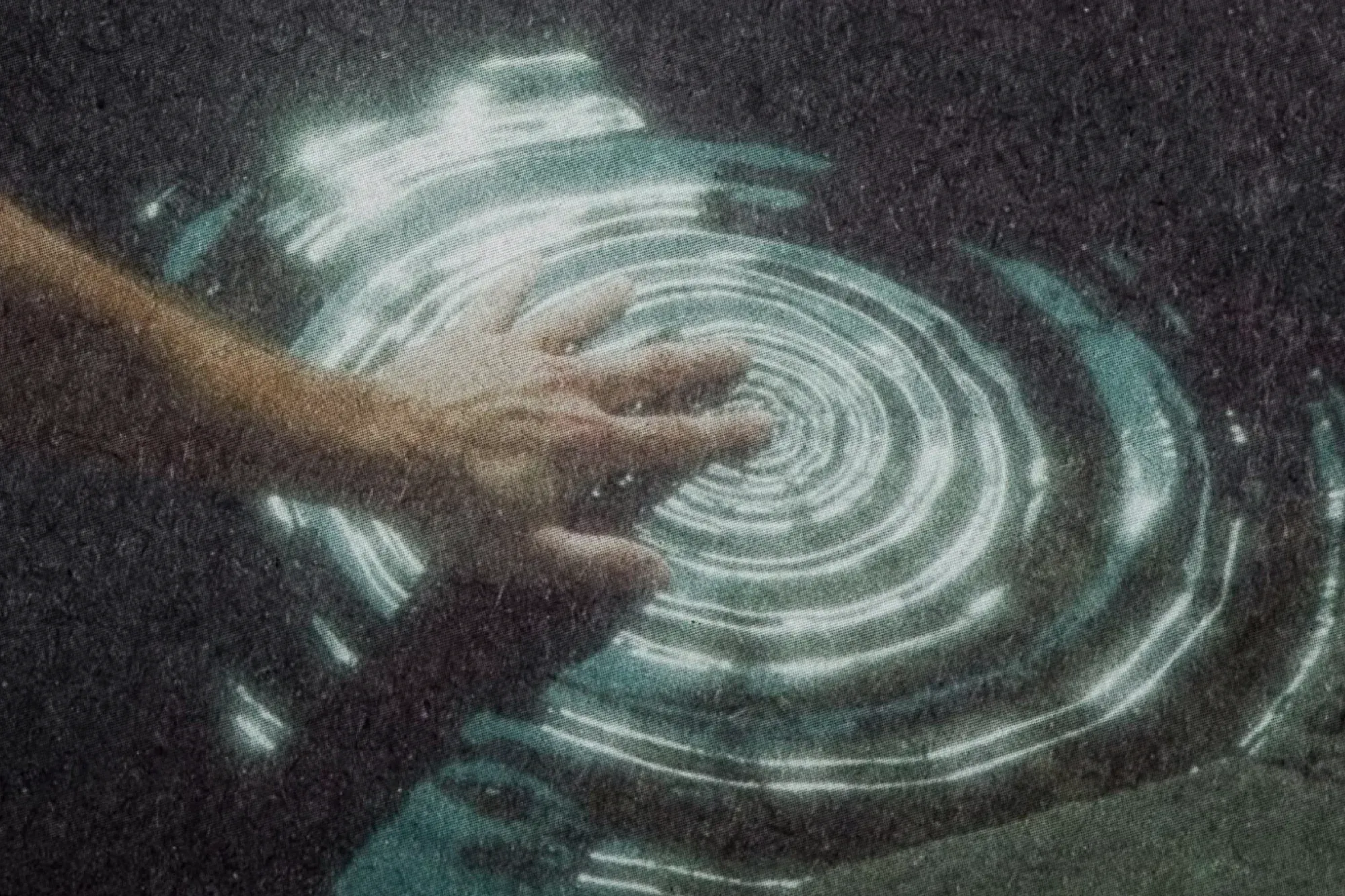
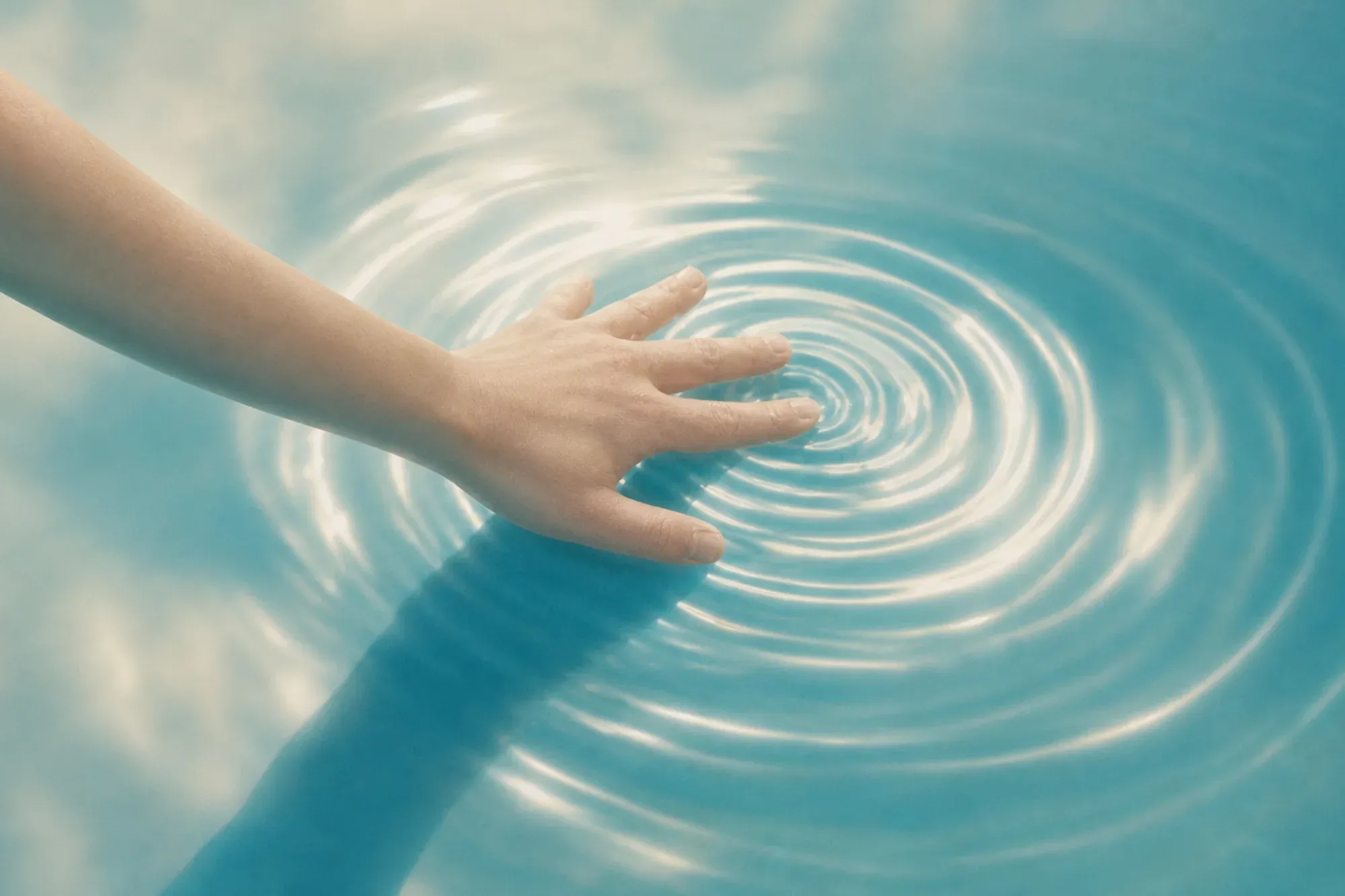
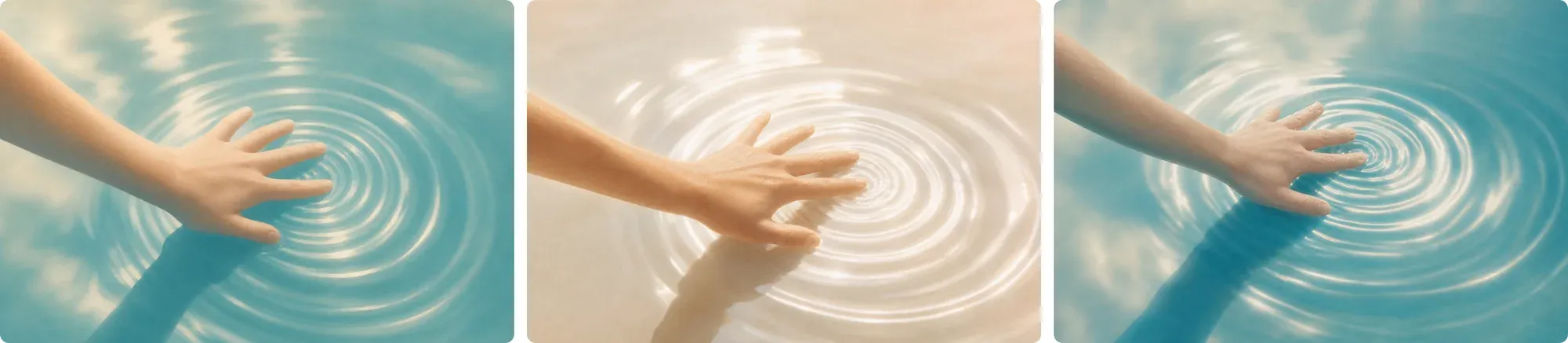
The film opens on water and moves into its interface through graphic textures, so the look of single shots was tested as carefully as the people. style-transfer took a dark picture of a hand touching a rock pool and gave it the light and color of another picture, keeping the hand, the ripples and the framing. A few passes gave the opening its options, from warm cream to open sky.
Part 3 · The screen
Finding the screen texture
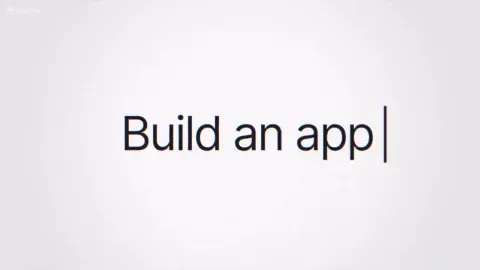
For the screen close-up, the team tried the same pixel effect on three models: GPT Image 2, Nano Banana 2 and Seedream. Nano Banana 2's version became the pixel grid in the film. Its dotted cursor gave the editor a place to cut into the typing cursor at the end of the opening sequence.
Part 4 · The outfits
Trying different outfits on the same character
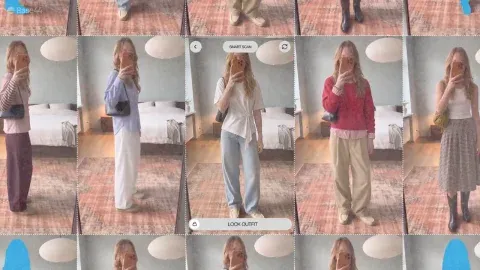
Character sheets let the team try different clothes on the same person. One prompt asked for “Recreate the same character and the same character sheet, changing only the outfit to a {suggest 20 different hipster outfits}”. The braces make this a variable: each outfit runs separately and lands beside the others on the board.
For the fashion creator, video-restyler made the outfit swaps in the mirror. The clothes walking off her phone used first-last-frame, with the flat clothes as the starting image and her shot as the ending image.
Part 5 · The piano
Finding the piano movement
The first pianist looked too similar to another character, so the team recast him with a beard, glasses and a red work jacket. To get his hand sweeping along the keys, they tried the same starting image and prompt across several video models, then refined the movement with Seedance 2.5. These takes helped shape the rough cut the animators worked from; the final close-up of the hand was made later.
Part 6 · The arm
From a robot arm sketch to a moving shot
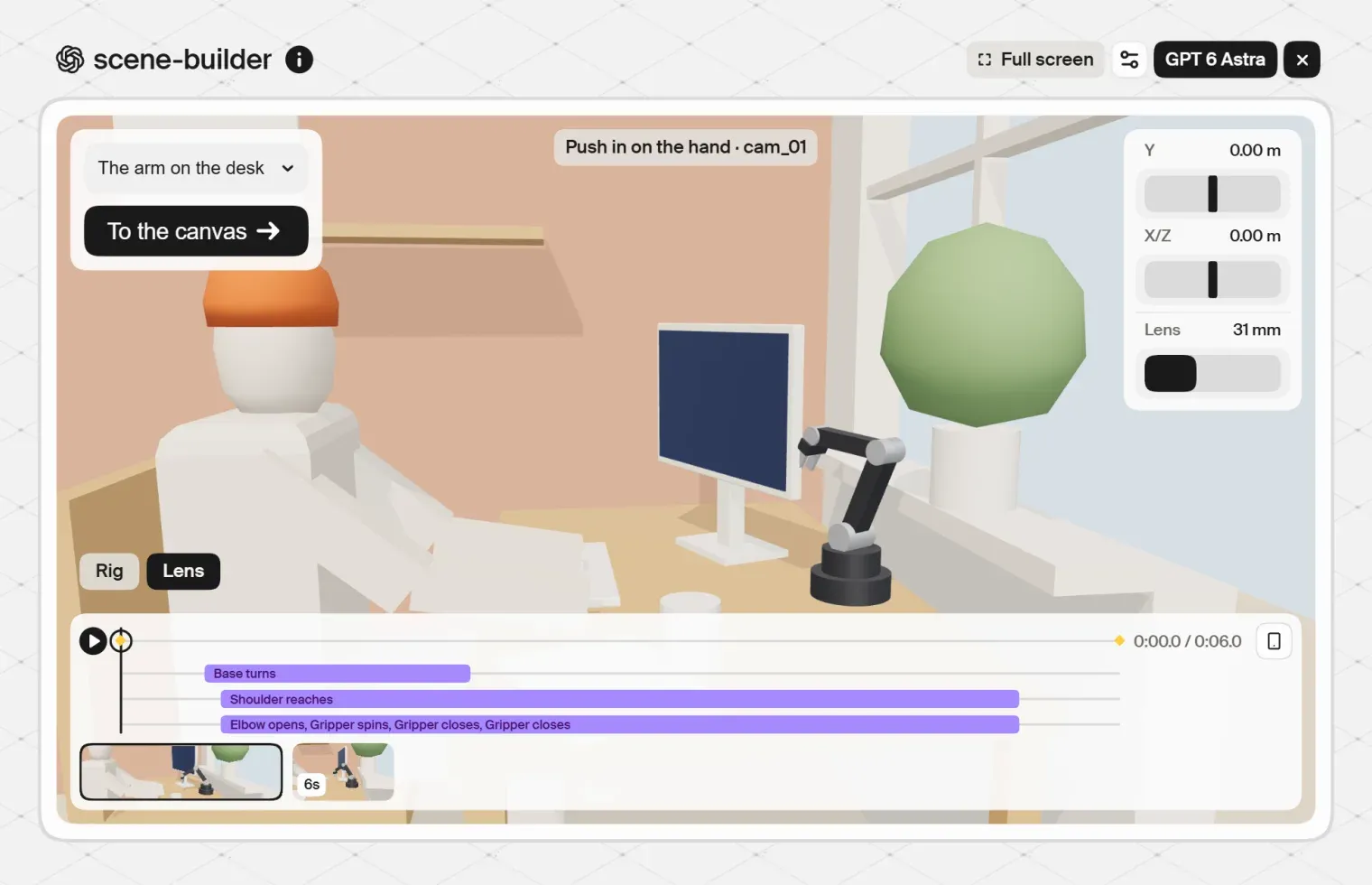
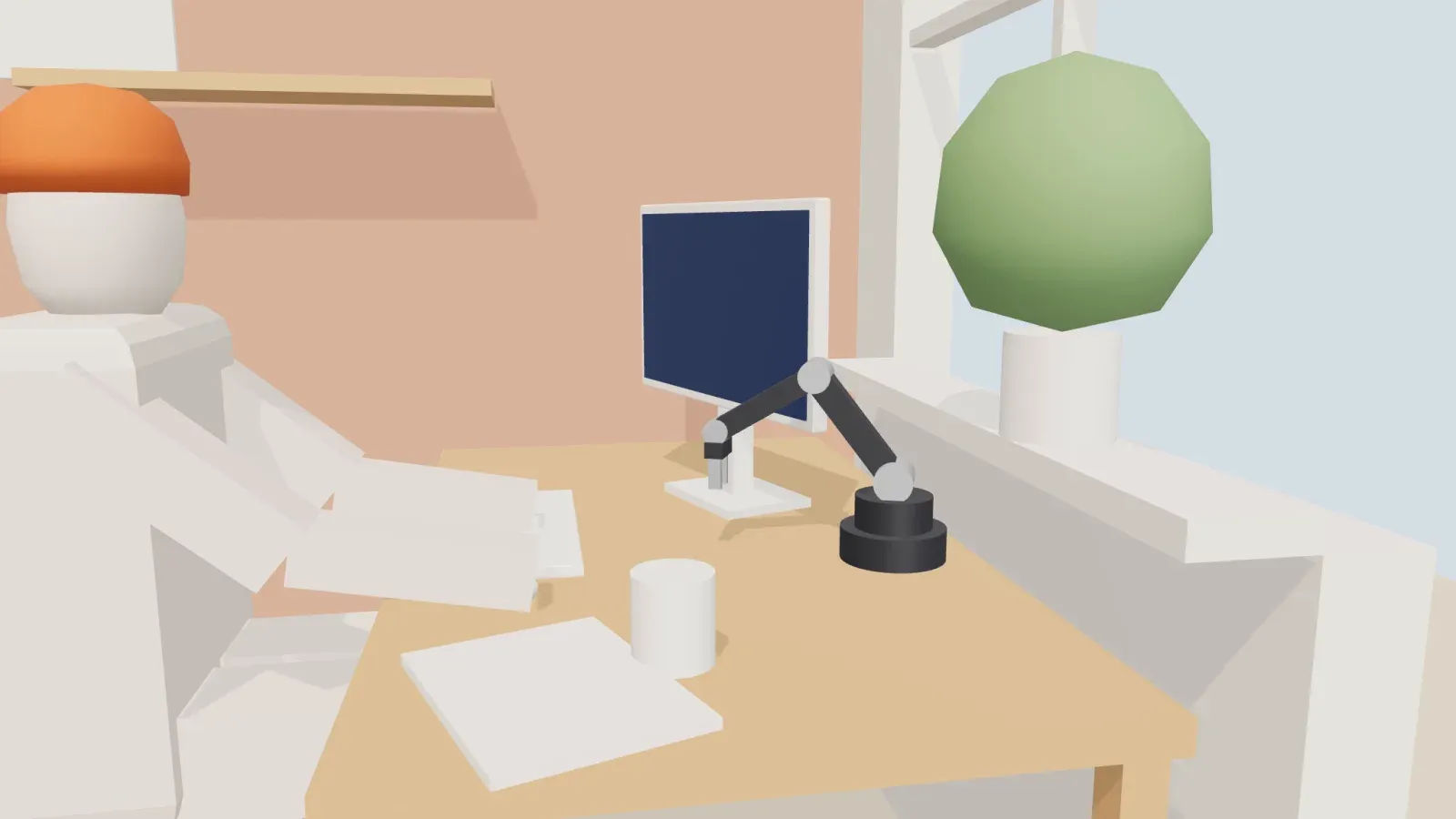
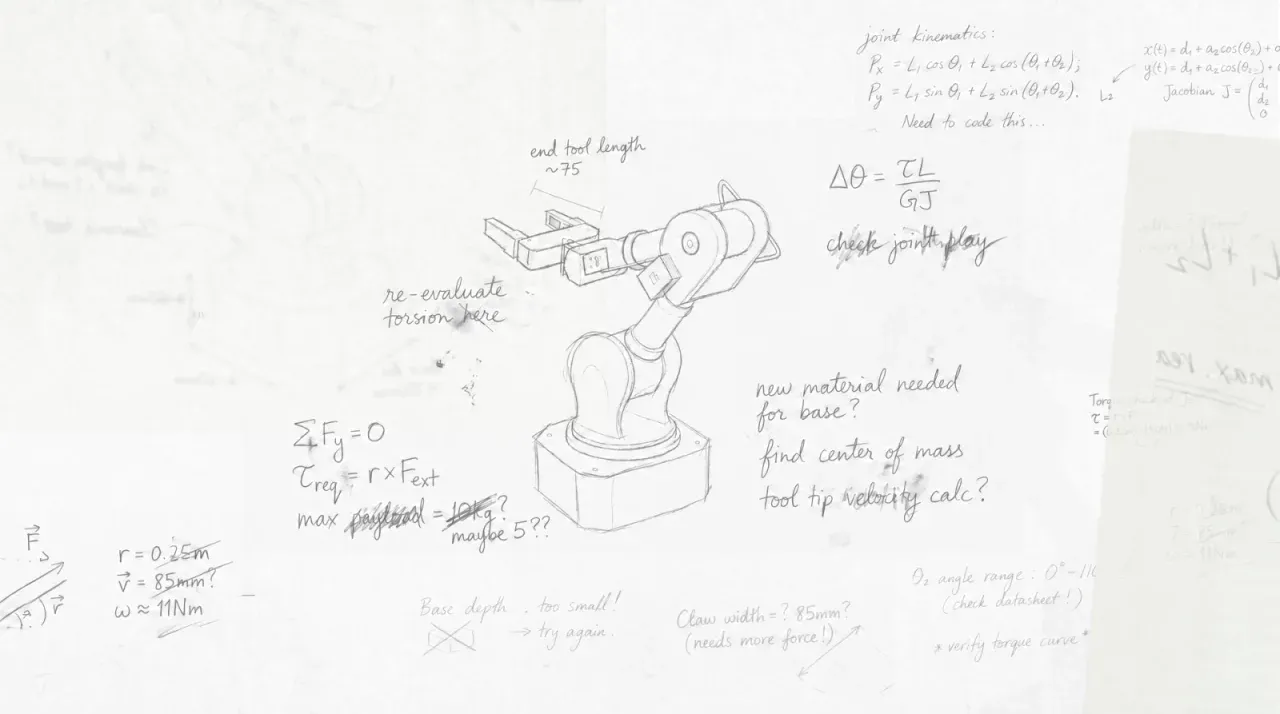
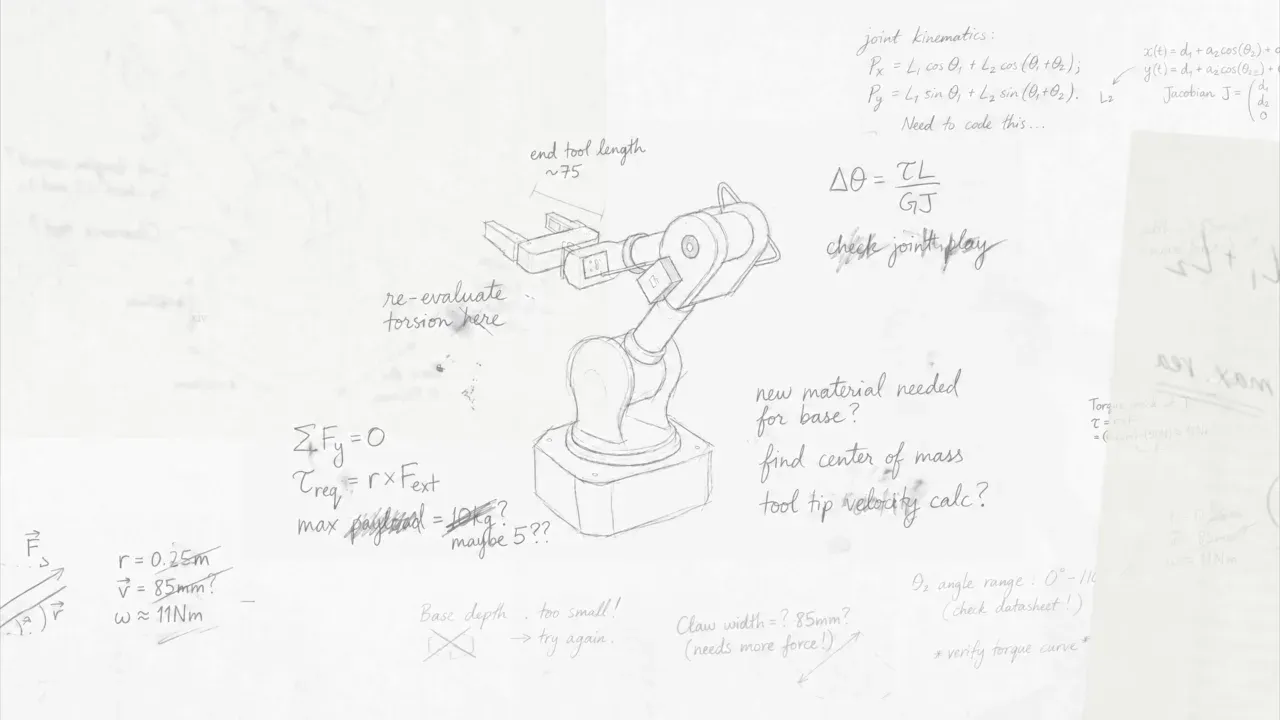
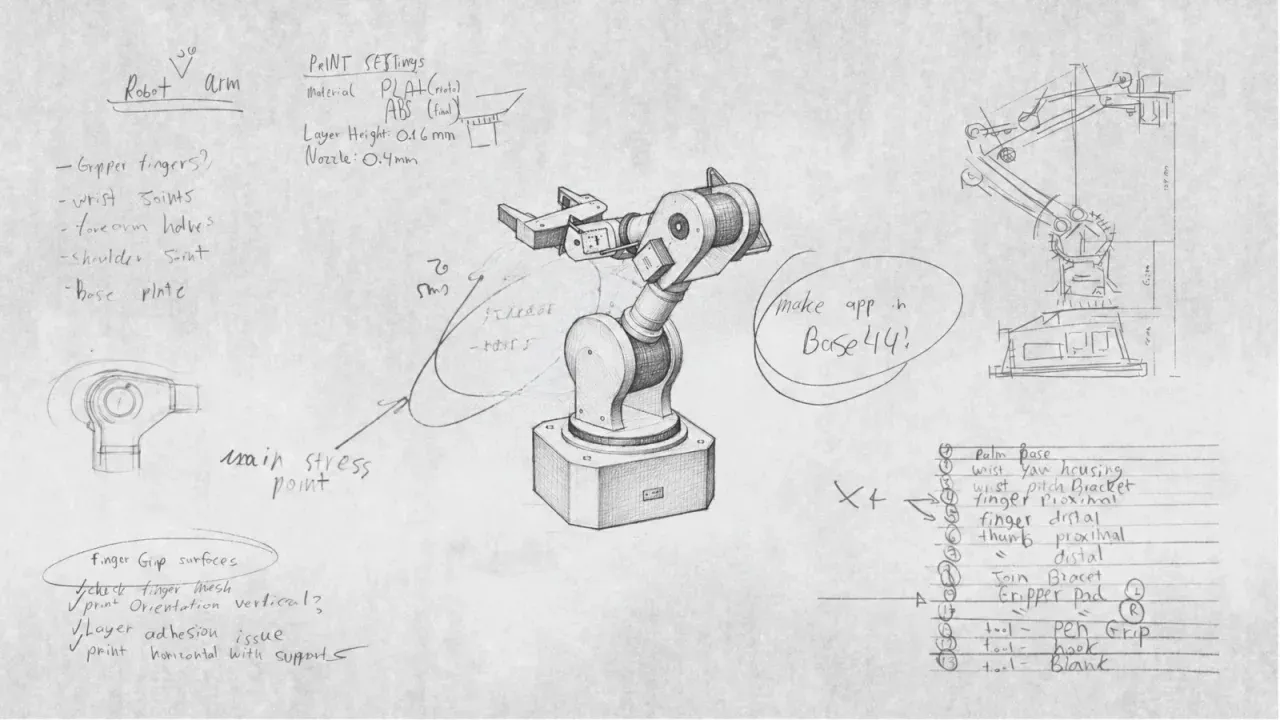
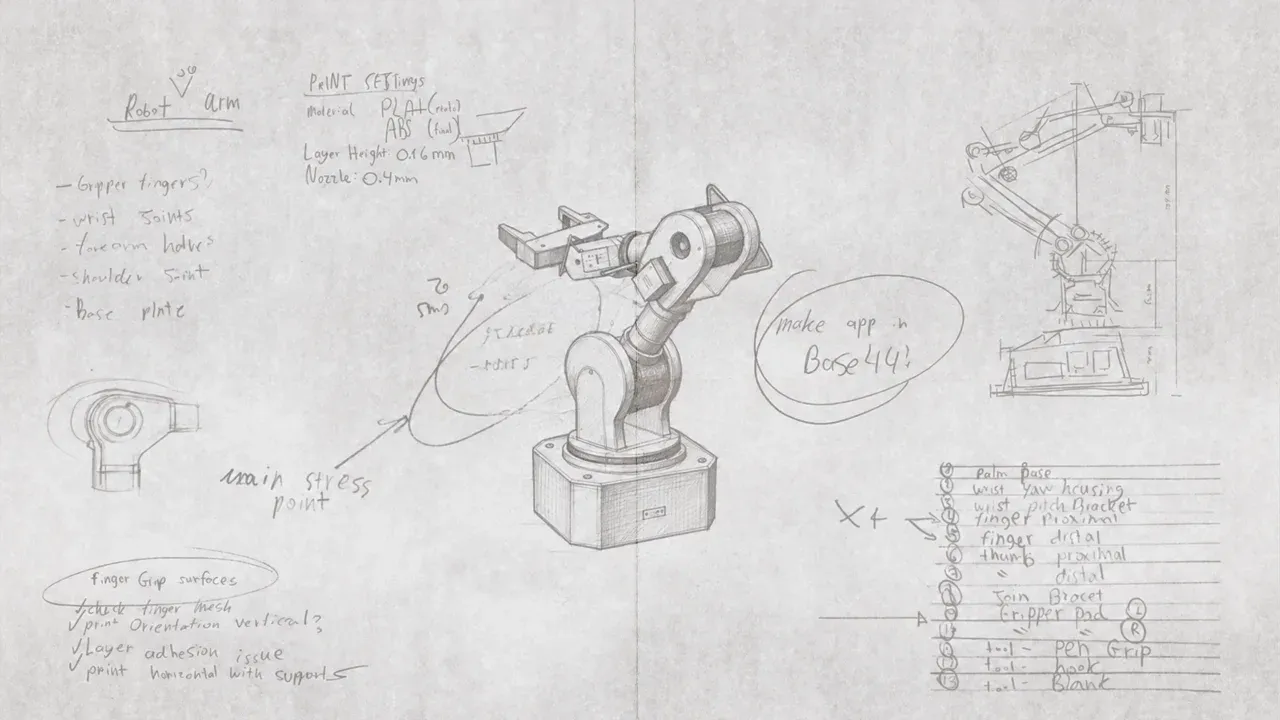
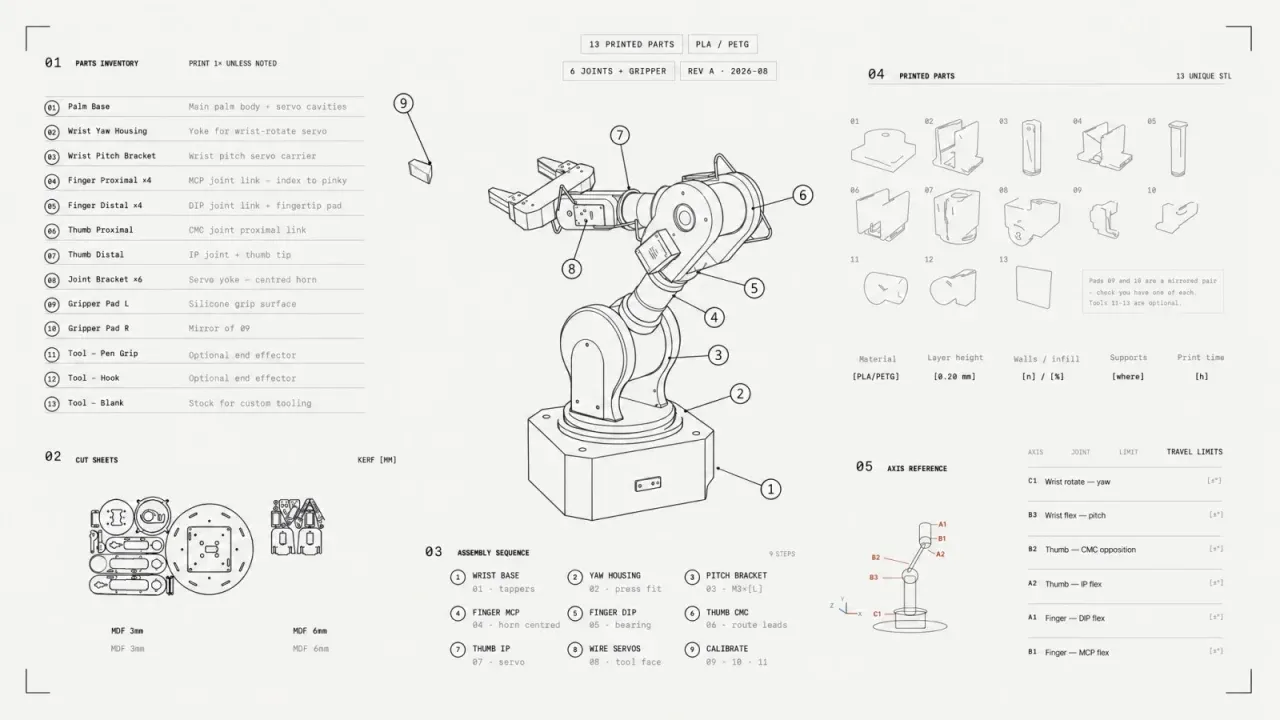
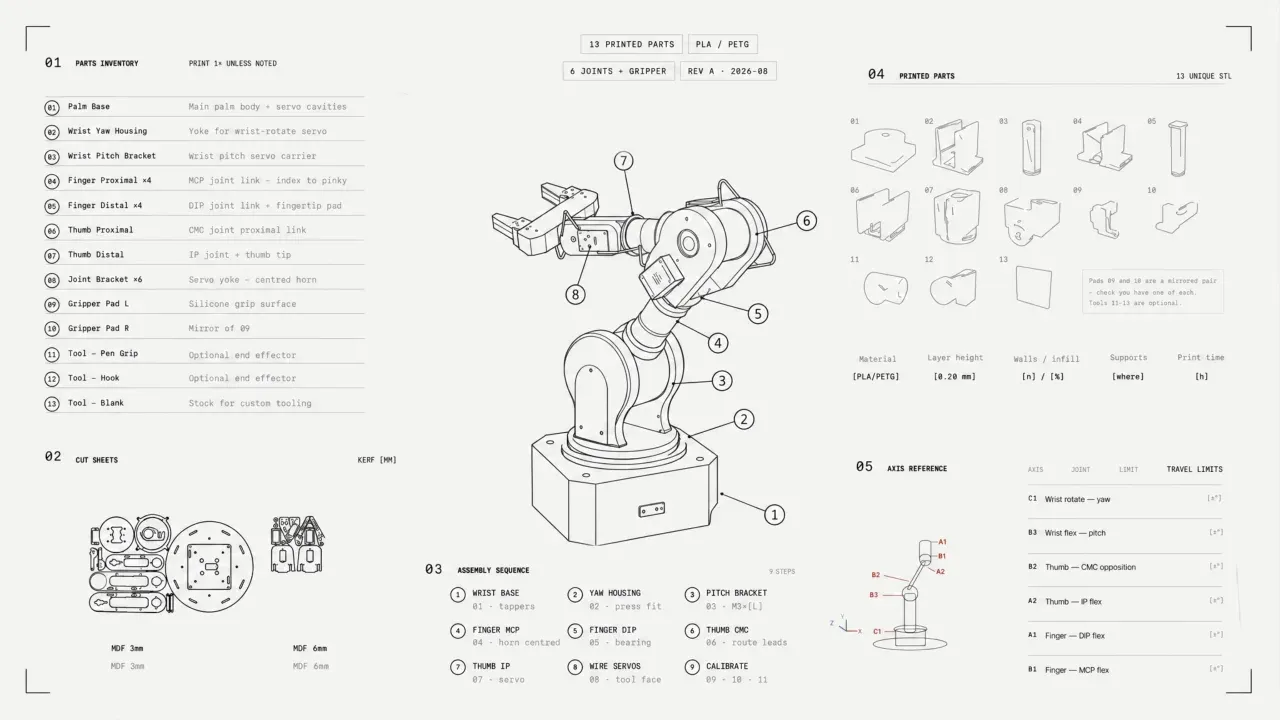
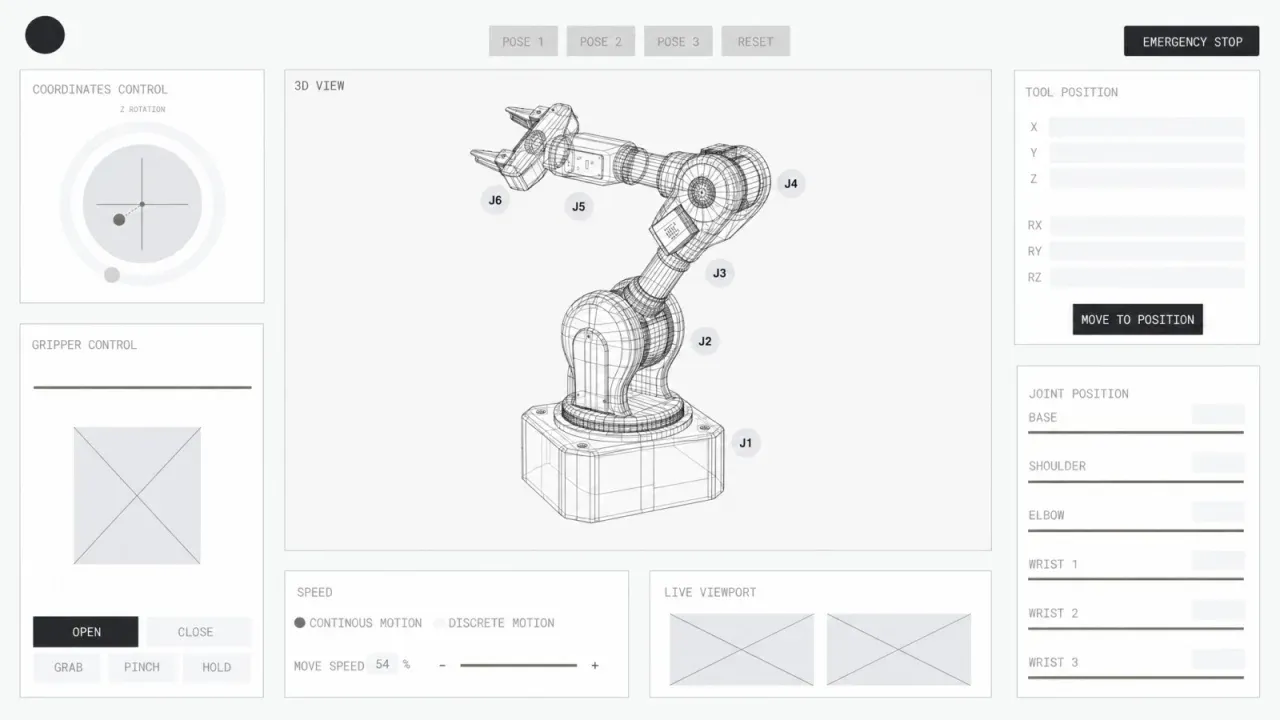
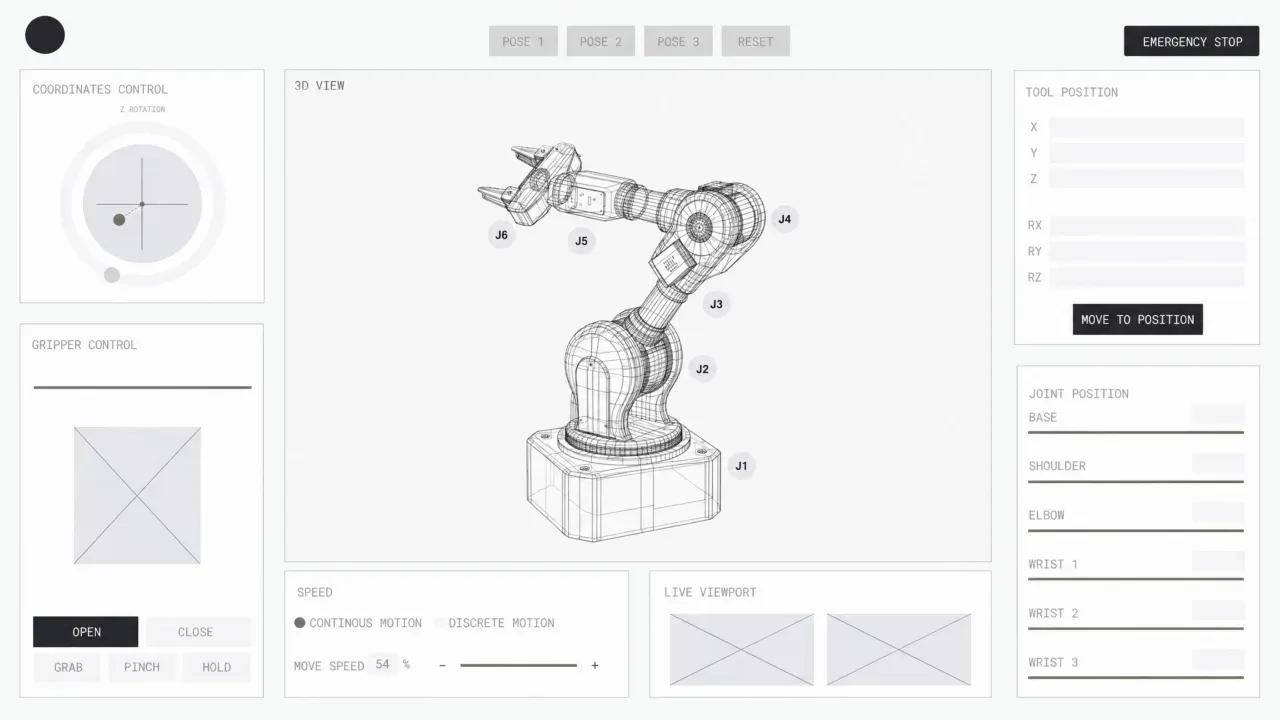
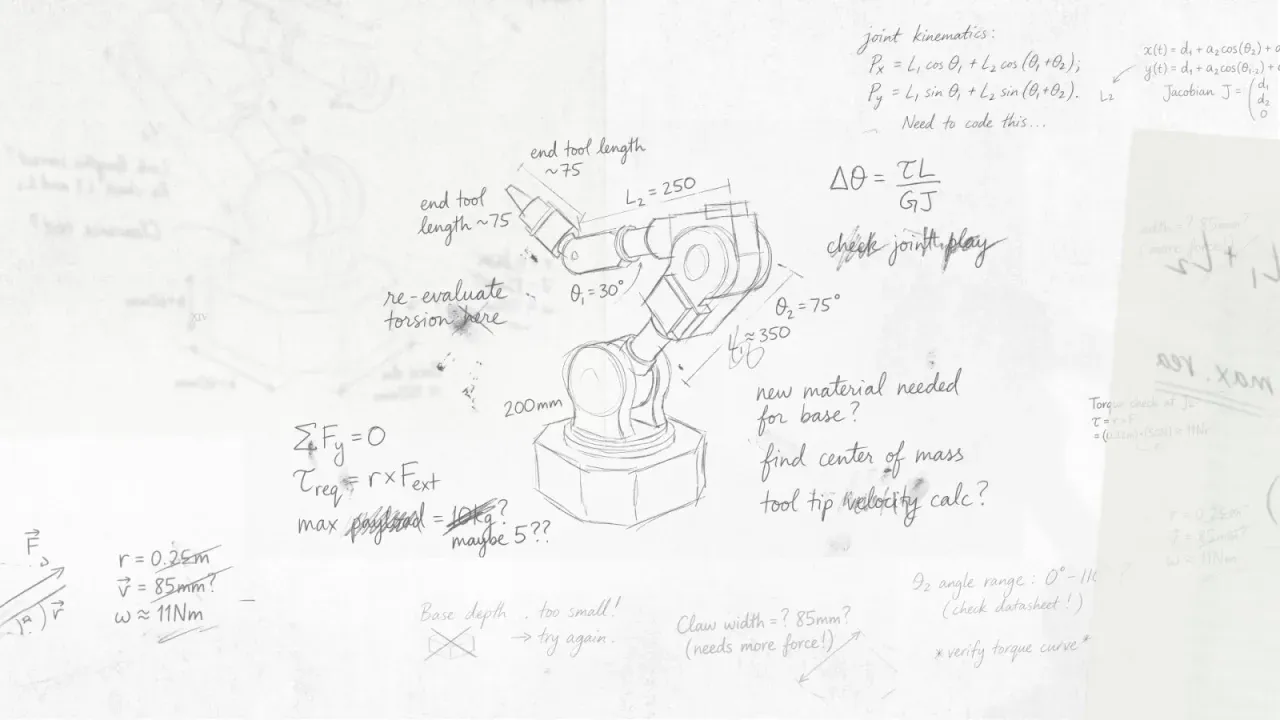
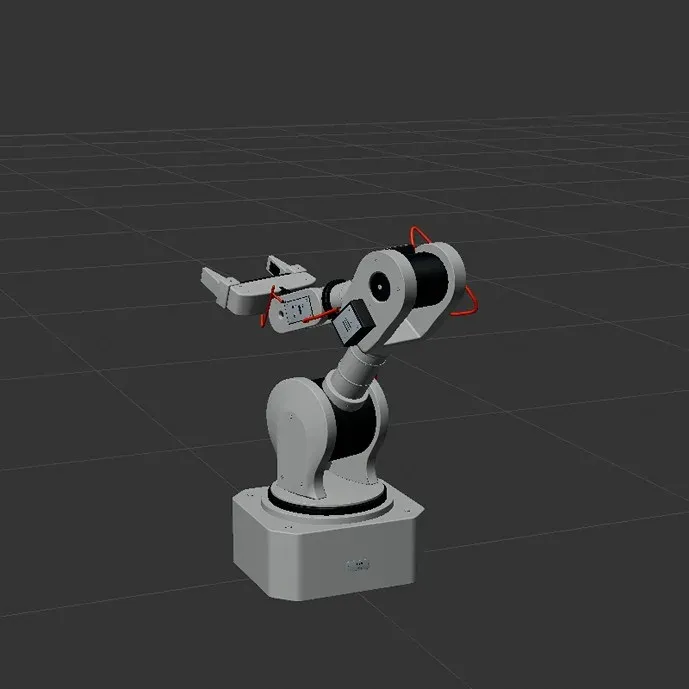
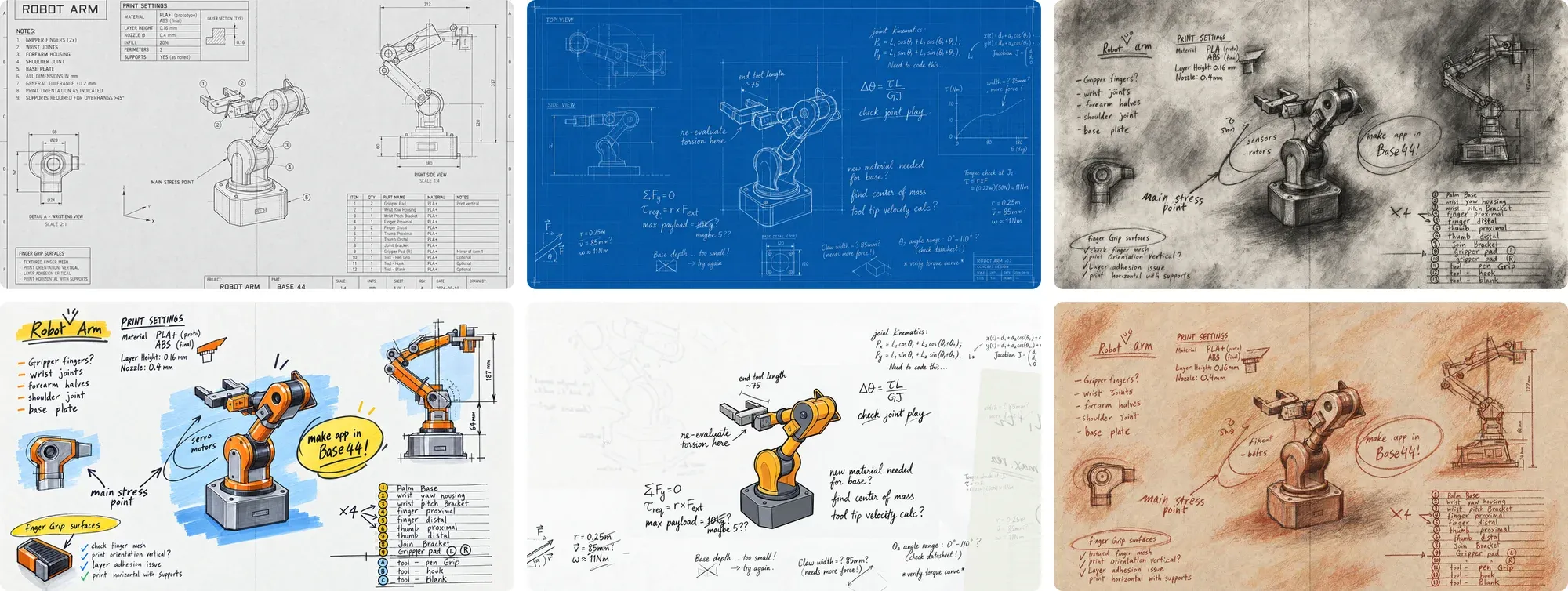
The maker's scene starts with a drawing of a robot arm and ends with it moving on his desk. The team tried technical drawings, blueprints, charcoal and marker with edit-images before settling on pencil. A 3D view of the arm gave every redraw the same pose and proportions.
For this post, we rebuilt the moving desk shot with scene-builder and video-restyler. The desk becomes a 3D set, with the arm and camera movement on a timeline. That gives us a clay clip to paint using one of the studio's stills as the style reference. The studio made its original desk shot outside Plnty.
Part 7 · The cafe
Camera angles with the angles tool
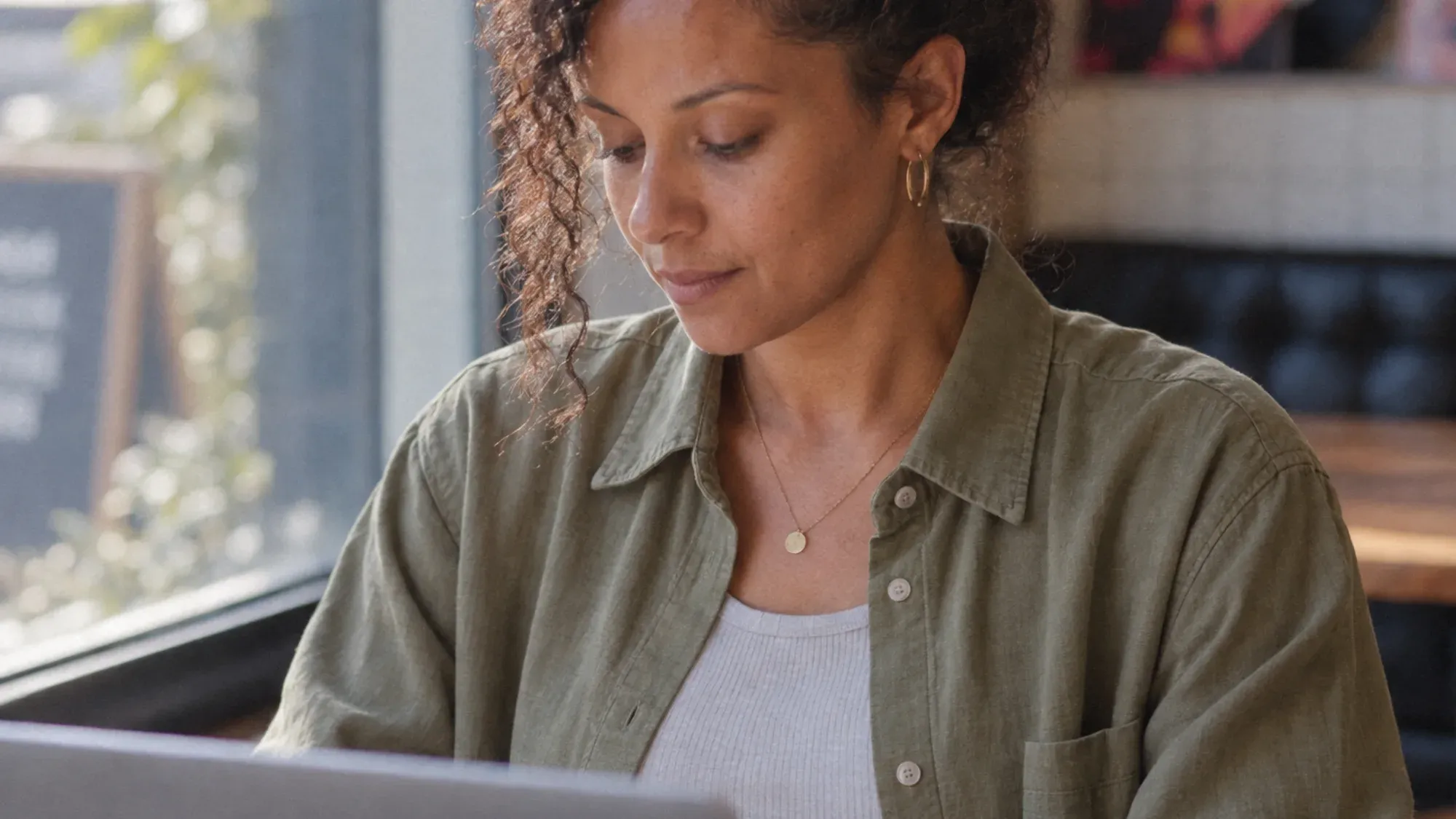
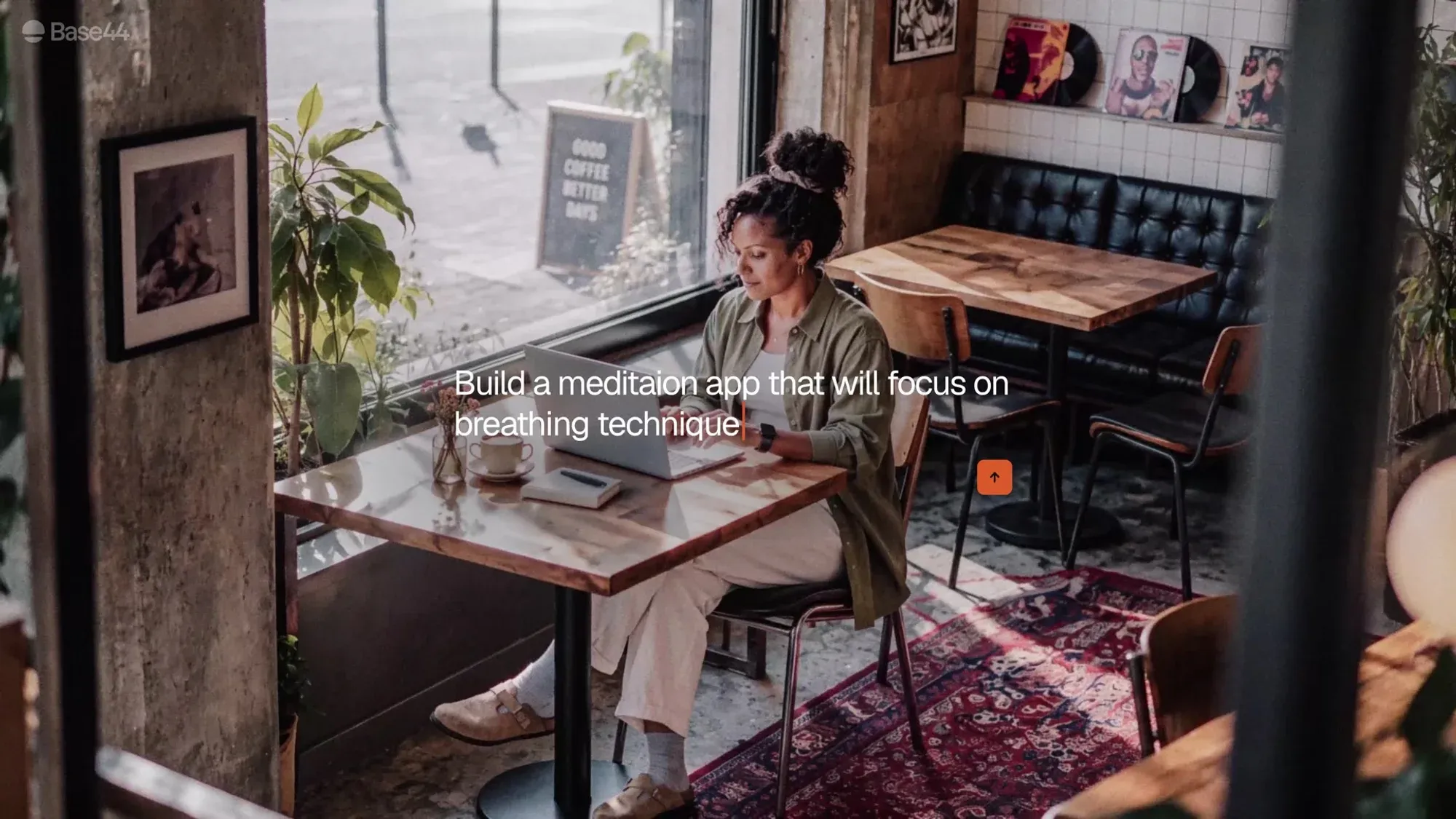
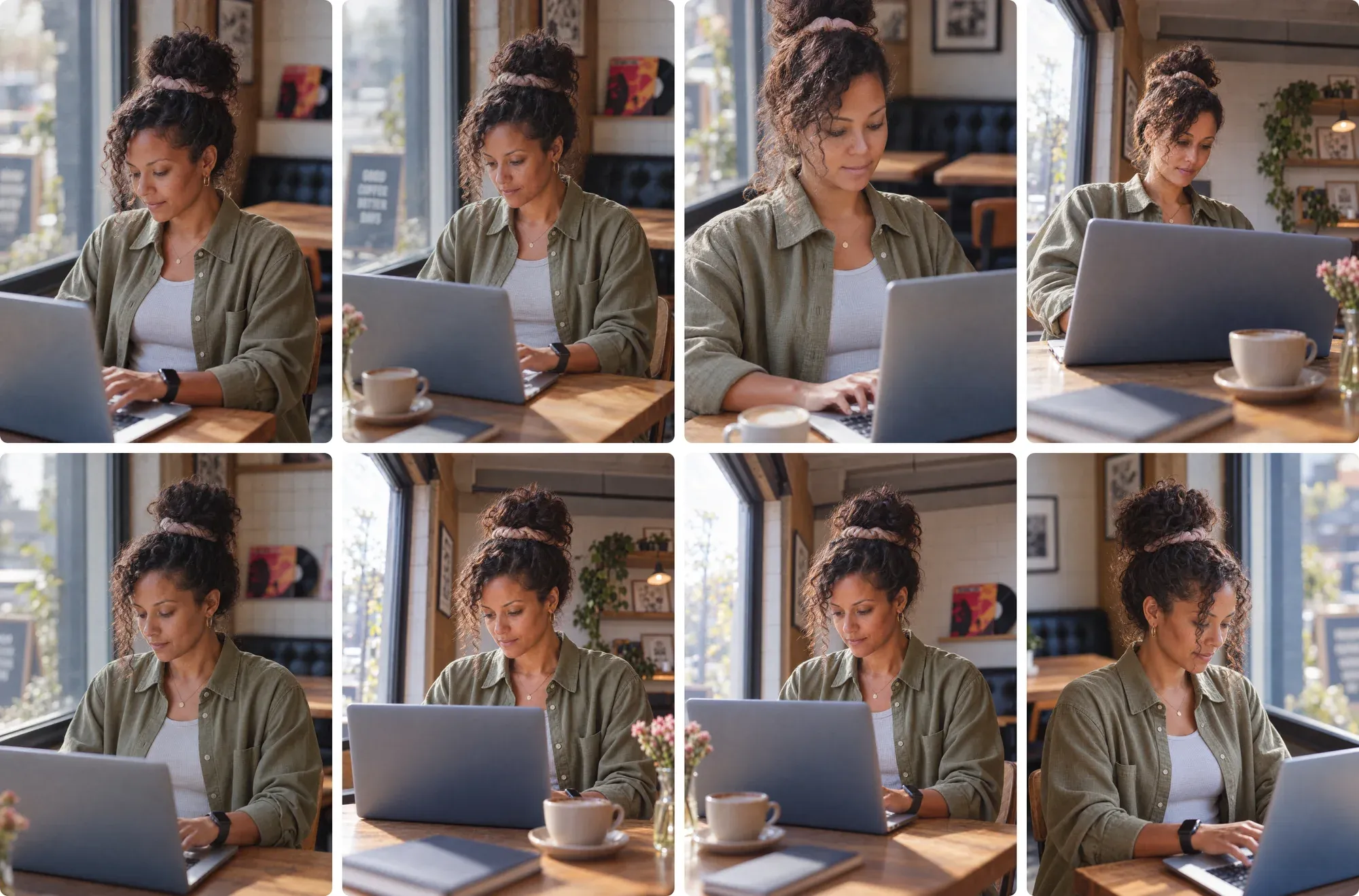
Every character needed a room: a cafe by a tram stop, a studio with a keyboard under the window, a workshop with the arm on the desk. Once a room worked, the team used the angles tool to look around it and choose a new camera position.
The cafe was explored from different sides of the table, and the frame used in the film came out of that search.
Overhead 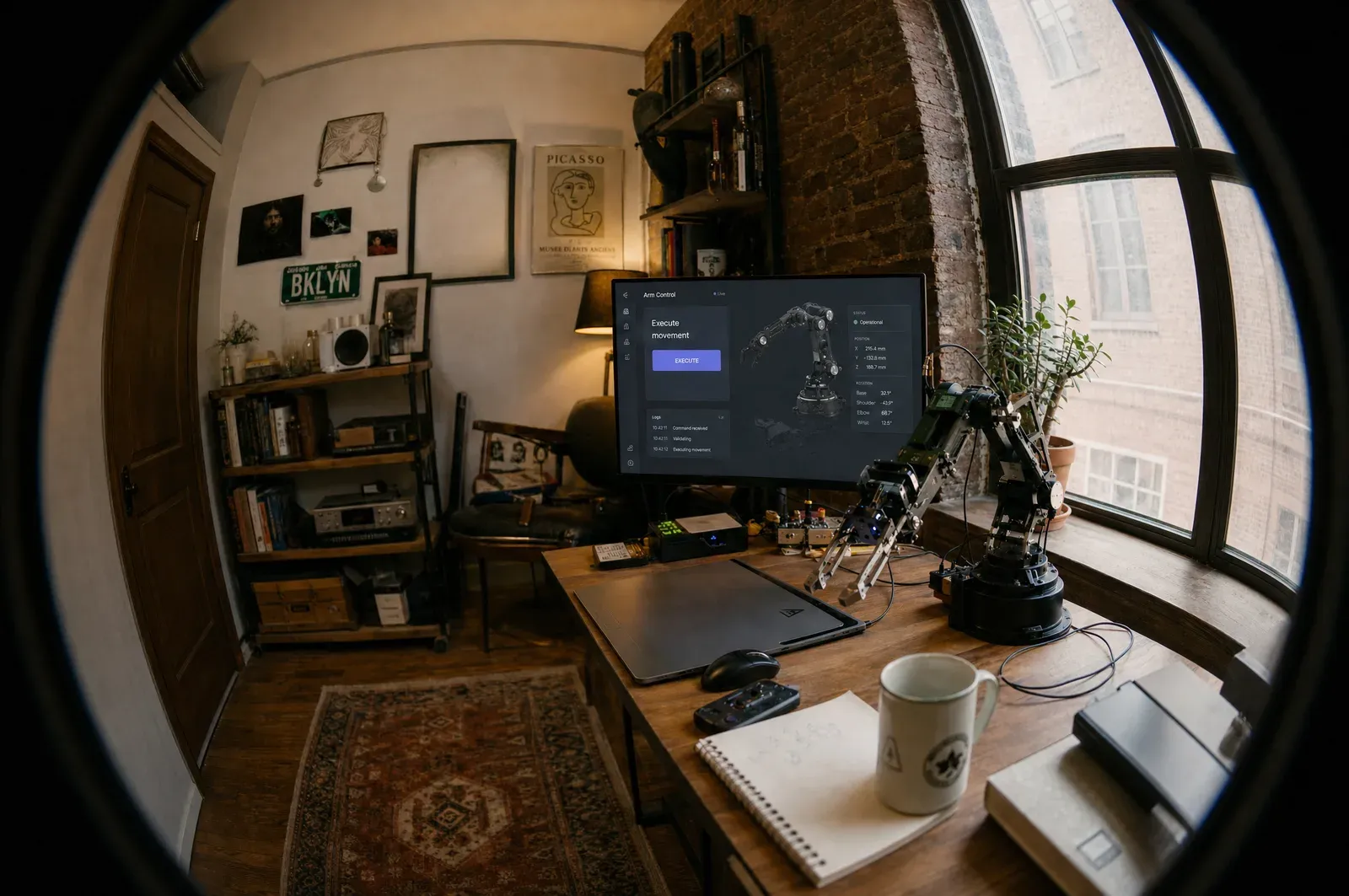
Fisheye 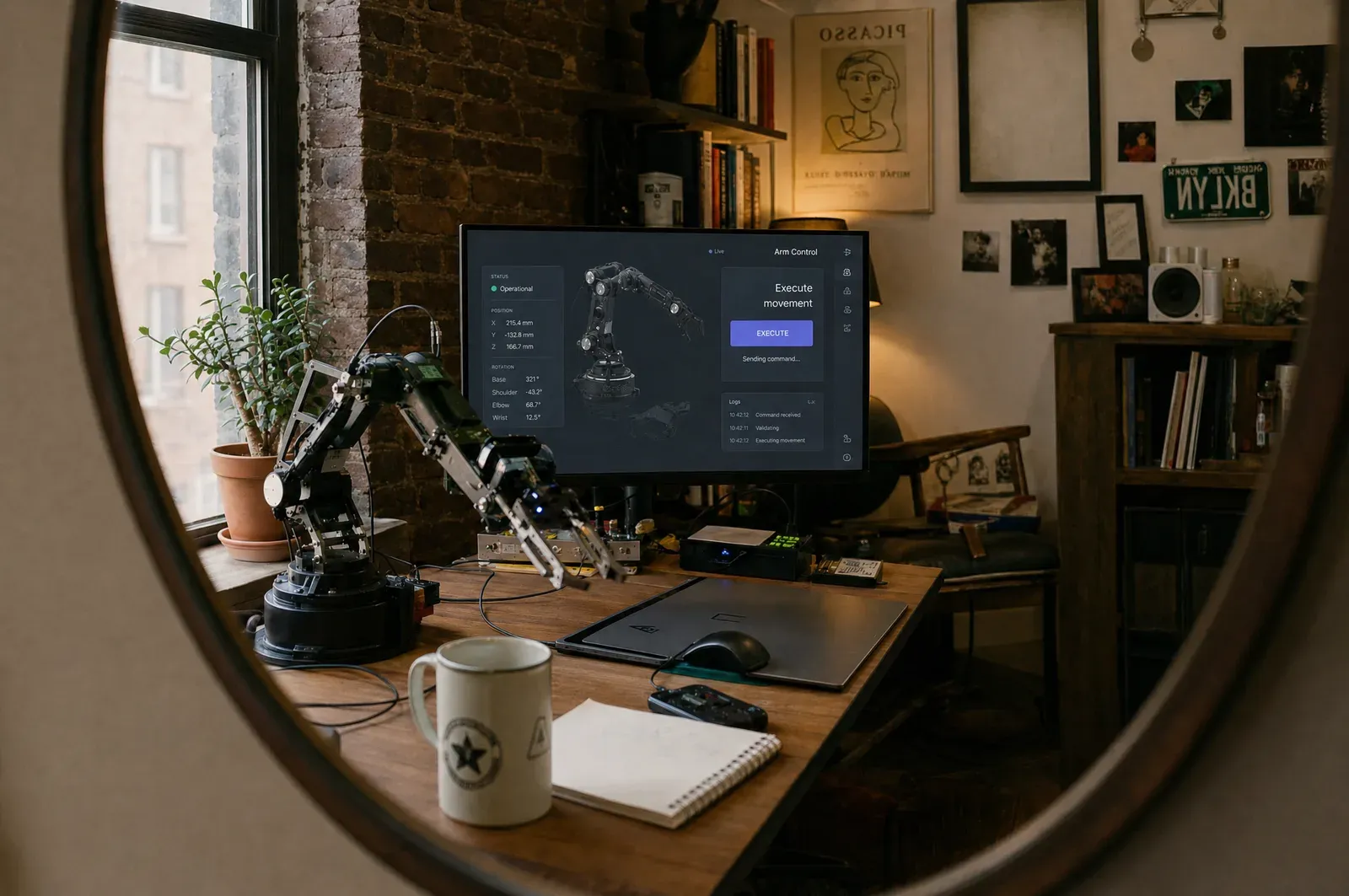
In a mirror 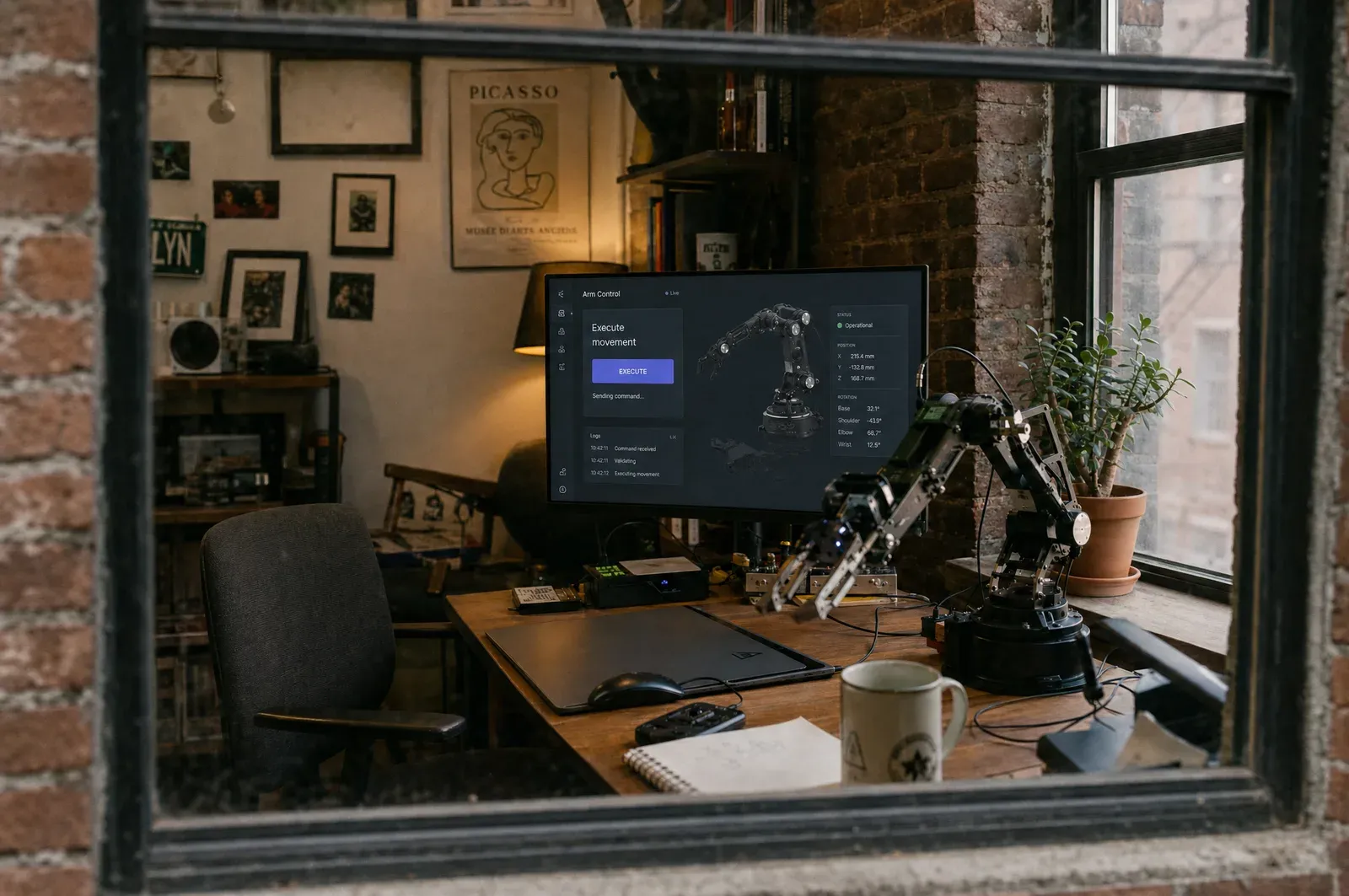
Through the window
Expert view
Plnty was where the film got decided. The characters, their rooms, the angles and the transitions all lived on boards the whole team could open, so by the time the animators started, the hard choices were already made.
Shimi CohenCreative lead, Base44 Apps 2.0What was Plnty used for on the Apps 2.0 film?
The studio cast the characters, tried their outfits, explored camera angles and tested the look of individual shots in Plnty. Those choices came together in a rough cut for the designers and animators to work from.
How do you keep an AI character consistent across shots?
Fix the character as a sheet first, the same person from the front, the side and the back on a plain ground, and make every later picture against that sheet. The Apps 2.0 boards hold a sheet for each character, and the outfits were made from them.
How do you dress one character in twenty outfits?
Give image-gen’s edit-image mode the character sheet and one prompt with a variable in braces, such as {suggest 20 different hipster outfits}. Plnty writes the list and runs each line on its own, so the outfits land side by side on the board, all on the same person.
Outcome
What the process achieved
The characters, rooms, outfits and transitions helped shape Base44's Apps 2.0 launch film. The rough cut made in Plnty gave the designers and animators a shared starting point.
What required manual work
The final shots were finished by the studio’s designers and animators, and the film was edited and graded after the boards.
What remained unresolved
Some of the film is not on the boards at all: the reveal in the opening, the close-up of the pianist’s hand and the desk shot after the drawings. The title typed over the opening pages is the editor’s.
Sources and methodology
The studio's work comes from its seven Apps 2.0 boards in Plnty and the finished Base44 film. Shimi Cohen was the creative lead and editor; the full team is credited above. Our tool demonstrations replay the studio's work with the current tools. The desk set and painted camera move are our reconstruction for this post, and the opening Collections film shows the Apps 2.0 pictures shared through Plnty. The story also draws on a conversation with Shimi. The tool names have since changed: edit-images is now image-gen’s edit-image mode, change-angle is One angle in angles, and first-last-frame is Frames in video-gen.
About the author

Make your next film in Plnty
Cast it, dress it and find every shot on a board your whole team can open, before the final shots are made.