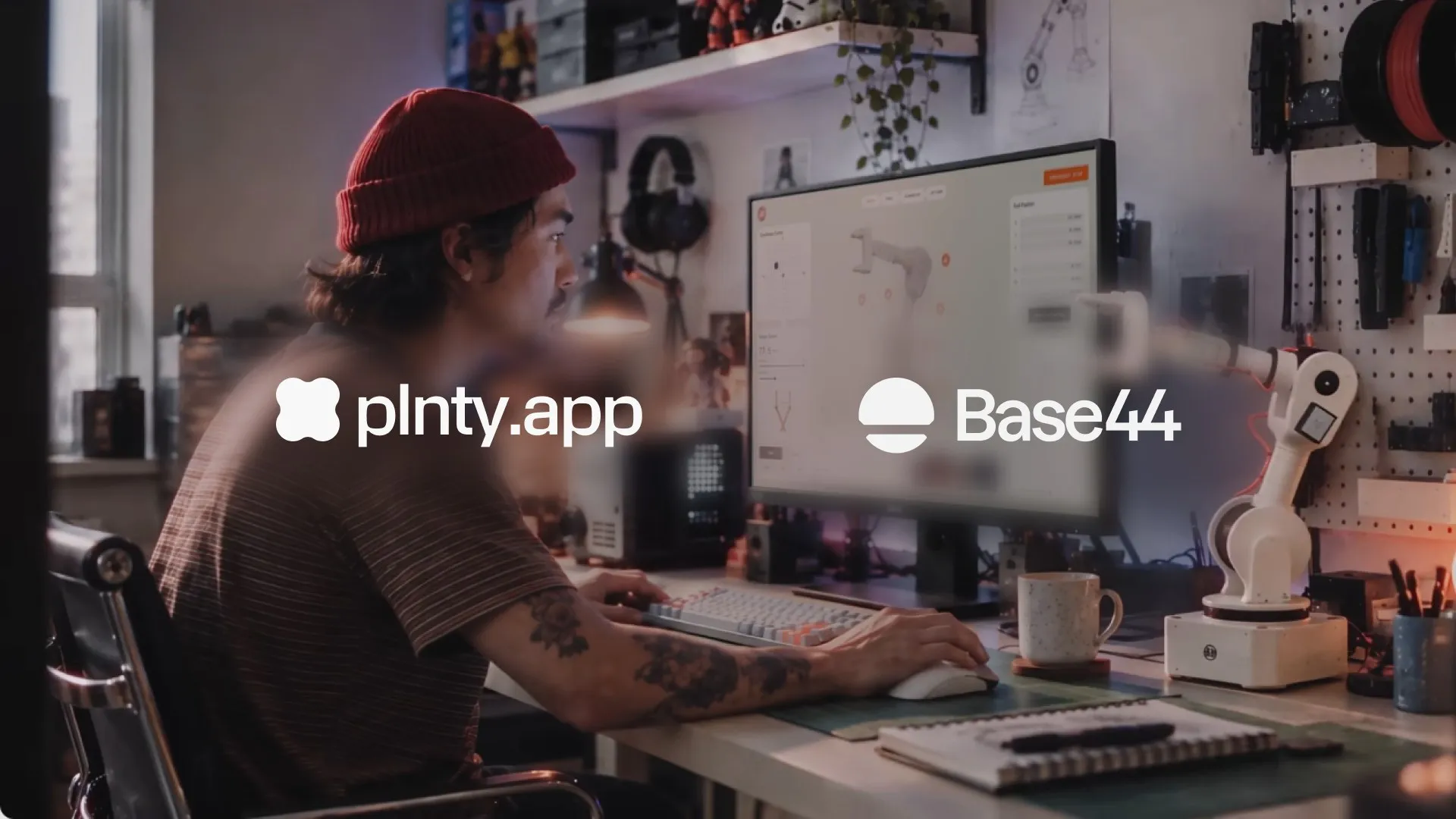
Base44 Apps 2.0, the making of the film
By Shimi Cohen

The making of Base44’s Apps 2.0 launch film, piece by piece.
- Case studies
- Motion
Tools & techniques
Featured story
By Shimi Cohen
The making of Base44’s Apps 2.0 launch film, piece by piece.
By Shimi Cohen
The making of Base44’s Apps 2.0 launch film, piece by piece.
By Yam Ben Adiva
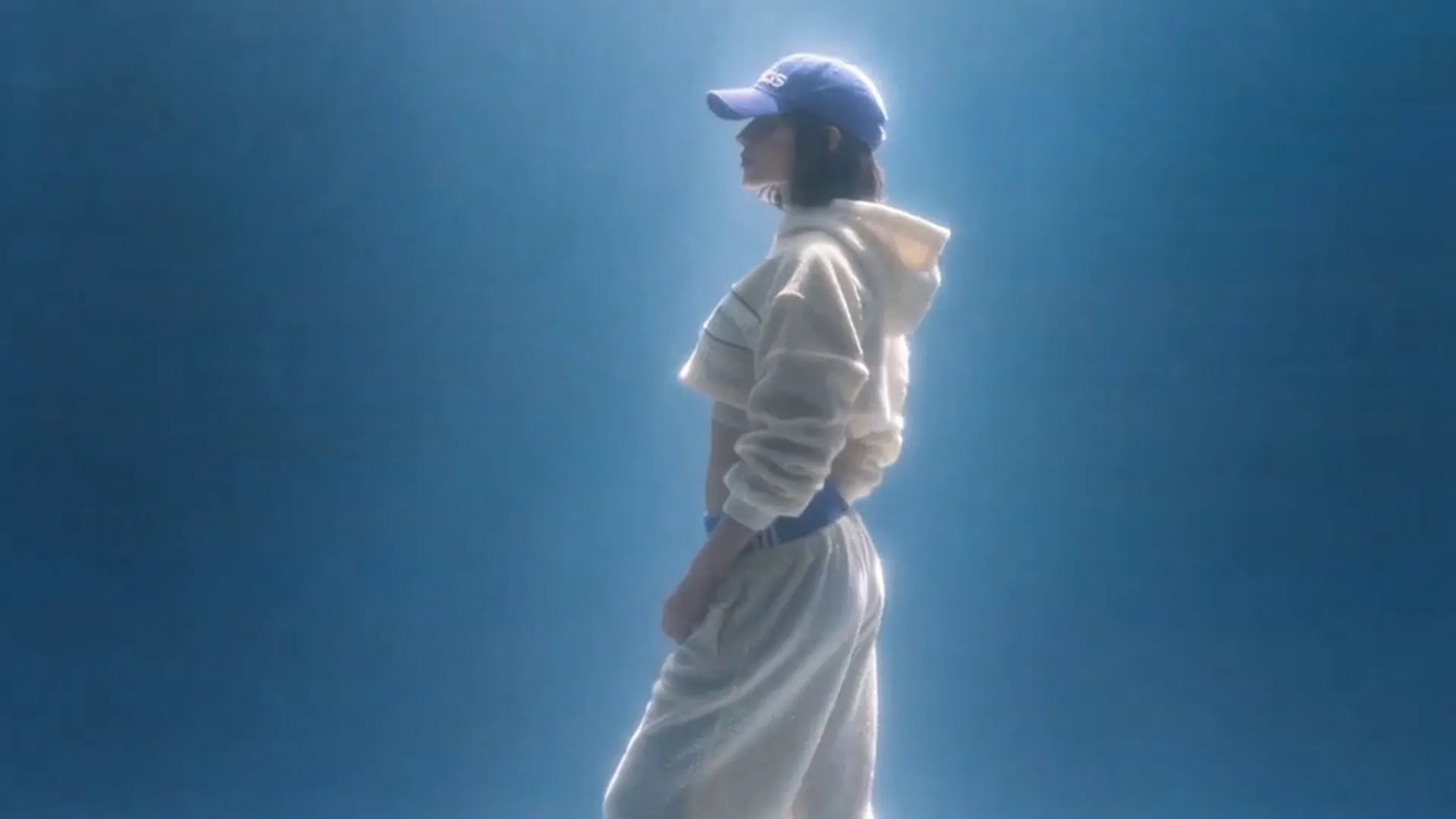
How a CGI studio's camera grammar and image-based lighting became controls a diffusion video model can follow.
By Plnty team
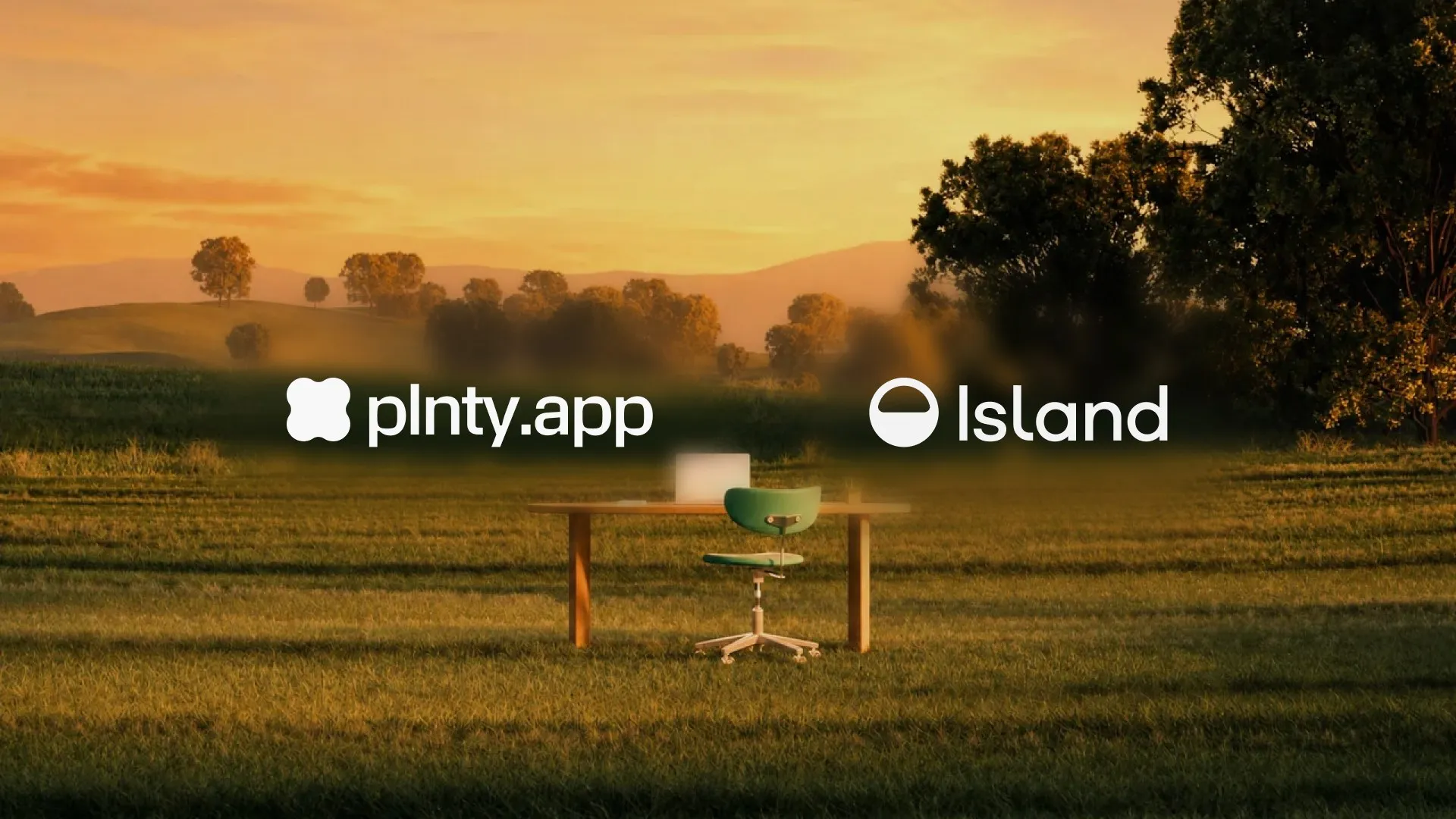
Starting with Yambo Studio's renders, Island's team used Plnty to make new landscapes, campaigns and motion in their own brand style.
By Ryan Haigh
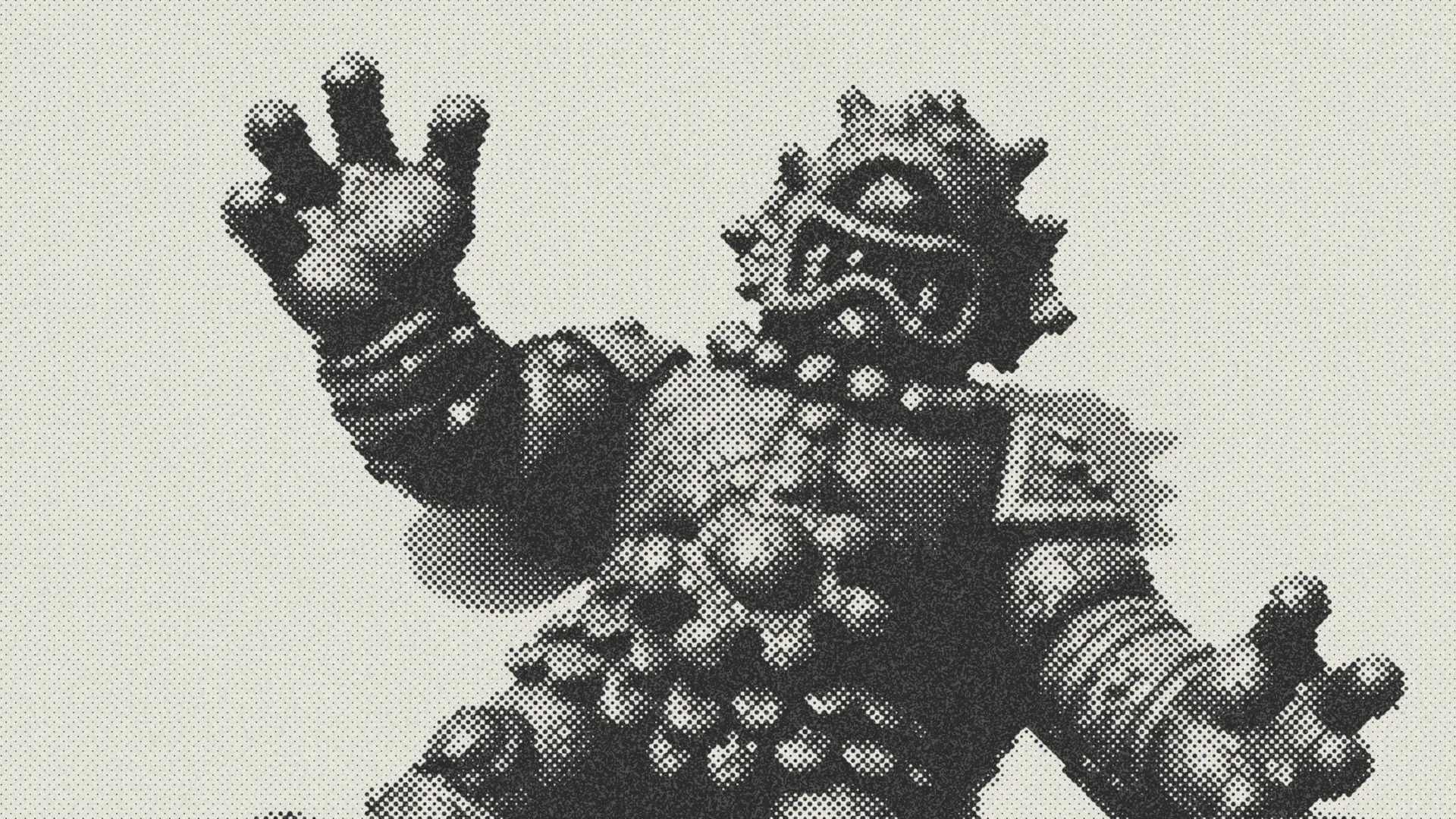
Ryan Haigh designed a set of pocket-size toy monsters in Plnty, then printed them.

By Yam Ben Adiva
A ring illustration and a few color studies became a world of landscapes, animated backgrounds and article scenes for Token Security's learning center.

By Owen Schmidt
Seven people's style-transfer projects, from Token Security's campaign worlds to a clay render turned to silver wire.
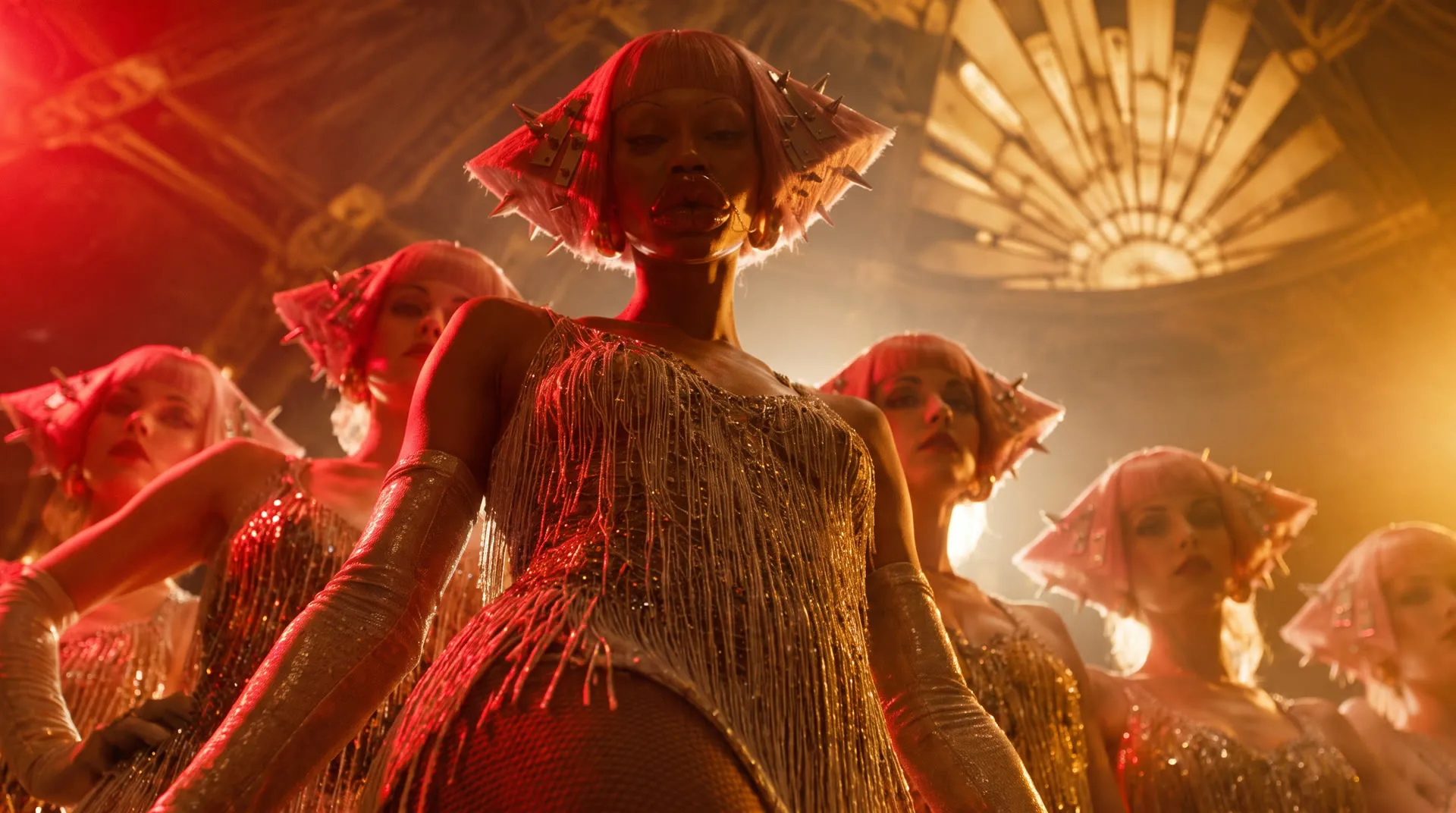
By Yam Ben Adiva
A depth model in your browser lets you light a picture or a clip while you drag, before anything renders.
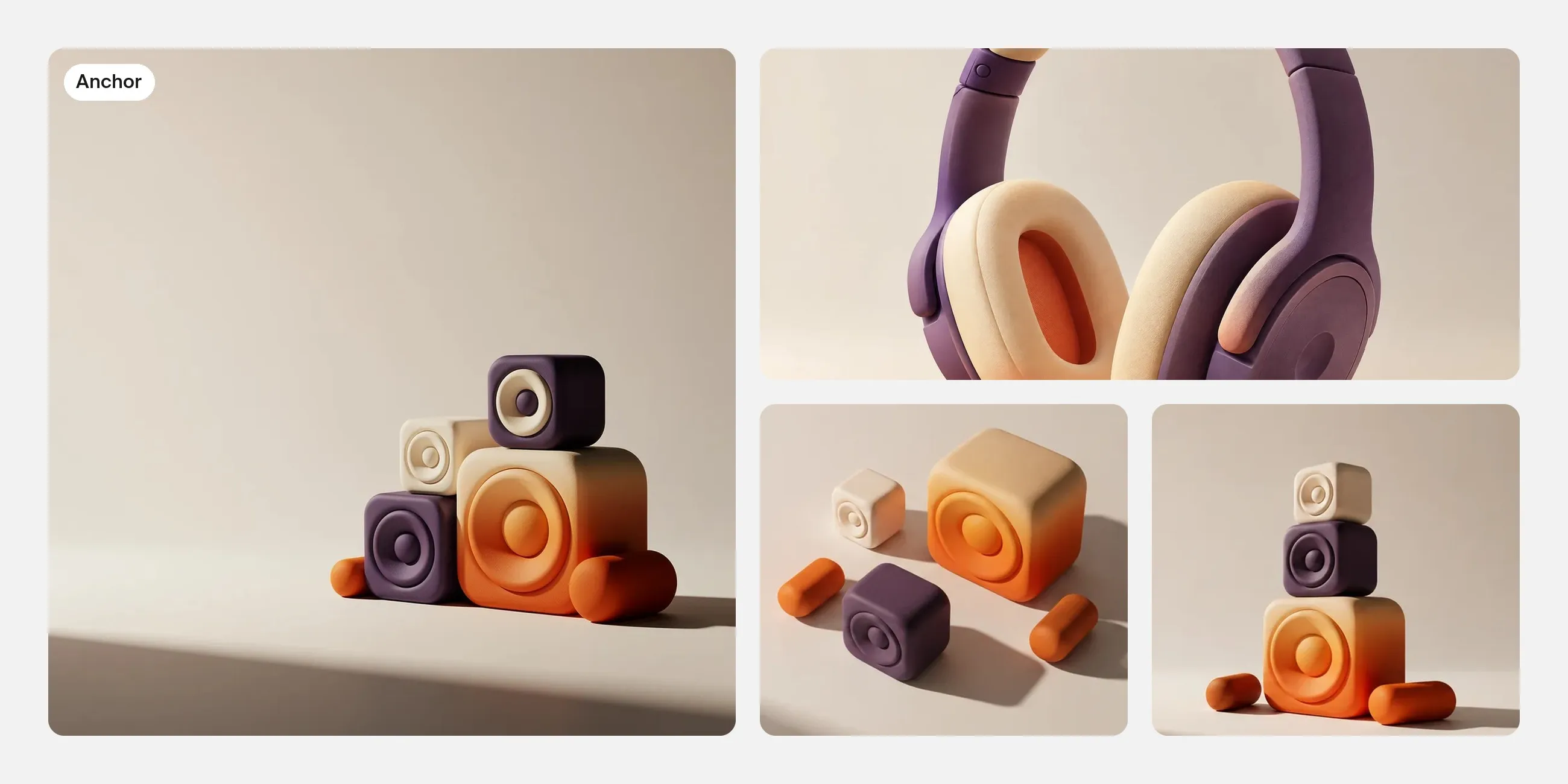
By Dor Sagiv
Start with an image you like, then use its shapes, palette and lighting to build a campaign set that works across different layouts.
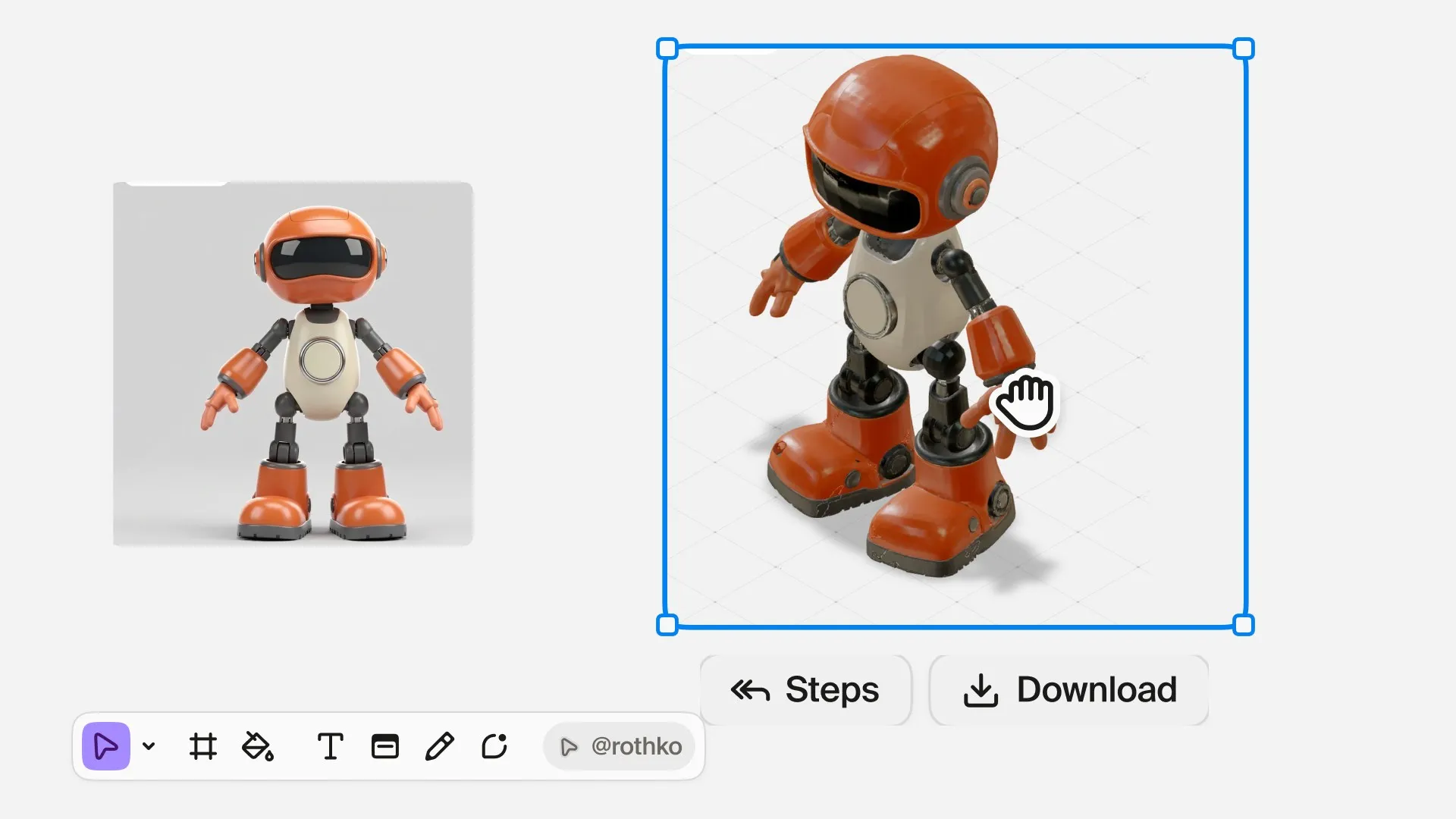
By Yam Ben Adiva
Prepare a character image in Plnty, generate a 3D model and inspect its silhouette, surfaces and hidden details before deciding what to refine.
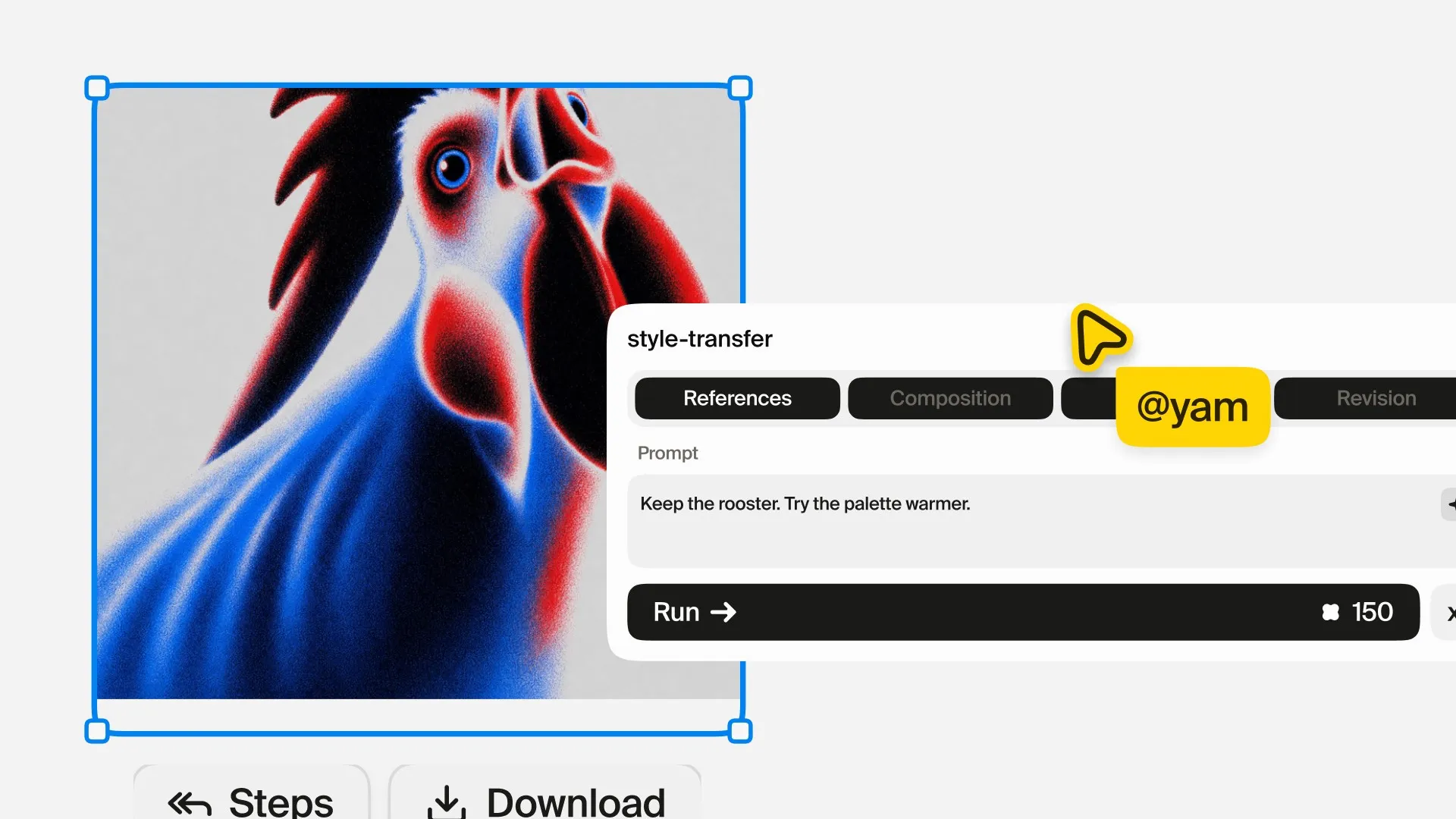
By Yam Ben Adiva
A generated image can look impressive and still miss the idea.
By Yam Ben Adiva
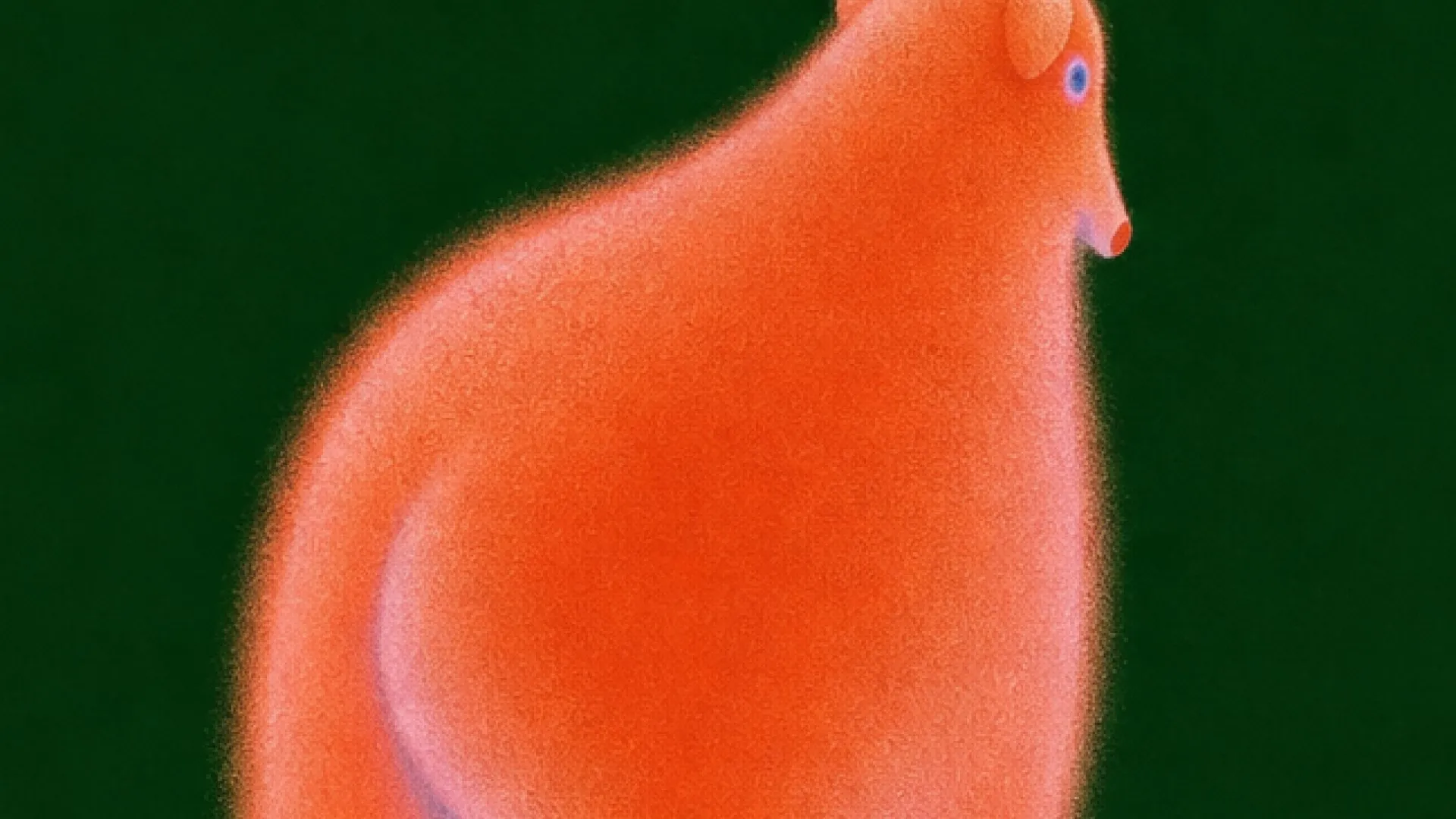
Explore visual directions, reshape a scene and refine a selected image with references and purpose-built creative tools.
By Yam Ben Adiva
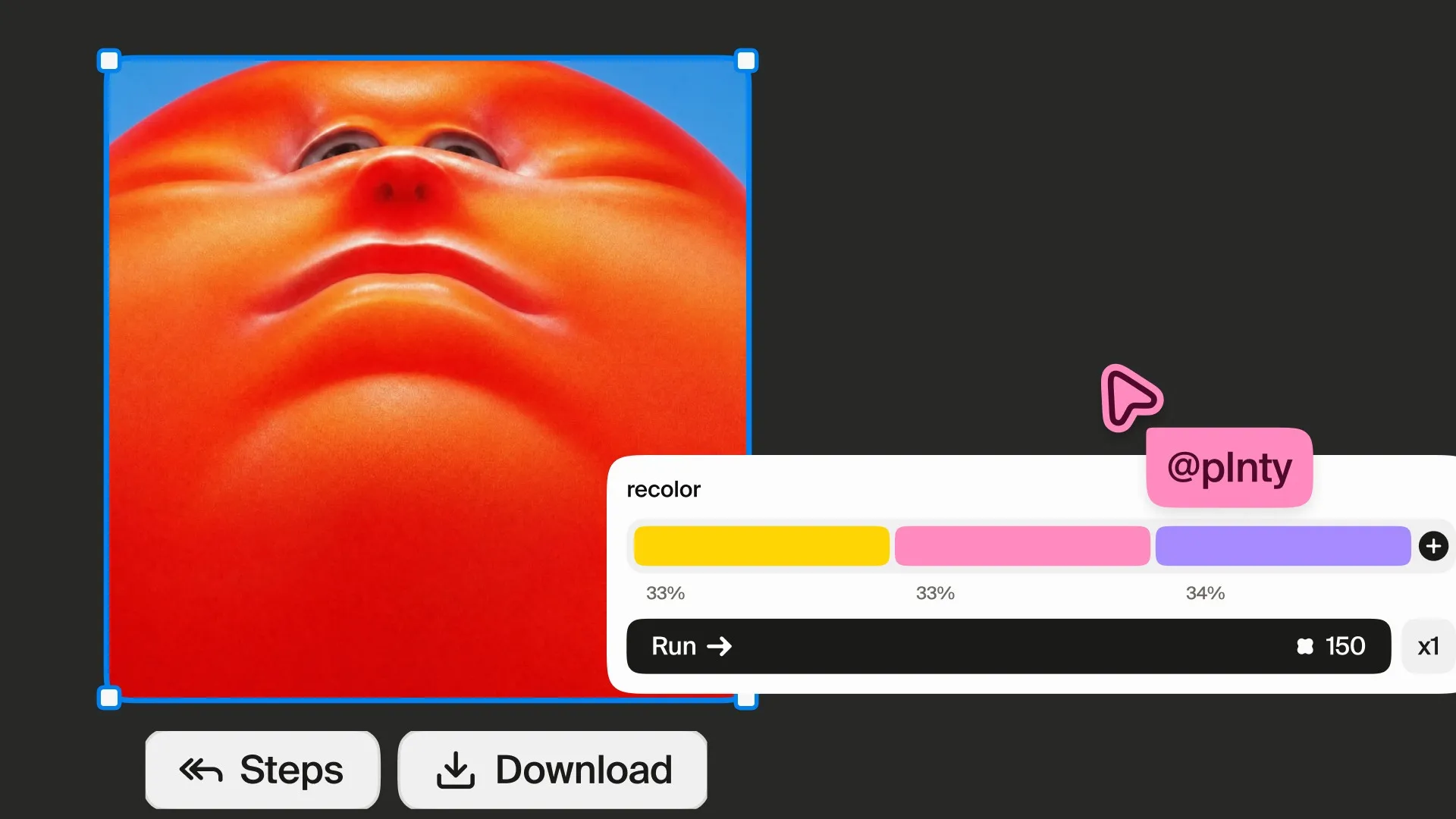
Build a palette, direct the subject and background, and explore new color treatments without starting from a blank image.
By Yam Ben Adiva
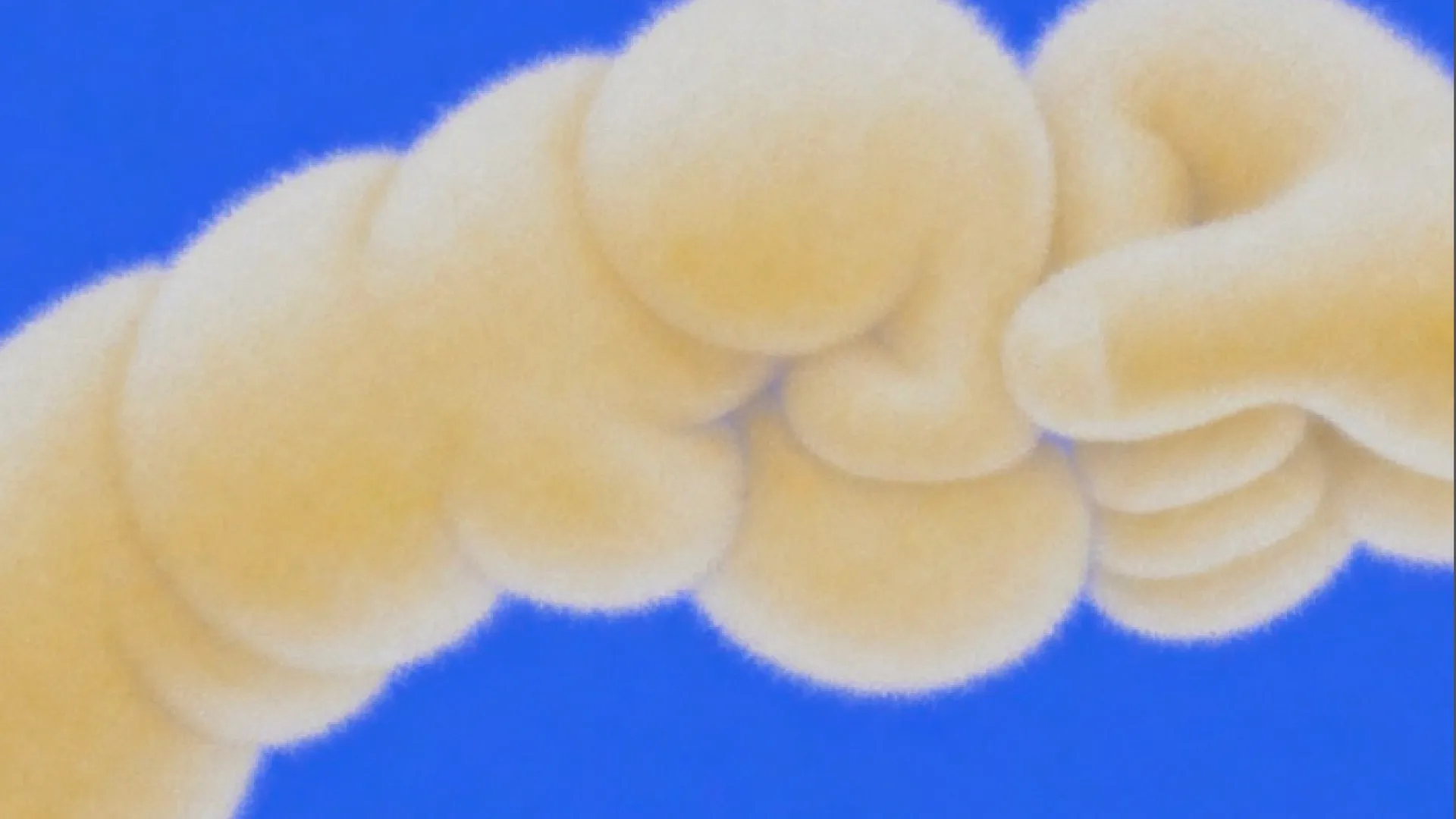
A folder full of generated images does not necessarily contain several ideas.
No stories match “”.
The work, the people, and the ideas behind it. A closer look at creating with Plnty.
By Shimi Cohen
The making of Base44’s Apps 2.0 launch film, piece by piece.
By Plnty team
Starting with Yambo Studio's renders, Island's team used Plnty to make new landscapes, campaigns and motion in their own brand style.
By Ryan Haigh
Ryan Haigh designed a set of pocket-size toy monsters in Plnty, then printed them.
By Yam Ben Adiva
A ring illustration and a few color studies became a world of landscapes, animated backgrounds and article scenes for Token Security's learning center.
By Owen Schmidt
Seven people's style-transfer projects, from Token Security's campaign worlds to a clay render turned to silver wire.
By Yam Ben Adiva
A depth model in your browser lets you light a picture or a clip while you drag, before anything renders.
By Dor Sagiv
Start with an image you like, then use its shapes, palette and lighting to build a campaign set that works across different layouts.
By Yam Ben Adiva
A generated image can look impressive and still miss the idea.
By Yam Ben Adiva
Explore visual directions, reshape a scene and refine a selected image with references and purpose-built creative tools.
By Yam Ben Adiva
Build a palette, direct the subject and background, and explore new color treatments without starting from a blank image.
By Yam Ben Adiva
A folder full of generated images does not necessarily contain several ideas.


